SteadyCert
Domain 4 · IS Operations & Business Resilience Card 1 / 78

CISA Domain 4: IS Operations & Business Resilience — Free Visual Study Notes

Section 4.1 Good-to-know

IT Components

By the end of this card, you should be able to
Identify the major categories of IT operational components an IS auditor must assess and explain why the auditor must understand the regulatory environment in which those components operate.
Scenario

Sarah Lin slides a laminated data-center map across the table to Tom Reyes. 'The auditors are coming Monday,' she says. 'Show them everything — servers, the cloud accounts, the network closets, the colocation cage.' Tom pins the map to his control-room corkboard, four colored zones marking infrastructure, data center, network, and cloud. The Workday payroll cluster straddles two of those zones. Tom isn't sure which one to show first.

IT Components
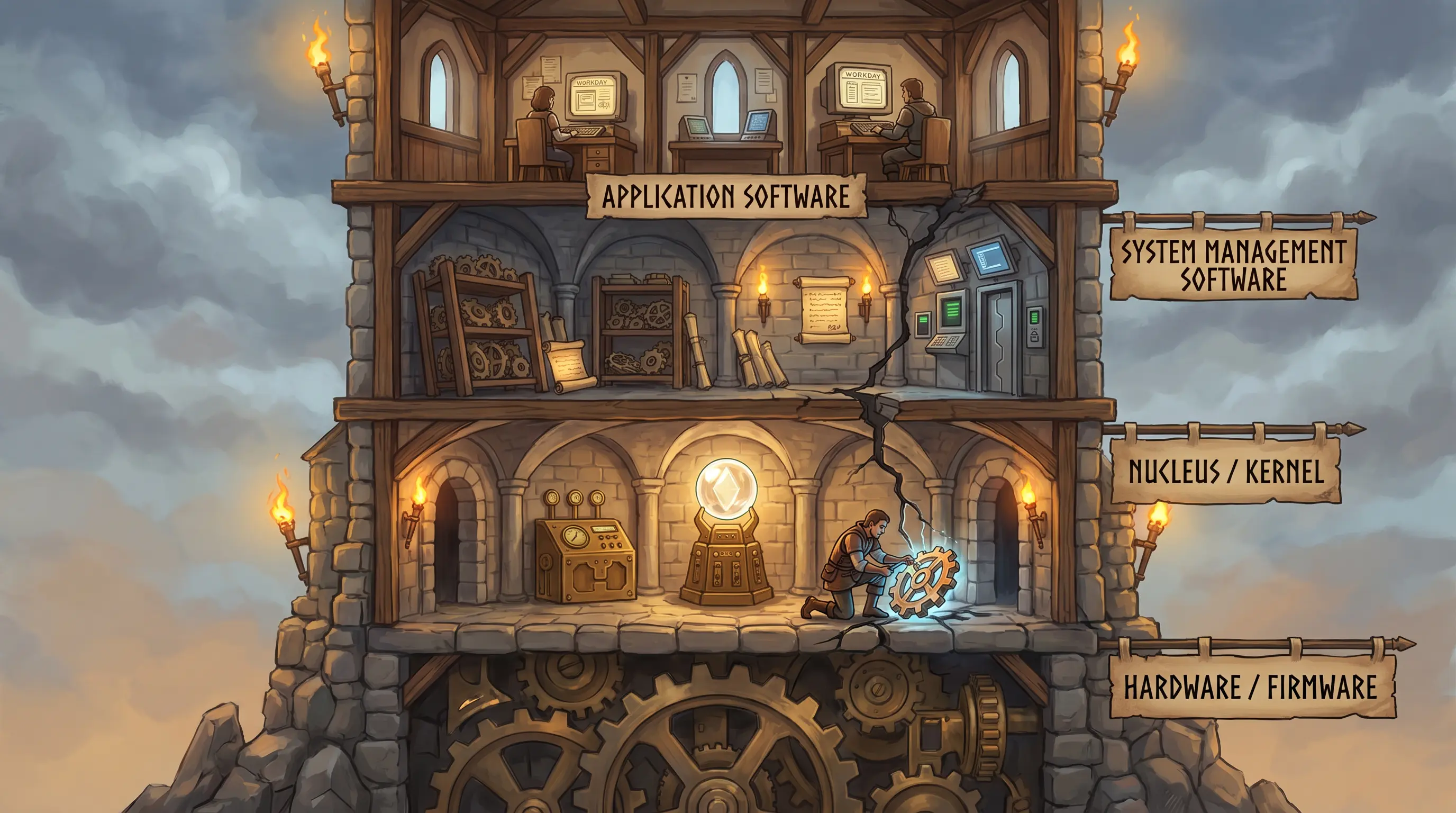
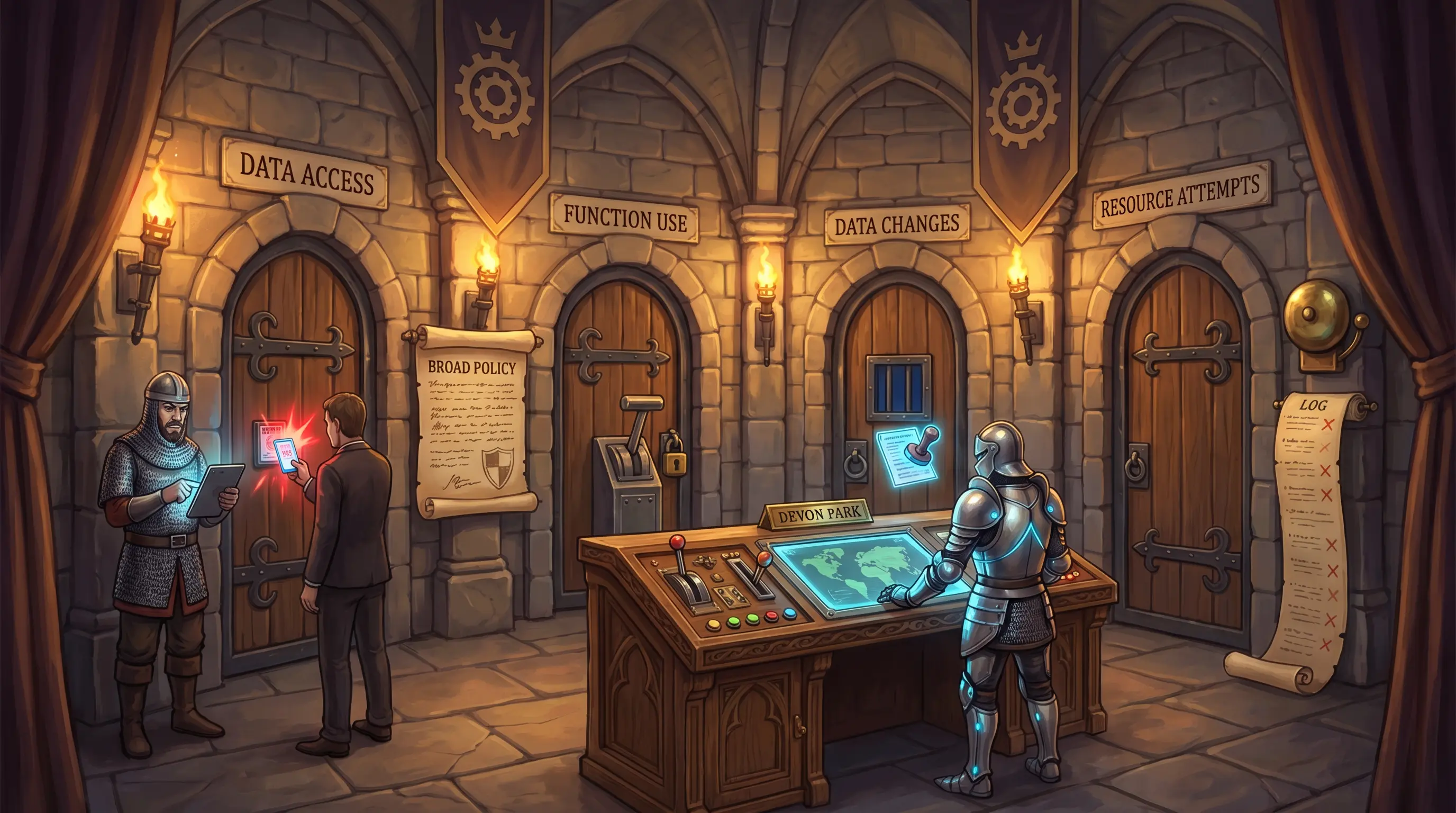
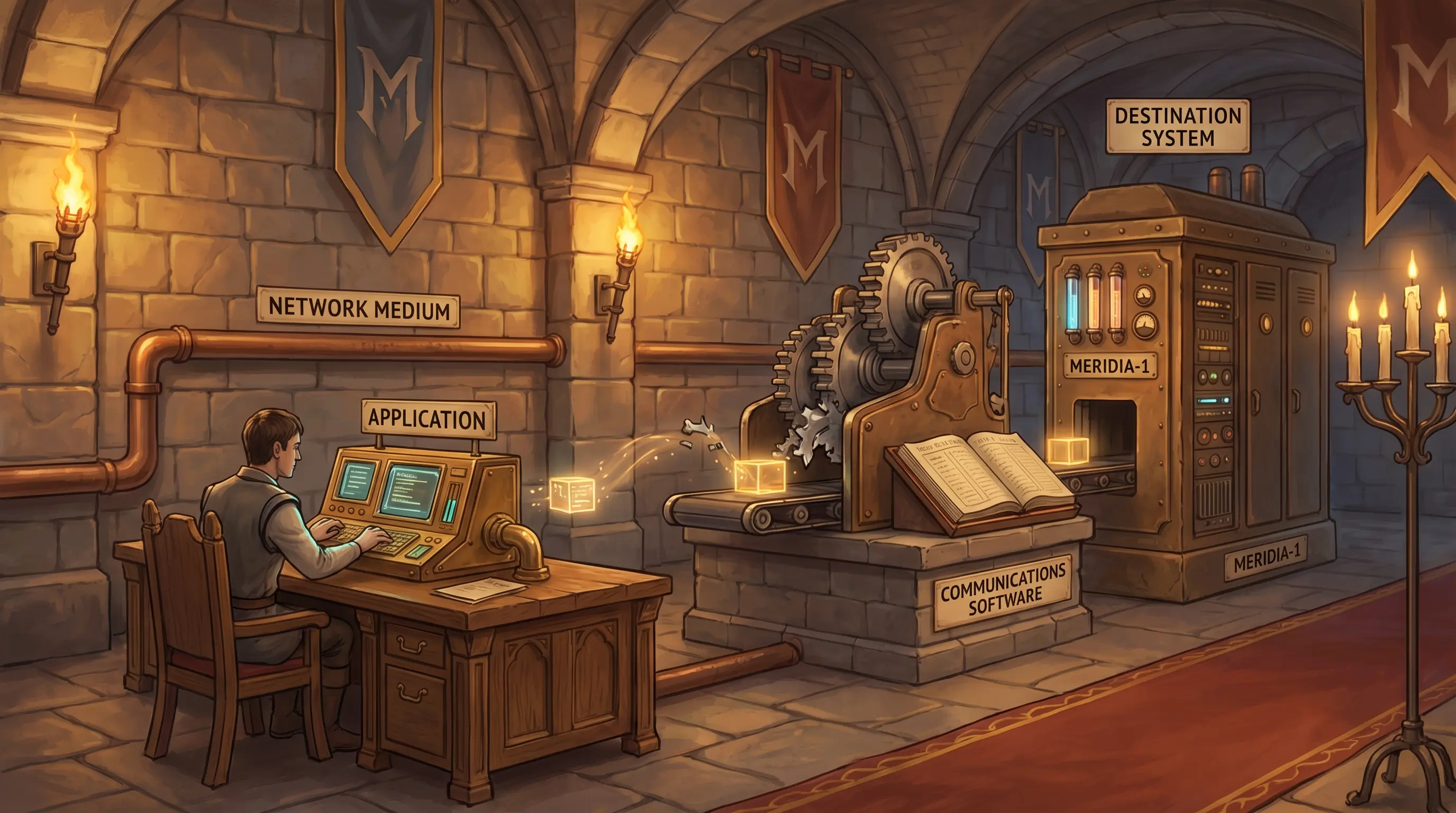
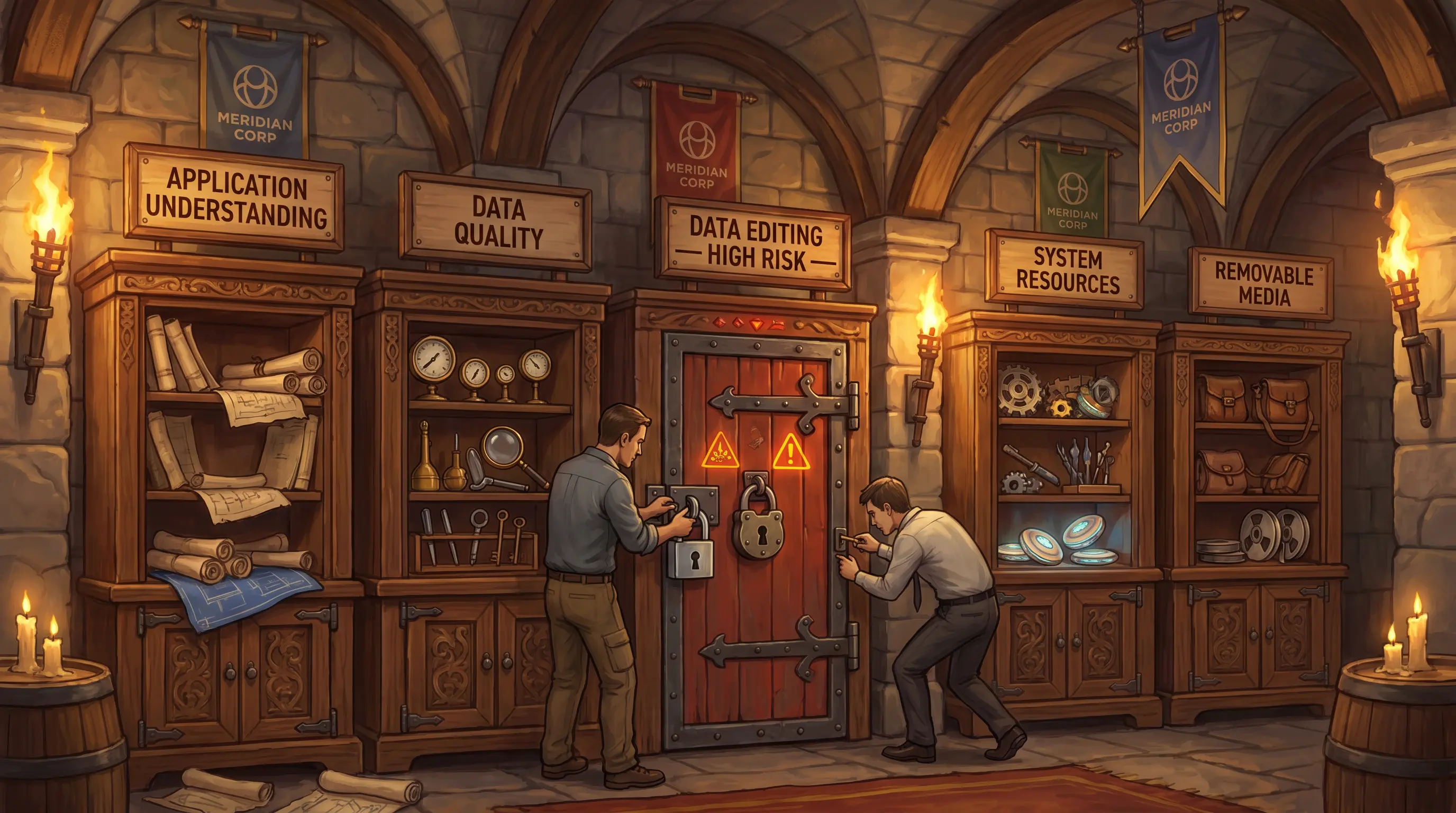
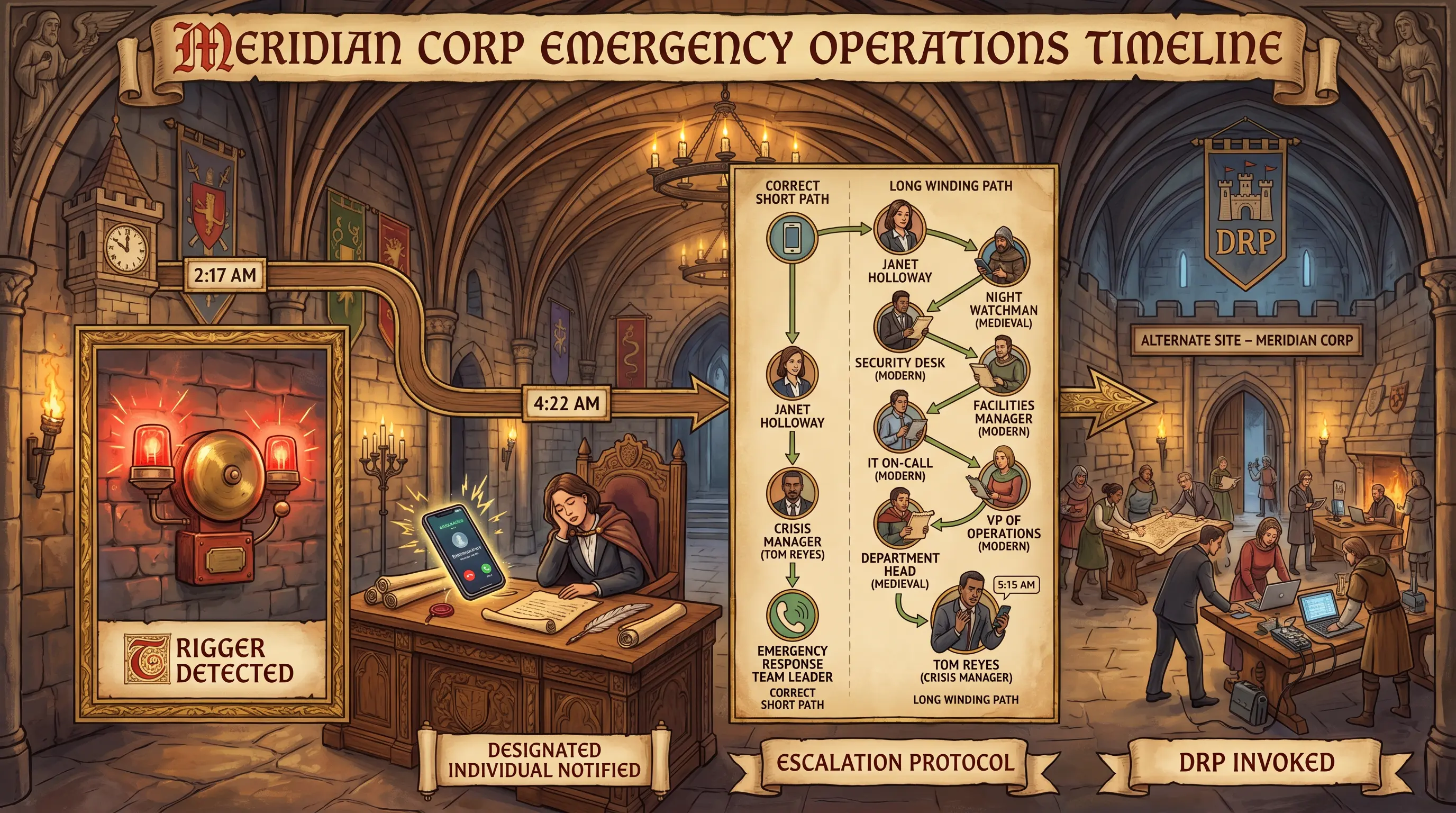
Four factory zones = four IT component categories. An auditor must map all four before turning any inspection valve.
How it works

IT operations encompass every system, device, and service that keeps an organization running. For audit purposes, these components fall into four broad categories: infrastructure (processing hardware and firmware), data centers (physical facilities housing servers, power, and cooling), network (connectivity protocols and devices), and cloud environments (hosted services across IaaS, PaaS, and SaaS models). Regulations such as GDPR and PCI-DSS impose compliance obligations across all categories. An IS auditor must be familiar with each category's technical characteristics and associated regulatory requirements before designing audit procedures. Without that baseline knowledge, control gaps will be invisible.

🧠 Mnemonic
I·D·N·C
Infrastructure, Data centers, Network, Cloud — the four pillars every IS operations audit must cover.
At a glance
🖥️

Infrastructure

What physical and logical components run the enterprise?

  • Servers & workstations
  • Firmware
  • Operating systems
  • Application software
🏭

Data Centers

What facilities house and power the systems?

  • Power & UPS
  • Cooling systems
  • Physical access controls
  • Environmental monitoring
🔗

Network

How do components communicate?

  • LAN / WAN topology
  • Protocols (TCP/IP, OSI)
  • Routers, switches, firewalls
  • Bandwidth & latency
☁️

Cloud

What runs outside the data center?

  • IaaS / PaaS / SaaS
  • Shared-responsibility model
  • Regulatory jurisdiction
  • Vendor SLAs
Try yourself

Meridian Corp's IS auditor is scoping a new operational review. The CIO asks what areas the auditor must cover. Which four broad IT component categories form the backbone of any IS operations audit scope?

— Pause to recall —
Infrastructure (hardware/software), Data Centers, Network, and Cloud environments.

IT operations vary by organization, but every IS auditor must assess four core component categories: physical and logical infrastructure (servers, workstations, firmware); data center facilities (power, cooling, physical security); network architecture (LAN, WAN, protocols); and cloud environments (IaaS, PaaS, SaaS workloads). Regulations such as GDPR, HIPAA, and PCI-DSS layer compliance requirements on top of each category. An auditor who cannot recognize these components cannot identify where controls are needed or missing.

Why this matters: The exam tests whether candidates understand that IS operations auditing begins with component inventory awareness. You cannot audit what you cannot identify — this section frames the entire Domain 4 scope.
🎯
Exam tip

Exam questions on this section often ask what an IS auditor must understand before beginning an operational review. The correct answer focuses on component awareness and regulatory context — not just system availability metrics.
See also: 1.3.1
Section 4.1.1 Memorize

Networking

By the end of this card, you should be able to
Describe the OSI reference model's seven layers and explain the role each layer plays in enabling network communication.
Scenario

Tom Reyes stares at his network-management dashboard as Workday stays dark. Packets arrive at the distribution switch — Layer 2 is fine — but nothing routes onward to the payroll cluster. He pulls up a topology diagram pinned above the console and traces the path layer by layer. At one junction the traffic dead-ends. Tom has the diagram in front of him and Devon Park on the line. He needs to name the layer and the fix before payroll misses its run.

Networking
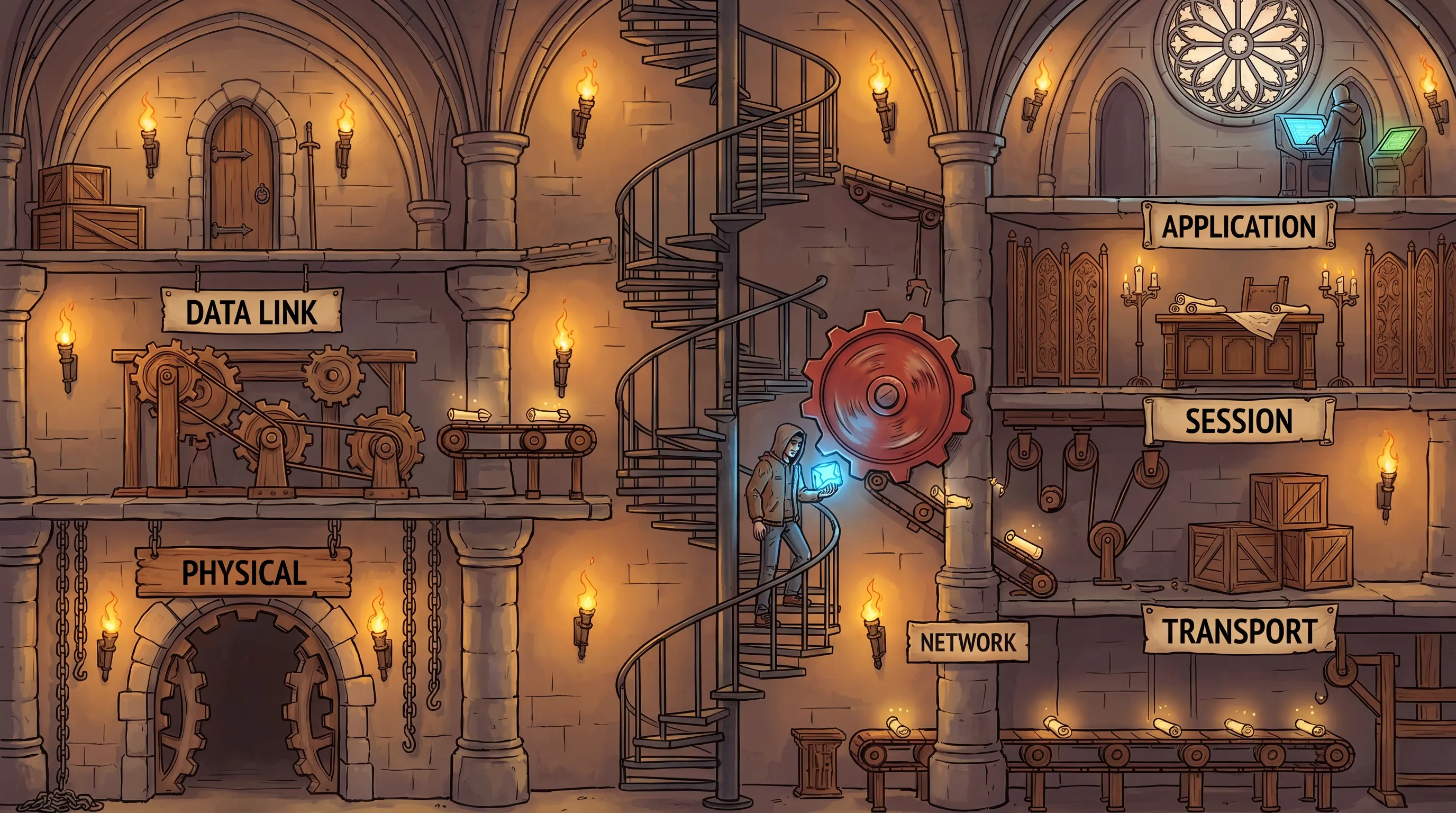
Seven factory floors = seven OSI layers. Packets climb from Physical to Application — a failed floor halts the whole lift.
How it works

The OSI (Open Systems Interconnection) reference model is a seven-layer framework that standardizes how network components communicate. Each layer has a specific function: Layer 1 (Physical) transmits raw bits over cable or wireless media. Layer 2 (Data Link) frames data and uses MAC addresses for local delivery. Layer 3 (Network) routes packets between networks using IP addresses. Layer 4 (Transport) ensures reliable end-to-end delivery via TCP or connectionless delivery via UDP. Layer 5 (Session) opens and closes communication sessions. Layer 6 (Presentation) translates data formats and handles encryption. Layer 7 (Application) supports end-user protocols such as HTTP, FTP, and DNS. Auditors use OSI layer knowledge to scope network controls and diagnose where control failures occur.

🧠 Mnemonic
Please Do Not Throw Sausage Pizza Away
Physical, Data Link, Network, Transport, Session, Presentation, Application — OSI layers 1–7 from bottom to top.
At a glance

Physical (L1)

How are raw bits moved?

  • Cables, fiber, wireless
  • Hubs, repeaters
  • Bit rate / bandwidth
  • Signal encoding
🔌

Data Link (L2)

How are frames delivered locally?

  • MAC addresses
  • Switches & bridges
  • Error detection (CRC)
  • Ethernet / Wi-Fi framing
🗺️

Network (L3)

How are packets routed?

  • IP addressing
  • Routers
  • Routing tables
  • ICMP
📦

Transport (L4)

How is end-to-end delivery managed?

  • TCP (reliable)
  • UDP (fast, unreliable)
  • Port numbers
  • Segmentation
💡

Session (L5)

How are connections opened and closed?

  • Session establishment and teardown
  • Dialog control
  • Synchronization
  • NetBIOS, RPC
📋

Presentation (L6)

How is data formatted and encrypted?

  • Data format translation
  • Encryption / decryption
  • Compression
  • JPEG, ASCII, SSL/TLS encoding
🖥️

Application (L7)

How do user-facing protocols operate?

  • HTTP, FTP, SMTP, DNS
  • Application protocols
  • User interface to network services
  • Email, web browsing, file transfer
Try yourself

During the Workday outage at Meridian, the network team confirms packets are arriving at the distribution switch but the payroll cluster is unreachable. Which specific OSI layer is responsible for the failed routing, and what would you look for in its configuration to find the fault?

— Pause to recall —
Layer 3 — the Network layer — handles logical addressing (IP) and routing. That is where the fault lies.

The OSI model has seven layers, each with a distinct function. Layer 1 (Physical) handles bit transmission over media. Layer 2 (Data Link) frames data and manages MAC addressing. Layer 3 (Network) provides logical addressing (IP) and routing — packets not reaching their destination despite arriving at the switch points to a Layer 3 routing or addressing problem. Layer 4 (Transport) manages end-to-end reliability (TCP/UDP). Layer 5 (Session) manages connections. Layer 6 (Presentation) handles data format translation. Layer 7 (Application) supports user-facing protocols like HTTP and SMTP.

Why this matters: The OSI model is a foundational CISA topic. Exam scenarios often describe a symptom at one layer and ask which layer is failing. Misidentifying the layer leads to wrong troubleshooting conclusions and wrong audit findings.
🎯
Exam tip

The CISA exam frequently presents network problems described as symptoms and asks which OSI layer is responsible. Always map the symptom to the layer's function — routing issues = Layer 3, physical cable = Layer 1, application-level errors = Layer 7. Mnemonics help recall layer order under exam pressure.

Section 4.1.2 Memorize

Computer Hardware Components

By the end of this card, you should be able to
Classify computer hardware components as either processing or input/output (I/O), and identify the major processing components and their functions.
Scenario

Lila Okafor pulls open the server rack in Meridian's data center, flashlight in hand. The MERIDIA-1 mainframe's memory board has thrown an error during the Workday outage diagnostic. She has two components on the table — the failed DIMM and the keyboard from the operations console — and the hardware vendor on the phone asking which category each belongs to before they dispatch the right field engineer.

Computer Hardware Components
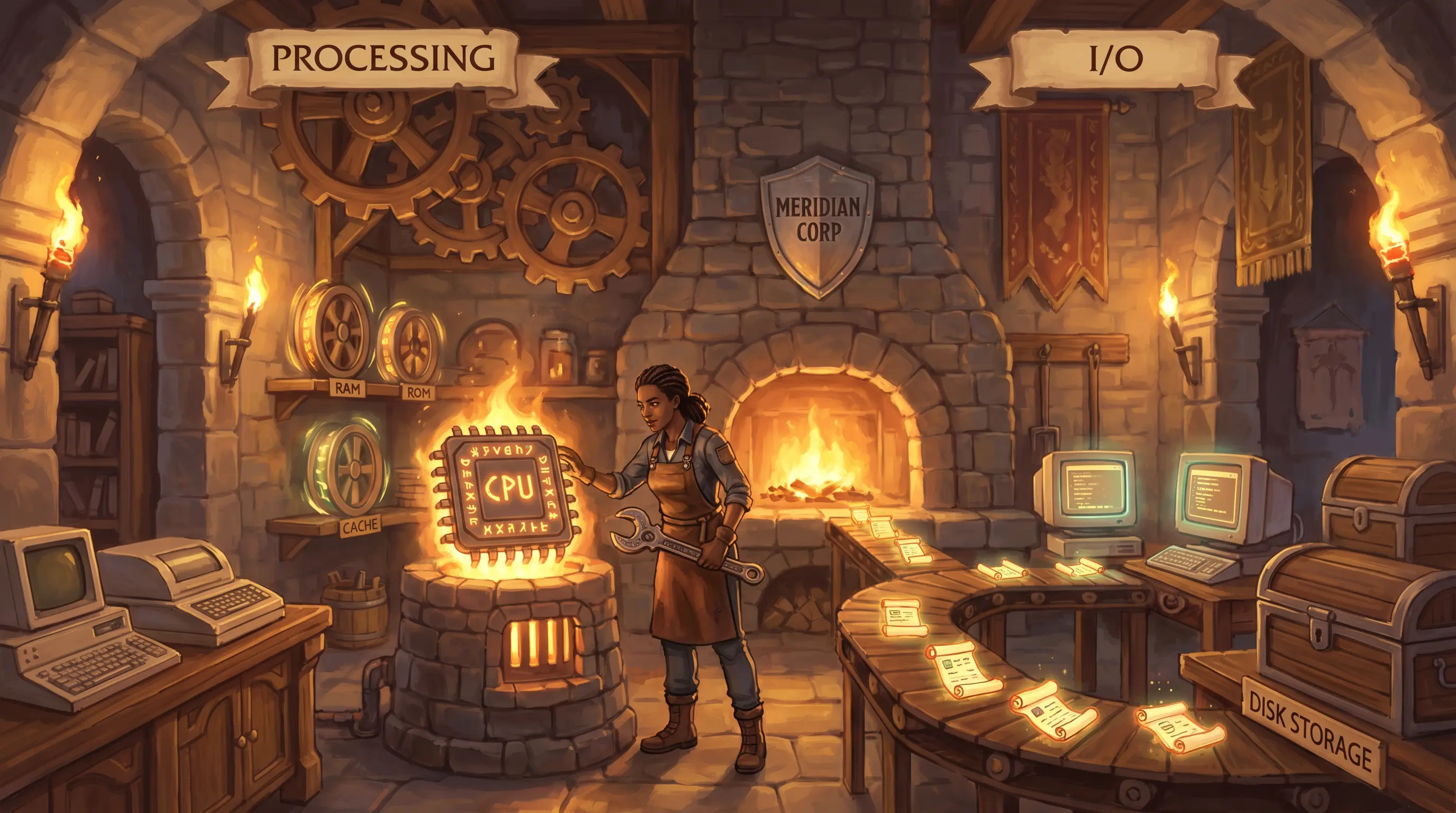
Two workshop sides = processing vs. I/O. The forge computes; the belts move — know which side failed.
How it works

Computer hardware components are divided into two functional classes. Processing components perform computation: the CPU (central processing unit) executes program instructions; RAM (random-access memory) holds active data and programs; ROM (read-only memory) stores firmware; cache memory sits between the CPU and RAM to reduce access latency; co-processors handle specialized tasks. Input/output (I/O) components move data between the computer and external sources: input devices collect data (keyboard, scanner); output devices display or print results (monitor, printer); and storage and network controllers manage data movement to disks, tapes, and networks. IS auditors use this classification to define hardware asset scope and determine where failures originate.

🧠 Mnemonic
P vs. I/O
Processing (CPU, RAM, cache, ROM, co-processor) computes. I/O (input, output, storage) moves. Two sides of every hardware asset list.
At a glance
⚙️

CPU

What executes instructions?

  • Single-chip microprocessor
  • Multi-processor systems
  • Multi-core chips
  • Instruction cycle (fetch-decode-execute)
🧠

Memory

What holds active data?

  • RAM (volatile, active data)
  • ROM (non-volatile, firmware)
  • Cache (speed buffer)
  • Virtual memory (disk extension)
⌨️

I/O — Input

What brings data in?

  • Keyboards, mice
  • Scanners, cameras
  • Sensors / IoT devices
  • Network interface cards
💾

I/O — Output/Storage

What sends or stores data?

  • Monitors, printers
  • Disk controllers (HDD, SSD)
  • RAID controllers
  • Tape drives
Try yourself

Meridian's procurement team asks whether a new RAID controller card qualifies as a 'processing component.' How would you classify it, and what distinguishes processing components from I/O components?

— Pause to recall —
The RAID controller is an I/O component (manages data movement). The keyboard is also I/O (input). Processing components are CPU, memory (RAM, ROM, cache), and co-processors that execute instructions.

Computer hardware splits into two classes. Processing components perform computation: the central processing unit (CPU) executes instructions; primary memory (RAM) holds active data; ROM stores firmware; cache memory speeds CPU access; and co-processors handle specialized tasks (e.g., GPU for graphics). I/O components move data between the computer and the outside world: input devices (keyboard, mouse, scanner) bring data in; output devices (monitor, printer) send results out; and storage controllers (disk, RAID, USB) manage data at rest. Auditors need this classification to assess asset controls and understand how a failure in one class affects the other.

Why this matters: Hardware classification is foundational for asset management, maintenance planning, and control scoping. Exam questions test whether candidates can correctly label components and infer audit implications (e.g., a failed CPU is a processing failure; a failed NIC is I/O).
🎯
Exam tip

The CISA exam rarely asks for deep hardware engineering knowledge. Focus on the processing vs. I/O distinction, the role of cache vs. RAM, and why mainframes differ from microcomputers. Asset management questions assume you can correctly categorize hardware.

Section 4.1.3 Good-to-know

Common Enterprise Back-End

By the end of this card, you should be able to
Identify common enterprise back-end devices — including proxy servers and IoT appliances — and explain their roles and associated risks in a distributed environment.
Scenario

Devon Park's firewall dashboard shows a flood of unfiltered web requests leaving Meridian's network during the Workday diagnostic. The forward proxy appliance — the content-filtering gateway — dropped offline when the payroll cluster failed. Traffic is now flowing directly out. Devon has one question to answer before he files the incident report: which specific back-end device is responsible for this gap, and what does its absence mean for Meridian's outbound audit trail?

Common Enterprise Back-End
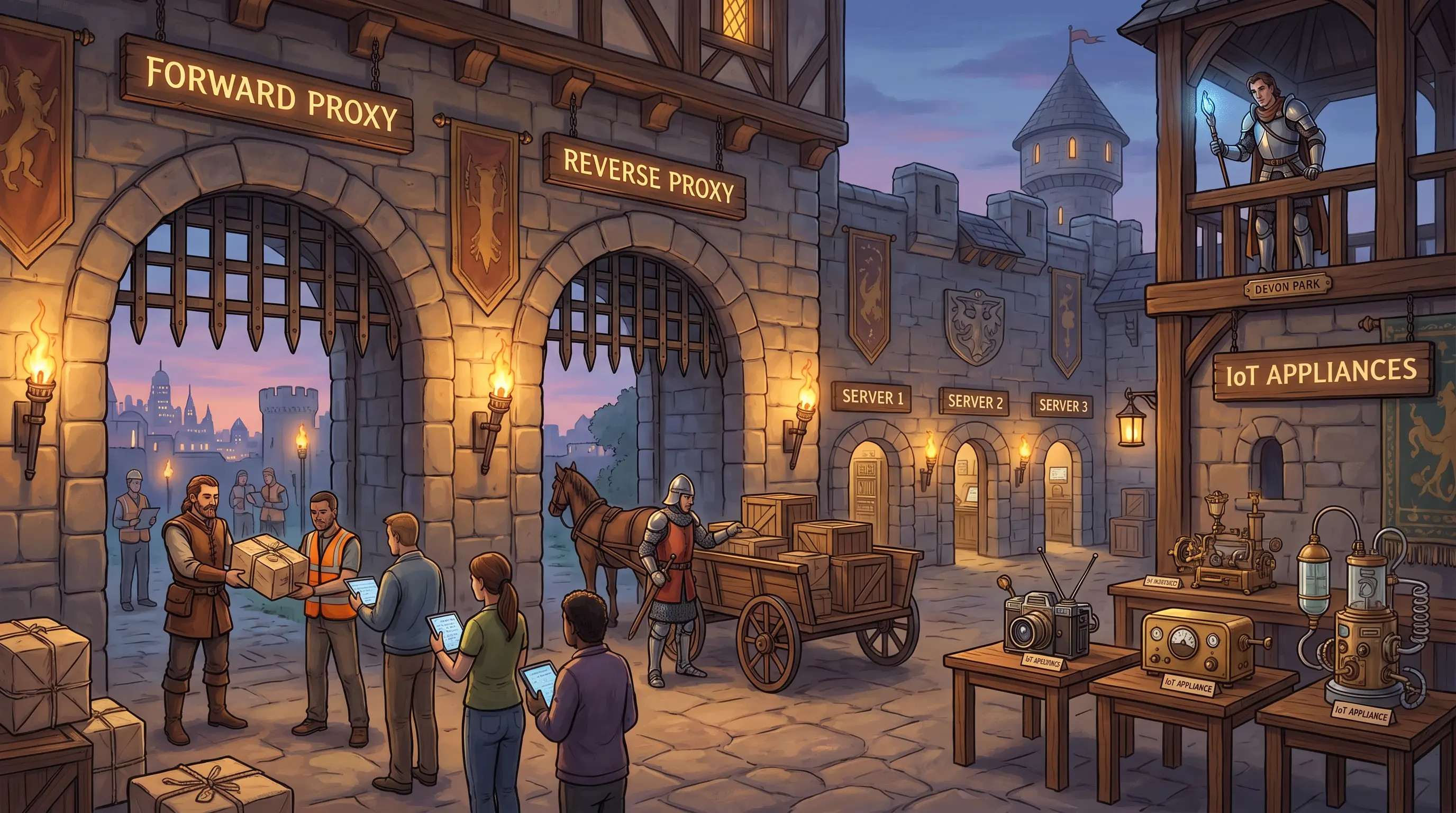
Two gatehouse portcullises = forward and reverse proxies. IoT devices in the courtyard need their own inspection lane.
How it works

Enterprise back-end devices manage how data moves inside and outside the organization. A forward proxy sits between internal users and the internet, filtering outbound traffic, enforcing acceptable-use policies, and logging requests. A reverse proxy sits between the internet and internal servers, distributing inbound requests and protecting server identity. Beyond proxies, the rise of the Internet of Things (IoT) has introduced a large class of connected appliances — cameras, HVAC systems, medical devices — that carry their own risk: they often run embedded firmware with limited patch support and connect to sensitive network segments. IS auditors must inventory, assess, and verify controls over all three device types to prevent blind spots in the enterprise security posture.

🧠 Mnemonic
F-R-IoT
Forward (user→internet), Reverse (internet→server), IoT (everything else connected) — the three back-end device families to audit.
At a glance
🔭

Forward Proxy

Who controls outbound traffic?

  • Filters user requests to internet
  • Enforces content policy
  • Caches content for performance
  • Hides internal IP addresses
🛡️

Reverse Proxy

Who controls inbound traffic?

  • Load-balances inbound requests
  • SSL termination
  • Hides server infrastructure
  • Web application firewall (WAF)
📡

IoT Appliances

What unmanaged devices are on the network?

  • Cameras, HVAC, medical devices
  • Limited firmware patch support
  • May bridge secure and insecure segments
  • Must be inventoried and segmented
Try yourself

During the Workday outage, Devon Park discovers that internet traffic from Meridian's office is bypassing the corporate content filter. Which back-end device type failed, and what is the specific security risk created by its absence?

— Pause to recall —
A forward proxy controls outbound user traffic (missing or misconfigured here). A reverse proxy controls inbound traffic to internal servers — the two are opposites in direction.

In a distributed enterprise environment, several back-end devices manage traffic flow. A forward proxy sits between internal users and the internet; it filters outbound requests, enforces content policies, caches content, and hides internal IP addresses. A reverse proxy sits between the internet and internal servers; it load-balances inbound requests, provides SSL termination, and hides server infrastructure from external users. IoT appliances — thermostats, cameras, medical devices, connected vehicles — introduce additional attack surface because they often lack standard hardening and may connect to both corporate and external networks. IS auditors must verify that all three categories are inventoried, patched, and subject to access controls.

Why this matters: Proxy misconfiguration is a common audit finding. The exam distinguishes forward proxy (user → internet) from reverse proxy (internet → server). IoT appliances are increasingly tested as an uncontrolled risk vector in enterprise environments.
🎯
Exam tip

The exam often presents a scenario where a device is described by its function and asks you to name it. Remember: forward proxy = outbound filter; reverse proxy = inbound gatekeeper. IoT is tested as an uncontrolled risk requiring inventory and network segmentation.

See also: 5.4.11
Section 4.1.4 Good-to-know

USB Mass Storage Devices

By the end of this card, you should be able to
Describe the risks posed by USB mass storage devices in an enterprise environment and identify the controls an IS auditor should verify.
Scenario

During the Workday outage, an operations analyst reaches for her personal USB flash drive to copy a backup file. Tom Reyes is standing three feet away, watching. The endpoint management console is visible behind him on the wall screen. He hasn't said anything yet. The analyst's hand is on the drive.

USB Mass Storage Devices
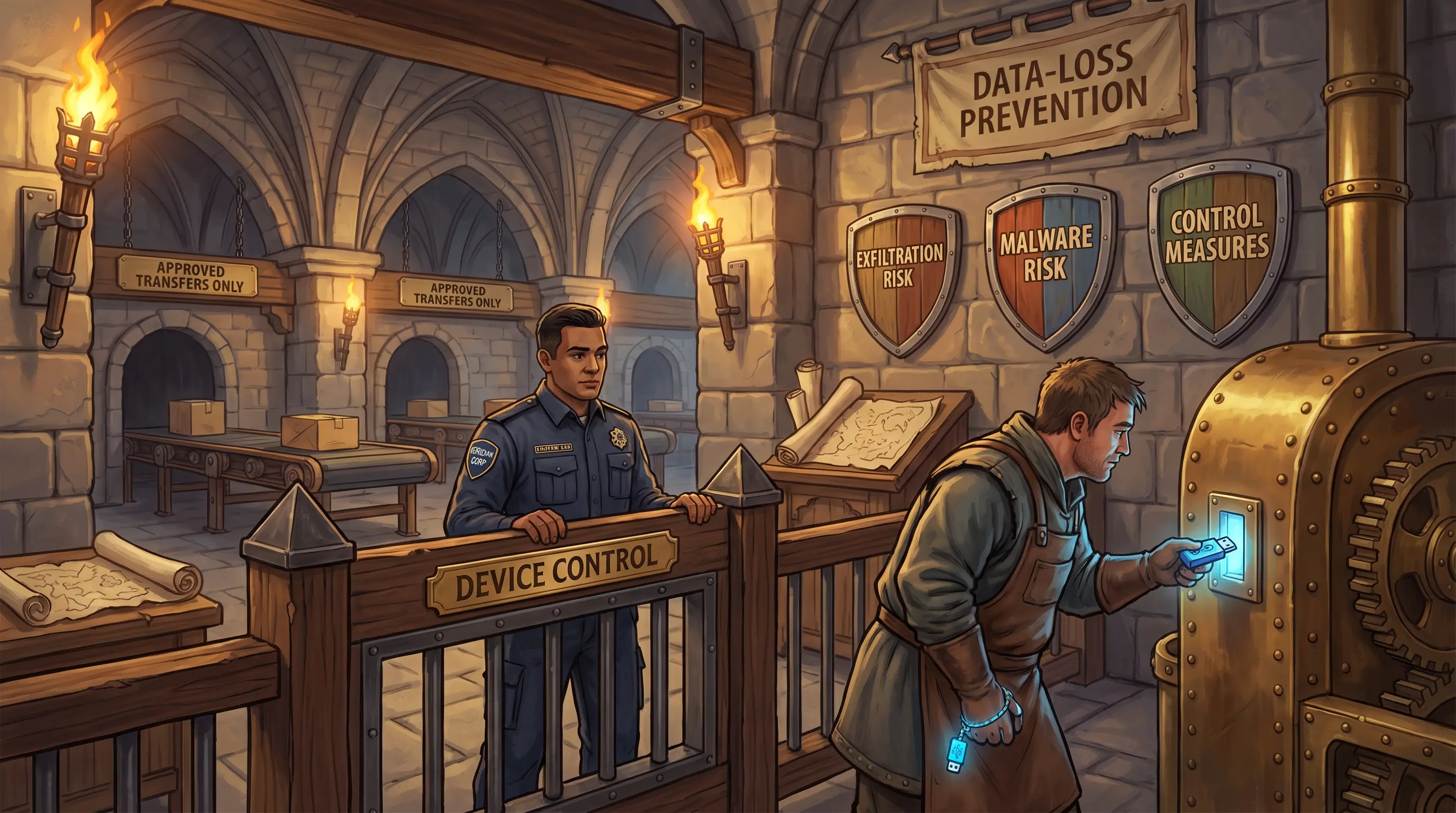
Three shields = two USB risks plus the controls that block them. No drive enters without a guard's approval.
How it works

USB mass storage devices — including flash drives, external hard drives, and SD cards with USB adapters — are convenient but carry significant enterprise risk. They bypass network-based controls entirely: data can be copied off a system and walked out, and malware can be silently loaded onto a workstation simply by plugging in. Controls fall into three categories. Prevention: endpoint management software blocking unauthorized USB devices; device-ID whitelisting permitting only approved media; physical port locks on sensitive workstations. Detection: data-loss prevention (DLP) agents that flag or block sensitive file transfers to removable media. Administrative: a formal removable-media policy requiring registration, encryption, and authorized use only. IS auditors should verify that all three control layers exist and are operating.

🧠 Mnemonic
DEM
Data Exfiltration risk → Entry point for Malware → Mitigating controls required — DEM: three USB risks every IS auditor checks.
At a glance
🚪

Exfiltration Risk

How does data leave via USB?

  • Copy sensitive files to flash drive
  • Bypasses network DLP
  • No log without endpoint agent
  • Encrypted USB still risky if data unencrypted
🦠

Malware Risk

How does malware enter via USB?

  • Auto-run payloads
  • Infected files run on plug-in
  • Emulates keyboard (HID attack)
  • No network log — endpoint only
🔒

Control Measures

What stops both risks?

  • USB port blocking (endpoint mgmt)
  • Device whitelisting (hardware ID)
  • DLP agents on endpoints
  • Physical port locks, removable-media policy
Try yourself

During the Workday outage, a Meridian operations analyst attempts to copy backup files to her personal USB flash drive. As the IS auditor, what two primary risks does this action represent?

— Pause to recall —
Data exfiltration (sensitive data leaving via USB) and malware introduction (malicious payload entering via USB). Controls include port-blocking policies, endpoint DLP, device whitelisting, and physical port locks.

USB mass storage class devices — flash drives, external hard drives, SD cards connected via USB — provide convenient portable storage but introduce two primary enterprise risks. First, data exfiltration: employees can copy sensitive or regulated data onto a removable device and walk out with it, bypassing network-based DLP controls. Second, malware introduction: a drive brought from outside can auto-run malicious code or deliver payloads when plugged in. Controls the IS auditor should verify include: USB port-blocking policies enforced via endpoint management software; device whitelisting (only approved hardware IDs allowed); data-loss prevention (DLP) agents that detect and block sensitive file transfers; physical port locks on critical workstations; and inventory logs of approved removable media.

Why this matters: USB risks are a classic CISA exam topic in both the IS operations and information asset protection domains. Questions focus on identifying the correct control type for the risk — DLP for exfiltration, endpoint lockdown for malware.
🎯
Exam tip

The exam often asks which control addresses which USB risk. Port blocking / device whitelisting = prevents both exfiltration and malware. DLP = detects/blocks exfiltration specifically. Physical locks = prevents insertion entirely. Match the control to the risk.

See also: 5.3.1
Section 4.1.5 Good-to-know

Wireless Communication

By the end of this card, you should be able to
Identify the primary enterprise wireless communication technologies — Wi-Fi, Bluetooth, and RFID — and describe the key security risks and controls associated with each.
Scenario

Devon Park's wireless sensor alerts during the payroll outage diagnostic: a device is broadcasting an SSID that doesn't match Meridian's approved list. He pulls his laptop and scans — a rogue Wi-Fi access point is live in the server-room anteroom. Before he disconnects it, a second alert fires: a nearby workstation is in Bluetooth pairing mode, visible to the whole floor. Devon has both alerts on-screen. He needs to classify each threat and identify the correct control for each before he files the incident ticket.

Wireless Communication
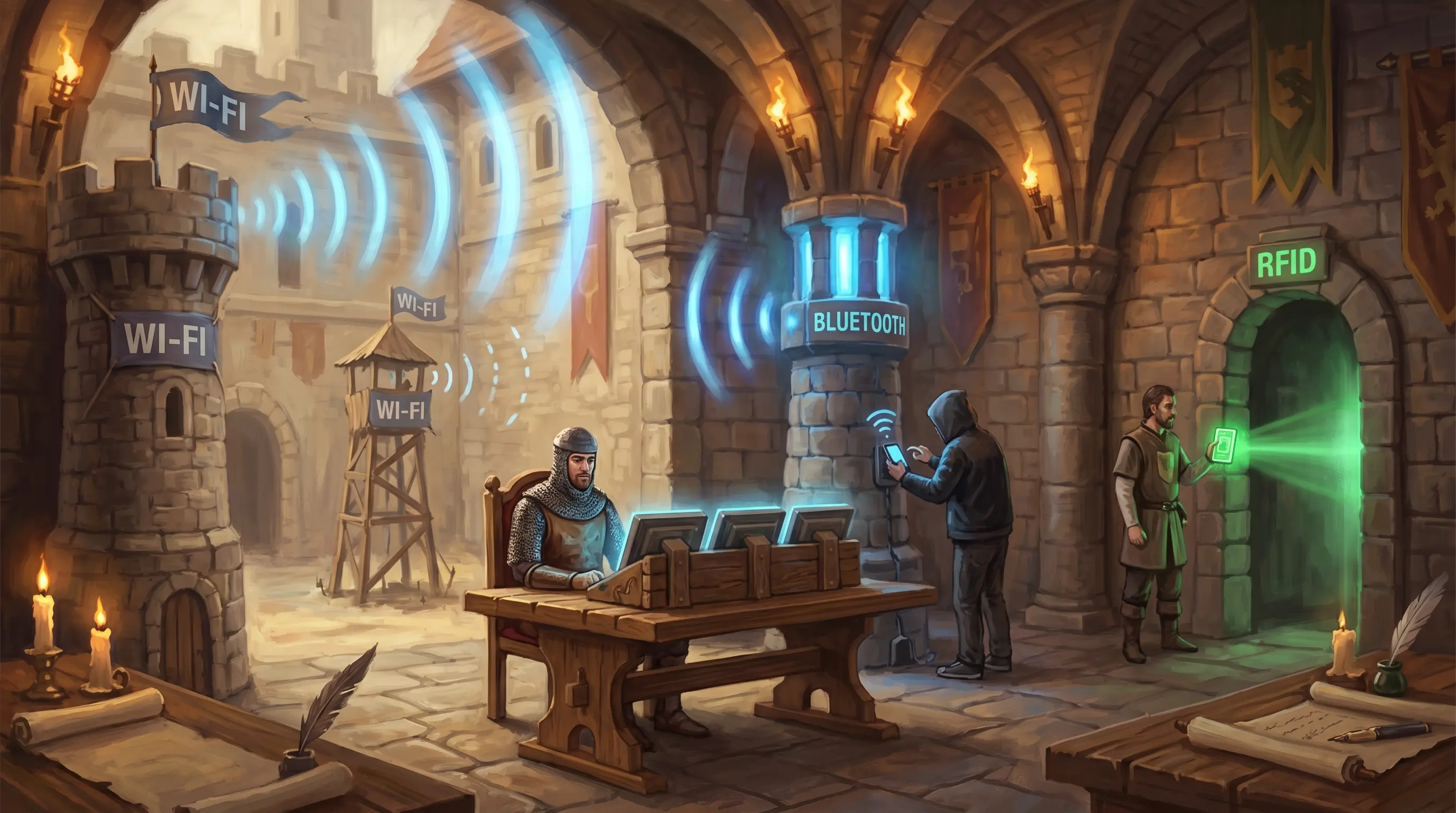
Three wireless towers = Wi-Fi, Bluetooth, RFID. Each tower has a different reach — and a different thief trying to climb it.
How it works

Enterprise wireless communication relies on three primary technologies, each with distinct characteristics and risks. Wi-Fi provides high-bandwidth wireless network access and is vulnerable to rogue access points, evil-twin attacks, and data interception if encryption is absent or weak; controls include WPA3, wireless intrusion detection, and strict access point inventories. Bluetooth supports short-range personal device connectivity and is vulnerable to unauthorized pairing, eavesdropping, and bluejacking; controls include disabling Bluetooth in sensitive areas, requiring pairing confirmation, and managing device discovery settings. RFID uses radio signals to identify and track assets and access badges; it is vulnerable to tag cloning and unauthorized scanning; controls include encrypted tags, Faraday shielding for sensitive credentials, and limiting reader range. IS auditors should assess controls across all three wireless technologies.

🧠 Mnemonic
W·B·R
Wi-Fi (LAN range), Bluetooth (personal range), RFID (tag range) — three wireless technologies, three distinct risk profiles.
At a glance
📶

Wi-Fi

What wireless LAN risks exist?

  • Rogue access points
  • Evil-twin / MITM attacks
  • WPA2 crack vulnerabilities
  • Controls: WPA3, WIDS, AP inventory
🔵

Bluetooth

What short-range pairing risks exist?

  • Unauthorized pairing
  • Bluesnarfing (data theft)
  • Bluejacking (spam messages)
  • Controls: disable discovery, pairing approval
🏷️

RFID

What tag/badge risks exist?

  • Tag cloning
  • Unauthorized scanning
  • Replay attacks
  • Controls: encrypted tags, Faraday shield, range limits
Try yourself

Devon Park finds a rogue access point broadcasting in Meridian's server room and, separately, an employee laptop in active Bluetooth pairing mode. Which wireless technology is each threat associated with, and what dedicated control addresses each?

— Pause to recall —
Rogue access point = Wi-Fi threat (control: wireless IDS, AP inventory). Unknown device pairing = Bluetooth threat (control: disable auto-pairing, limit range). RFID is a third technology used for inventory/access badges.

Three wireless technologies dominate enterprise environments. Wi-Fi (IEEE 802.11) provides wireless LAN connectivity; risks include rogue access points, evil-twin attacks, and unencrypted traffic; controls include WPA3 encryption, wireless intrusion detection, AP inventory, and network segmentation. Bluetooth is a short-range protocol for personal devices and peripherals; risks include eavesdropping, bluesnarfing, and unauthorized pairing; controls include disabling discovery mode, enforcing pairing approval, and limiting Bluetooth in sensitive areas. RFID (radio-frequency identification) is used for asset tracking and physical access badges; risks include cloning and unauthorized scanning; controls include read-range limitation, encrypted tags, and shielded storage. IS auditors must verify controls for all three technologies.

Why this matters: Wireless controls are tested across both IS operations (availability, performance) and information security (confidentiality, integrity). The exam expects candidates to match each technology to its specific risk and the correct compensating control.
🎯
Exam tip

The exam may describe a wireless attack scenario and ask which technology and which control apply. Three pairings to keep straight: Wi-Fi = network range, Bluetooth = personal range, RFID = badge/tag. Each has unique attacks and controls — matching them correctly is the exam skill.

See also: 5.4.11
Section 4.1.6 Good-to-know

Hardware Maintenance Program

By the end of this card, you should be able to
Describe the components of a hardware maintenance program and explain what an IS auditor should verify when reviewing hardware maintenance controls.
Scenario

Tom Reyes opens the server room maintenance binder — or tries to. The last entry is 18 months old. During the Workday payroll outage, a DIMM on the primary payroll server has just failed. The hardware vendor asks Tom: 'What was the last scheduled preventive maintenance date, and do you have a utilization trend to show us?' Tom looks at the binder, then at the empty corrective-maintenance log on the wall. He needs to decide what to tell the vendor and how to characterize what he's looking at.

Hardware Maintenance Program
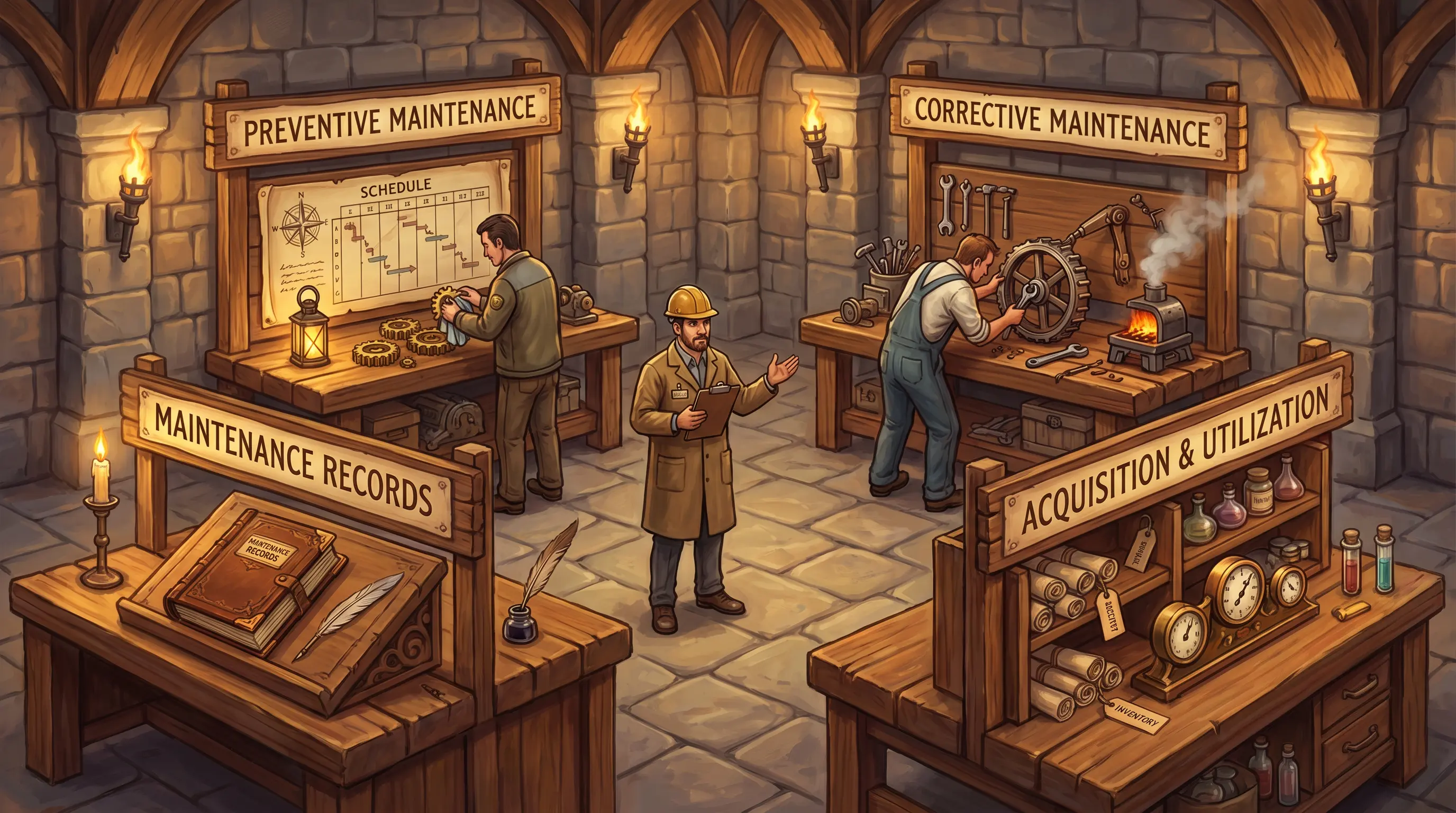
Four workbenches = four maintenance program elements. An empty logbook is as bad as a broken gear.
How it works

A hardware maintenance program ensures that physical IS components remain operational, reliable, and supported throughout their useful life. Preventive maintenance involves scheduled inspection, cleaning, and servicing aligned with vendor specifications — the goal is to catch degradation before it causes failure. Corrective maintenance addresses failures that occur despite preventive measures: prompt vendor engagement, parts replacement, and return-to-service testing. Acquisition and utilization tracking maintains a complete hardware inventory from procurement through decommission, with utilization metrics that inform capacity planning. Maintenance records document every service event, finding, and corrective action, providing the audit evidence needed to confirm that controls are operating. IS auditors should verify that all four elements exist, are current, and are aligned with the organization's maintenance schedule.

🧠 Mnemonic
P·C·A·R
Preventive, Corrective, Acquisition/Utilization, Records — the four pillars of a hardware maintenance program.
At a glance
🔧

Preventive Maintenance

How is failure prevented?

  • Scheduled cleaning & inspection
  • Vendor-aligned service intervals
  • Environmental hardware (power, cooling)
  • Pre-failure part replacement
🚨

Corrective Maintenance

How is failure addressed?

  • Timely vendor escalation
  • Parts replacement
  • Return-to-service testing
  • Root cause documentation
📋

Acquisition & Utilization

How is hardware tracked?

  • Procurement-to-decommission inventory
  • Utilization metrics
  • Capacity trend analysis
  • Vendor warranty status
📁

Maintenance Records

What is the audit trail?

  • Service dates and technician
  • Findings and corrective actions
  • Next scheduled service date
  • "Not documented = not done"
Try yourself

Meridian's server room log shows the last hardware maintenance was performed 18 months ago. During the Workday outage, a DIMM failure is found on the payroll server. As the IS auditor, what four elements of a proper hardware maintenance program should have been in place?

— Pause to recall —
Preventive maintenance (scheduled cleaning/inspection), corrective maintenance (timely repair), acquisition/utilization tracking, and documented maintenance records.

A hardware maintenance program has four elements. Preventive maintenance involves scheduled cleaning, inspection, and servicing of hardware on a timetable aligned with vendor specifications — it reduces the probability of failure. Corrective maintenance addresses failures after they occur: timely vendor escalation, parts replacement, and return-to-service verification. Acquisition and utilization tracking ensures each hardware asset is inventoried from purchase through decommission and that utilization metrics are reviewed to guide capacity decisions. Maintenance records provide an audit trail: dates of service, findings, corrective actions, and next scheduled service. Without records, an IS auditor cannot verify that maintenance was performed — and 'not documented = not done' in audit terms.

Why this matters: The CISA exam tests whether candidates recognize that maintenance is a control activity, not just a technical task. Missing maintenance logs are an audit finding. Preventive vs. corrective maintenance is a frequently tested distinction.
🎯
Exam tip

The exam tests whether maintenance is treated as a control. Key distinctions: preventive = scheduled before failure; corrective = after failure. IS auditors look for maintenance logs — their absence is a finding. Vendor specifications set the maintenance schedule standard.

See also: 4.8.1
Section 4.1.7 Good-to-know

Hardware Reviews

By the end of this card, you should be able to
Identify the seven key areas an IS auditor examines during a hardware review — acquisition plan, hardware acquisition, IT asset management, capacity management and monitoring, preventive maintenance, hardware availability and utilization reports, and problem logs and job accounting system reports — and explain the control questions in each area.
Scenario

Alex Chen is midway through the MERIDIA-1 infrastructure audit when Lila Okafor slides a rack diagram across the table. Twelve new server blades were racked last month. Alex checks ServiceNow — no purchase request ticket, no cost-benefit analysis attached. The asset register lists the blades as 'UNKNOWN-01 through UNKNOWN-12,' owner field blank. Priya Rao looks over his shoulder. Alex has to decide how many findings this represents and which control areas they fall under.

Hardware Reviews
Seven hardware review banners = seven audit areas. Blank tag and empty owner field = two immediate findings under Acquire and Manage.
How it works

A hardware review examines seven areas. The acquisition plan review asks whether hardware plans are aligned with business requirements, enterprise architecture, and IS plans, and whether specifications and lead times are documented. The hardware acquisition review asks whether each request is accompanied by a cost-benefit analysis, routed through the purchasing department, and consistent with written IS management policies. The IT asset management review checks that hardware is tagged, has a designated owner, has a known location, and is covered by retained contracts or SLAs. The capacity and monitoring review asks whether performance criteria are based on historical data and whether continuous review of hardware performance is performed. The preventive maintenance review checks that vendor-recommended maintenance frequencies are followed and that maintenance occurs during off-peak periods. The hardware availability and utilization reports review asks whether hardware availability is adequate to meet workload schedules and user requirements, whether backup hardware is sufficiently flexible to accommodate required preventive maintenance, and whether IS resources are readily available for critical application programs. The problem logs and job accounting system reports review asks whether IS management staff have reviewed hardware malfunctions, reruns, abnormal system terminations, and operator actions. An IS auditor treats the absence of any of these controls as a reportable finding.

🧠 Mnemonic
ACAMP-AP
Acquisition plan → Acquire hardware → Control assets → Assess capacity → Perform maintenance → Availability & utilization reports → Problem logs — the seven hardware review areas.
At a glance
📋

Acquisition Plan

Is the hardware plan aligned and documented?

  • Aligned with business requirements and EA
  • Synchronized with IS plans
  • Criteria for acquisition defined
  • Specs, install requirements, and lead times documented
🛒

Hardware Acquisition

Is each purchase properly approved and controlled?

  • Consistent with acquisition plan
  • Written IS management policy communicated
  • Formal request procedures and forms in place
  • Cost-benefit analysis accompanies each request
  • Purchases routed through purchasing department
🏷️

IT Asset Management

Are hardware assets tracked and owned?

  • Hardware tagged
  • Owner designated
  • Location documented
  • Contracts and SLAs retained
⚙️

Capacity & Monitoring

Is hardware performance monitored against capacity requirements?

  • Performance criteria based on historical data and IS trouble logs
  • Continuous review of hardware and system software performance
  • Monitoring adequate for equipment with auto-contact capability
🔧

Preventive Maintenance

Are vendor maintenance schedules followed?

  • Vendor-recommended maintenance frequencies observed
  • Maintenance performed during off-peak workload periods
  • Maintenance not scheduled during critical/sensitive application processing
📊

Availability & Utilization Reports

Are hardware availability and utilization adequately reported?

  • Hardware availability adequate for workload schedules and user requirements
  • Backup hardware flexible enough for required preventive maintenance windows
  • IS resources readily available for critical application programs
📋

Problem Logs & Job Accounting Reports

Are hardware problems and job accounting data reviewed by IS management?

  • IS management reviews hardware malfunction reports
  • Reruns and abnormal system terminations reviewed
  • Operator actions reviewed for compliance and anomalies
Try yourself

Meridian Corp's infrastructure team purchased twelve additional server blades for the MERIDIA-1 environment without a cost-benefit analysis or any formal request form. The blades are untagged, and no owner has been designated. As the IS auditor, which two hardware review areas are most clearly deficient?

— Pause to recall —
Hardware Acquisition (no cost-benefit analysis, no formal process) and IT Asset Management (untagged, no owner assigned).

A hardware review covers seven areas: acquisition plan, hardware acquisition, IT asset management, capacity management and monitoring, preventive maintenance, hardware availability and utilization reports, and problem logs and job accounting system reports. The scenario violates hardware acquisition controls because requests were not accompanied by a cost-benefit analysis and no approval procedures were followed. It also violates IT asset management controls because the hardware was not tagged and no owner was designated. Auditors should also verify that purchases are routed through the purchasing department and that contracts/SLAs are retained.

Why this matters: CISA exams test knowledge of the specific control questions across all five hardware review areas. Missing cost-benefit analysis and absent asset tagging are classic audit findings; the exam expects you to map symptoms to the correct review category.
🎯
Exam tip

The exam often presents a scenario where hardware was purchased without a formal process and asks which control is missing. The correct answer names a specific hardware review category (acquisition controls, asset management, etc.) rather than a generic 'change management' answer. A common wrong answer is to select 'change management' — hardware procurement is not the same as a system change. Note that IT asset management controls require both tagging AND designated ownership; partial compliance (tagged but no owner) is still a finding.

See also: 4.2
Section 4.2 Must-know

IT Asset Management

By the end of this card, you should be able to
Describe the IT asset management life cycle, explain the role of inventory in protecting assets, and identify what an IS auditor should verify when reviewing an asset management program.
Scenario

Alex Chen is two hours into the Workday outage when he notices a server rack unit with no asset tag. He checks the CMDB in ServiceNow — nothing. The server is live, processing payroll transactions, but it doesn't officially exist. He photographs the empty tag slot. Now he has to decide: how many separate control areas does this gap touch, and what priority should he assign the finding?

IT Asset Management
Five conveyor stations = five life-cycle stages. A server that skips station one is invisible to every station that follows.
How it works

IT asset management is the practice of tracking every technology asset through its complete life cycle to ensure it is properly controlled, maintained, and eventually retired. The life cycle has five stages: Acquisition (assets are procured and registered with a unique identifier, assigned owner, and location); Deployment (assets are configured and placed into service); Operation (assets are actively monitored, patched, and maintained); Retirement (assets that are no longer needed are taken out of service); and Disposal (assets are securely wiped and physically destroyed or transferred). A complete, accurate inventory is the foundation of every other IT control — patch management, backup, configuration management, and disaster recovery all depend on knowing what assets exist and who owns them. IS auditors verify the inventory's completeness, accuracy, and connection to ownership records.

🧠 Mnemonic
A·D·O·R·D
Acquire, Deploy, Operate, Retire, Dispose — five life-cycle stages every IT asset must complete.
At a glance
🛒

Acquisition

How is the asset registered?

  • Unique asset ID / tag
  • Assigned owner
  • Location recorded
  • Linked to procurement record
🚀

Deployment

How is the asset placed in service?

  • Baseline configuration
  • CMDB entry created
  • Owner informed
  • Maintenance schedule set
⚙️

Operation

How is the asset maintained?

  • Patch management
  • Performance monitoring
  • Utilization tracking
  • Incident and change records
♻️

Retirement & Disposal

How is the asset removed safely?

  • Decommission authorization
  • Data wiping (NIST 800-88)
  • Physical destruction or transfer
  • Inventory record closed
Try yourself

During the Workday outage investigation, Meridian cannot locate the hardware inventory record for one of the payroll servers. The server exists but has no asset tag, no assigned owner, and no maintenance history. What does this represent from an IT asset management perspective?

— Pause to recall —
A break in the asset management life cycle: the server was deployed without being registered in the inventory — it has no asset record, no ownership, and cannot be properly managed or audited.

IT asset management requires every asset to flow through a defined life cycle: Acquisition (procured and registered); Deployment (configured, tagged, and assigned an owner); Operation (maintained, monitored, and used within policy); Retirement (decommissioned when no longer needed); and Disposal (securely wiped and physically disposed of per policy). A server that bypasses registration at Acquisition and Deployment has no asset record, no assigned owner, and falls outside maintenance and monitoring programs. From an auditor's perspective, an unregistered asset is an uncontrolled asset — it cannot be patched, backed up, or decommissioned in an orderly way.

Why this matters: Asset management is tested across multiple CISA domains because unmanaged assets create control gaps. The exam expects candidates to recognize that a missing inventory record is not just a clerical error — it's a control failure with ripple effects on patching, backup, and DR planning.
🎯
Exam tip

The exam often asks what the first step in asset management is — always Identification/Inventory. A second common question: what makes an asset uncontrolled? Answer: no assigned owner and no inventory record. Disposal without data wiping is a separate audit finding.

See also: 1.3.6 4.8.1
Section 4.3 Must-know

Job Scheduling and Production Process Automation

By the end of this card, you should be able to
Describe the purpose of automated job scheduling in complex IS environments and identify the key elements an IS auditor should review in a job scheduling control framework.
Scenario

Tom Reyes gets the 2 AM alert: the payroll batch aborted. He pulls the scheduler log on the operations console — it shows the Workday data-feed job failed at 1:47 AM, but the dependent payroll job launched anyway at 2:00 AM on schedule. The payroll job hit an empty input file, wrote no output, and crashed. Tom has the job-definition screen open. He needs to identify the missing configuration setting before he can correct it and re-run.

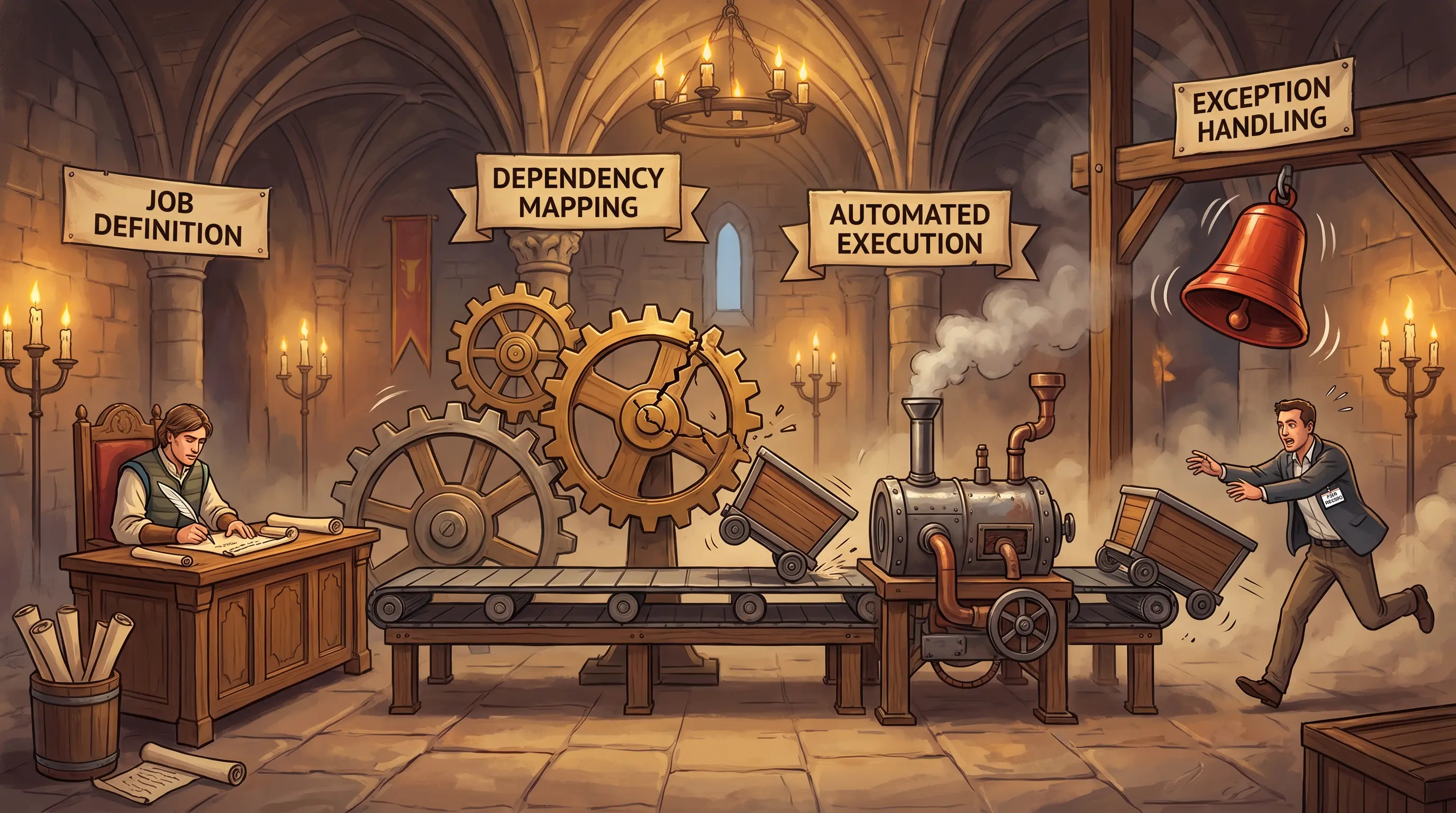
Job Scheduling and Production Process Automation
Four conveyor stations = four scheduling controls. A broken dependency gear sends the wrong cargo down the line.
How it works

Job scheduling and production process automation is the practice of automatically controlling when and in what order batch jobs execute in a complex IS environment. A scheduling framework has four components. Job definition specifies each job's purpose, execution window, resource requirements, and priority. Dependency mapping establishes which jobs must complete successfully before another job is allowed to start — a failed predecessor halts the chain to prevent cascading errors. Automated execution means the scheduling software submits, monitors, and logs jobs without manual intervention. Exception handling ensures that when a job fails or runs long, operators are alerted and a defined recovery path is invoked. IS auditors verify that dependency maps are documented and enforced, that exception alerts reach the right people, and that job logs provide a sufficient audit trail.

🧠 Mnemonic
J·D·E·X
Job definition, Dependencies, Execution (automated), eXception handling — the four elements of a production scheduling control framework.
At a glance
📋

Job Definition

What does each job need?

  • Job name and purpose
  • Execution window / priority
  • Resource requirements
  • Owner and escalation contact
🔗

Dependency Mapping

What must finish first?

  • Predecessor job list
  • Success/failure conditions
  • Dependency enforcement in scheduler
  • Impact if predecessor fails
⚙️

Automated Execution

How does the job run?

  • Scheduler submits automatically
  • Execution logs captured
  • Resource allocation managed
  • No manual trigger required
🚨

Exception Handling

What happens when a job fails?

  • Alert to on-call operator
  • Defined re-run procedure
  • Escalation path documented
  • Root cause logged
Try yourself

Meridian's payroll job failed at 2 AM because a prior data-feed job did not complete. The scheduling system still launched the payroll job, which then crashed. As the IS auditor, what control in the job scheduling framework was missing?

— Pause to recall —
Job dependency control: the payroll job should not launch until its predecessor (the data-feed job) successfully completes. A missing dependency definition caused the cascade failure.

In complex IS environments, thousands of batch jobs run daily. A sound job scheduling framework defines: Job Definition (what each job does, when it runs, what resources it needs); Dependency Mapping (which jobs must complete successfully before a subsequent job is triggered — a failed predecessor should prevent the child job from running); Automated Execution (the scheduler submits jobs to the system automatically, tracks execution, and logs results); and Exception Handling (when a job fails or stalls, the system alerts operators and invokes defined recovery procedures). The missing control was dependency enforcement — the payroll job was triggered regardless of its predecessor's status.

Why this matters: Job scheduling failures cascade quickly in production environments. The CISA exam tests whether candidates can identify missing dependency controls, exception-handling gaps, and the audit evidence (logs, dependency maps) that confirm controls are working.
🎯
Exam tip

The exam frequently describes a job failure scenario and asks what control was missing. The answer is almost always either dependency control (predecessor failure didn't stop the next job) or exception handling (no alert was generated). Know both.

See also: 4.7
Section 4.3.1 Good-to-know

Job Scheduling Software

By the end of this card, you should be able to
Explain the function of job scheduling software in a batch-processing environment and identify the ongoing maintenance requirements that keep it effective.
Scenario

Lila Okafor watches three month-end batch jobs fail in the same five-minute window. She pulls the scheduling software's resource-conflict report — it's blank. No one has run conflict analysis since the Workday integration was added last year. The jobs all appear to be requesting the same shared resource simultaneously. She has the scheduling utility open. Before she can fix the schedule, she needs to identify what the software failed to do and what the correct configuration would be.

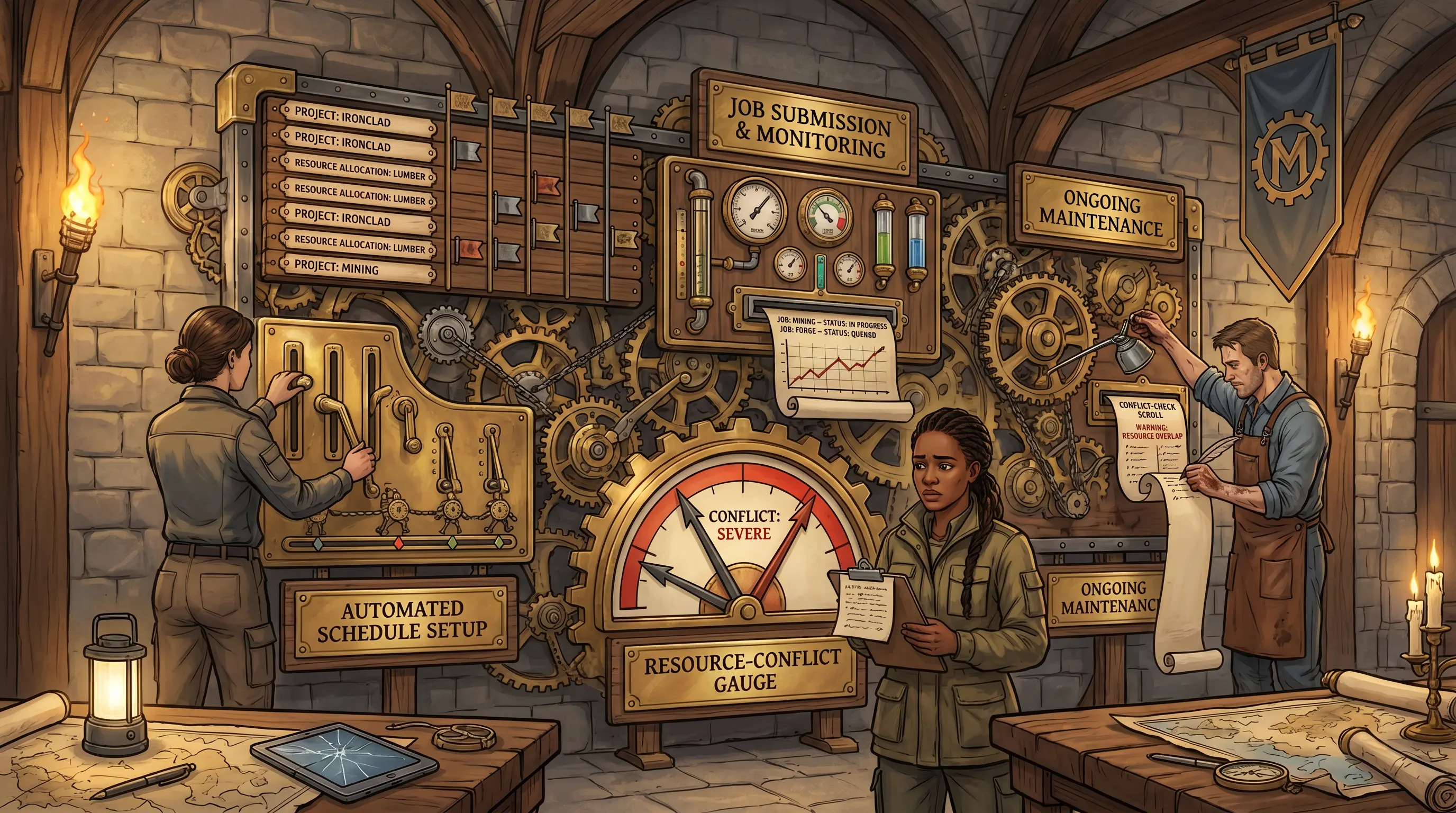
Job Scheduling Software
Three scheduling panels = setup, monitoring, maintenance. Red needles mean the optimization cycle was skipped.
How it works

Job scheduling software is system software used by IS installations that run large volumes of batch jobs. It builds and maintains daily work schedules, automatically determines which jobs to submit and when, and logs outcomes. The software operates in three areas: automated schedule setup creates the master job schedule based on defined parameters and priorities; job submission and monitoring handles the automatic handoff of jobs to the processing queue, tracks their progress, and records successes and failures; and ongoing maintenance and optimization keeps the schedule current and conflict-free as new jobs are added and workloads shift. Without regular optimization, new jobs can create resource conflicts, timing collisions, or broken dependencies that go undetected until a failure occurs. IS auditors should verify that a maintenance schedule exists, is followed, and produces documented optimization reviews.

🧠 Mnemonic
ASM
Automated Schedule setup → Submission and monitoring → Maintenance and optimization — ASM: three lifecycle stages of job scheduling software.
At a glance
📅

Automated Schedule Setup

How is the master schedule built?

  • Job parameters and priorities
  • Execution windows defined
  • Dependencies configured
  • Resource allocations set
🖥️

Job Submission & Monitoring

How are jobs tracked in flight?

  • Automatic queue submission
  • Progress tracking
  • Success/failure logging
  • Alert on abnormal conditions
🔧

Ongoing Maintenance

What keeps the schedule healthy?

  • Resource conflict analysis
  • Priority and timing review
  • Deprecated dependency cleanup
  • New job integration testing
Try yourself

Meridian's job scheduling software was last updated two years ago. New Workday batch jobs were manually added to the schedule but never optimized for resource conflicts. At month-end, three jobs compete for the same database connection pool and all fail. What maintenance requirement for scheduling software was neglected?

— Pause to recall —
Ongoing maintenance and optimization: scheduling software requires periodic review to detect resource conflicts, update job priorities, and align the schedule with current workloads.

Job scheduling software automates daily work schedules by determining which jobs to submit and in what order. Its three functional areas are: Automated Schedule Setup (building and maintaining the master job schedule based on defined parameters); Job Submission and Monitoring (automatically submitting jobs to the processing queue, tracking progress, and logging successes and failures); and Ongoing Maintenance and Optimization (the critical requirement that the schedule be periodically reviewed and tuned — adding new jobs in isolation without checking for resource conflicts, timing overlaps, or deprecated dependencies leads to failures like simultaneous database contention). Without regular optimization, scheduling software degrades as the environment changes around it.

Why this matters: The exam tests whether candidates recognize that scheduling software is not a 'set it and forget it' tool. Ongoing maintenance is a required control. A schedule that was never optimized after deployment is an audit finding.
🎯
Exam tip

Scheduling software maintenance is the most commonly tested audit gap in this sub-section. The exam scenario will describe a scheduling failure caused by neglected maintenance. Recognize that optimization is not optional — it is a required, periodic control activity.

See also: 4.3
Section 4.3.2 Good-to-know

Scheduling Reviews

By the end of this card, you should be able to
Identify the key audit considerations when reviewing job scheduling controls, including operator scheduling, exception processing, and job dependency validation.
Scenario

Alex Chen reviews the payroll batch schedule after the Workday outage. Three problems appear immediately: the job-dependency map was never updated after Workday's integration; the 3 AM batch window has no on-call operator listed; and the incident log shows three prior failures were simply re-run the next morning with no root-cause note. He has his workpaper open. He needs to decide which of these gaps are reportable findings and what evidence he would cite for each.

Scheduling Reviews
Three scheduling review zones = dependencies, operator coverage, exception handling. An empty roster at 3 AM is a control gap.
How it works

Scheduling reviews assess the controls surrounding production batch jobs rather than the job execution itself. Three areas require scrutiny. Job dependency review verifies that every predecessor-to-successor relationship is documented, enforced in the scheduling software, and current — an undocumented or stale dependency allows jobs to run on bad inputs. Operator and shift scheduling confirms that qualified personnel are assigned and available during every production window, including overnight and weekend batches — an unattended batch window creates a delayed-detection gap. Exception processing verifies that failed or anomalous jobs trigger escalation, that operators perform root-cause analysis before re-running, and that persistent exceptions are escalated rather than silently retried. IS auditors should request the dependency documentation, on-call roster, and exception log as primary evidence.

🧠 Mnemonic
JOE
Job dependencies reviewed → Operator/shift scheduling → Exception processing handled — JOE: three scheduling review categories.
At a glance
🔗

Job Dependency Review

Are predecessor rules enforced?

  • Dependency map exists and is current
  • Scheduler enforces dependencies
  • Failed predecessors halt child jobs
  • Review after any job change
👷

Operator Scheduling

Is someone always watching?

  • On-call roster covers all windows
  • Overnight / weekend coverage
  • Escalation contacts documented
  • Shift handover procedure
⚠️

Exception Processing

What happens when a job fails?

  • Alert generated and acknowledged
  • Root-cause analysis before re-run
  • Escalation for persistent failures
  • Exception log reviewed by management
Try yourself

Meridian's audit team is reviewing the production job schedule. They find that failed jobs are simply re-run without root-cause analysis, that no one is on call for the 3 AM batch window, and that job dependencies are not documented. Which three scheduling review areas are deficient?

— Pause to recall —
Job dependency review (no documented dependencies), operator/shift scheduling (no on-call coverage for 3 AM), and exception processing (re-runs without root-cause analysis).

A scheduling review covers three areas. Job Dependency Review verifies that all job dependencies are defined, documented, and enforced — if a predecessor job fails, dependent jobs must be halted; undocumented dependencies are a control gap. Operator/Shift Scheduling confirms that qualified staff are assigned to cover all production windows, including overnight batches; an unattended 3 AM window means failures will go undetected. Exception Processing verifies that abnormal conditions (failed jobs, late completions, resource overruns) trigger documented escalation procedures, that root-cause analysis is performed before re-runs, and that persistent exceptions are escalated to management. A scheduling audit that finds gaps in all three areas indicates systemic control failure.

Why this matters: Scheduling review questions test the auditor's ability to distinguish between routine job execution and the control activities that surround it. The exam focuses on dependency documentation, coverage gaps, and whether exceptions receive proper treatment — not just whether jobs ran successfully.
🎯
Exam tip

The exam presents scheduling audit scenarios and asks what the auditor should review first. Always go to dependency documentation and the exception log. On-call coverage gaps are a secondary finding. 'Jobs ran but had no operator assigned' is an access and accountability control gap, not just a staffing issue.

See also: 4.7.1
Section 4.4 Must-know

System Interfaces

By the end of this card, you should be able to
Define system interfaces, distinguish system-to-system from person-to-person interfaces, and explain why interface controls are critical to data integrity.
Scenario

At 3 AM, MERIDIA-1 pushes employee headcount data to Workday via an automated file transfer. By 7 AM, Alex Chen's pre-payroll audit check shows the record count doesn't match the prior day's baseline — 47 duplicate salary records loaded. The interface log shows two identical file transfers, both accepted. The payroll run has been halted. Alex has to identify which specific interface control was absent and what it should have caught.

System Interfaces
Two conveyor belts = two interface types. The automated belt needs gauges — without them, duplicates slip through unseen.
How it works

System interfaces are the mechanisms by which data flows from one application to another. Two types exist. System-to-system interfaces transfer data automatically between applications — a nightly file feed, an API call, a database replication job — with minimal human involvement. They are efficient but create integrity risk: if the source system produces erroneous or duplicated data, the destination system accepts it without question, and errors propagate at machine speed. User (person-to-person) interfaces allow humans to interact directly with systems through forms, screens, and command lines; individual users can notice errors before submitting. Controls for system-to-system interfaces are particularly important: record counts, hash totals, sequence numbers, and reconciliation procedures catch discrepancies before downstream systems are corrupted. IS auditors should verify that every automated interface has a defined control set and a reconciliation procedure.

🧠 Mnemonic
S2S vs. P2P
System-to-System = automated, high-volume, error-amplifying. Person-to-Person = human-mediated, lower-volume, self-correcting. Both need controls; S2S needs more.
At a glance
🤖

System-to-System Interfaces

What risks do automated feeds carry?

  • No human check on data in transit
  • Errors replicate automatically
  • High volume amplifies any fault
  • Controls: record counts, hash totals, error logs
🧑‍💻

User Interfaces

What risks do human interactions carry?

  • Manual entry errors
  • Unauthorized input
  • Lack of input validation
  • Controls: field validation, segregation of duties
🔁

Reconciliation

How are interface discrepancies caught?

  • Record count matching
  • Hash / control total verification
  • Sequence gap detection
  • Error log review and escalation
Try yourself

Meridian's Workday payroll system pulls employee data from MERIDIA-1 every night via an automated feed. Separately, HR staff enter manual corrections in a web form. Which type of interface is each, and why do system-to-system interfaces carry more integrity risk?

— Pause to recall —
The automated feed is a system-to-system interface. The web form is a user (person-to-person) interface. System-to-system interfaces carry more integrity risk because errors propagate automatically at high volume with no human check.

A system interface allows data output from one application to serve as input to another. System-to-system (S2S) interfaces are automated data transfers between applications with little or no human interaction; they are efficient but dangerous if the sending system produces erroneous data — errors replicate automatically across all downstream consumers. Person-to-person or user interfaces involve human interaction with the system (web forms, desktop UIs); errors are still possible but are caught by individual users more readily. S2S interfaces require integrity controls — record counts, hash totals, error logs, and reconciliation procedures — to detect and halt bad data before it propagates.

Why this matters: Interface integrity is a core IS audit concern. The exam tests whether candidates recognize that automated interfaces amplify errors and require compensating controls at both the source and destination. Missing reconciliation of an S2S feed is a reportable finding.
🎯
Exam tip

Interface questions on the exam often hinge on identifying which type of interface is described and what control is missing. System-to-system = automated, needs record counts and reconciliation. User interface = human, needs input validation and access controls.

See also: 1.3.6
Section 4.4.1 Good-to-know

Risk Associated With System Interfaces

By the end of this card, you should be able to
Identify the primary risks associated with system-to-system interfaces and explain how uncontrolled interfaces affect data accuracy, completeness, and auditability.
Scenario

Lila Okafor reviews the interface error log after the payroll run fails. The HR feed delivered 2,847 records; Workday expected 2,851. Four records are missing — a batch timeout cut the transfer short. There's no hash total in the log. Lila has both database counts and the log file open. Before she can hand-enter the missing records, she needs to name the interface risk category this represents and the control that should have caught it.

Risk Associated With System Interfaces
Four interface risk gauges = accuracy, completeness, authorization, audit trail. Any needle in the red is a finding.
How it works

System interface risks arise whenever data moves between applications, particularly in automated, system-to-system environments. Four primary risk categories apply. Inaccurate data — values transformed incorrectly, fields truncated, or data type mismatches produce wrong numbers at the destination. Incomplete transfers — timeouts, dropped connections, or partial-file deliveries mean the destination receives less data than the source sent. Unauthorized access — unencrypted or unauthenticated interfaces allow data to be intercepted or manipulated by unauthorized parties in transit. Audit trail gaps — when interfaces do not log data volumes, timestamps, and sender identity, investigating errors becomes impossible. These risks are more severe in real-time interfaces, where errors propagate before anyone notices. Effective controls include hash totals, record count verification, sequence numbers, encryption, authentication, and comprehensive interface logging.

🧠 Mnemonic
I·I·U·A
Inaccurate, Incomplete, Unauthorized, Audit-trail-gap — four interface risks every auditor must check.
At a glance

Inaccurate Data

What causes wrong values?

  • Field truncation
  • Data type mismatch
  • Transformation logic error
  • Control: hash totals, field validation
⏸️

Incomplete Transfers

What causes missing records?

  • Timeout / dropped connection
  • Partial file delivery
  • Missing sequence numbers
  • Control: record count, sequence gap check
🔓

Unauthorized Access

What enables interception?

  • No encryption in transit
  • No interface authentication
  • Unprotected API endpoints
  • Control: TLS encryption, mutual auth
📵

Audit Trail Gaps

What makes errors untraceable?

  • No timestamp on transfers
  • No sender/receiver identity logged
  • No volume log
  • Control: comprehensive interface logging
Try yourself

Meridian's HR-to-payroll interface delivered 2,847 records when 2,851 were expected — four records missing, no hash total computed. Which category of interface risk does this represent?

— Pause to recall —
Incomplete transfer risk. A record count check or sequence gap control at the receiving end should have detected that only 2,847 of the expected 2,851 records arrived and halted payroll processing before it began.

System interface risks cluster into four categories. Inaccurate data occurs when transformation errors, field truncation, or code mismatches corrupt values in transit. Incomplete transfers occur when partial files, dropped records, or timeout-terminated transfers deliver only a subset of data. Unauthorized access occurs when interfaces are not authenticated or encrypted — data can be intercepted or manipulated in transit. Audit trail gaps occur when interfaces do not log what data was sent, when, and by whom — making error investigation impossible. These risks are compounded in real-time interfaces because problems cannot wait for an overnight reconciliation cycle. Controls must be built into both the source and destination of every interface.

Why this matters: Interface risk questions test the auditor's ability to categorize a failure by risk type and then name the correct control. The exam often presents a scenario and asks whether the problem is an accuracy, completeness, authorization, or traceability issue.
🎯
Exam tip

The exam describes an interface failure and asks for the risk category and the correct control. Map the scenario: wrong values = accuracy; missing records = completeness; intercepted data = authorization; can't investigate = audit trail. Each risk has a matching control.

See also: 4.4
Section 4.4.2 Must-know

Controls Associated With System Interfaces

By the end of this card, you should be able to
Identify the controls an IS auditor should verify for system interfaces, including the use of managed file transfer systems and complete interface inventories.
Scenario

Alex Chen asks Lila Okafor for the list of all Meridian data feeds. Lila produces a spreadsheet — 47 documented interfaces. But when Alex queries the MFT system logs, he counts 94 distinct source/destination pairs over the past month. Forty-seven undocumented transfers. Alex has both lists on-screen and his audit workpaper open. He needs to decide what control gap this represents before he can write the finding.

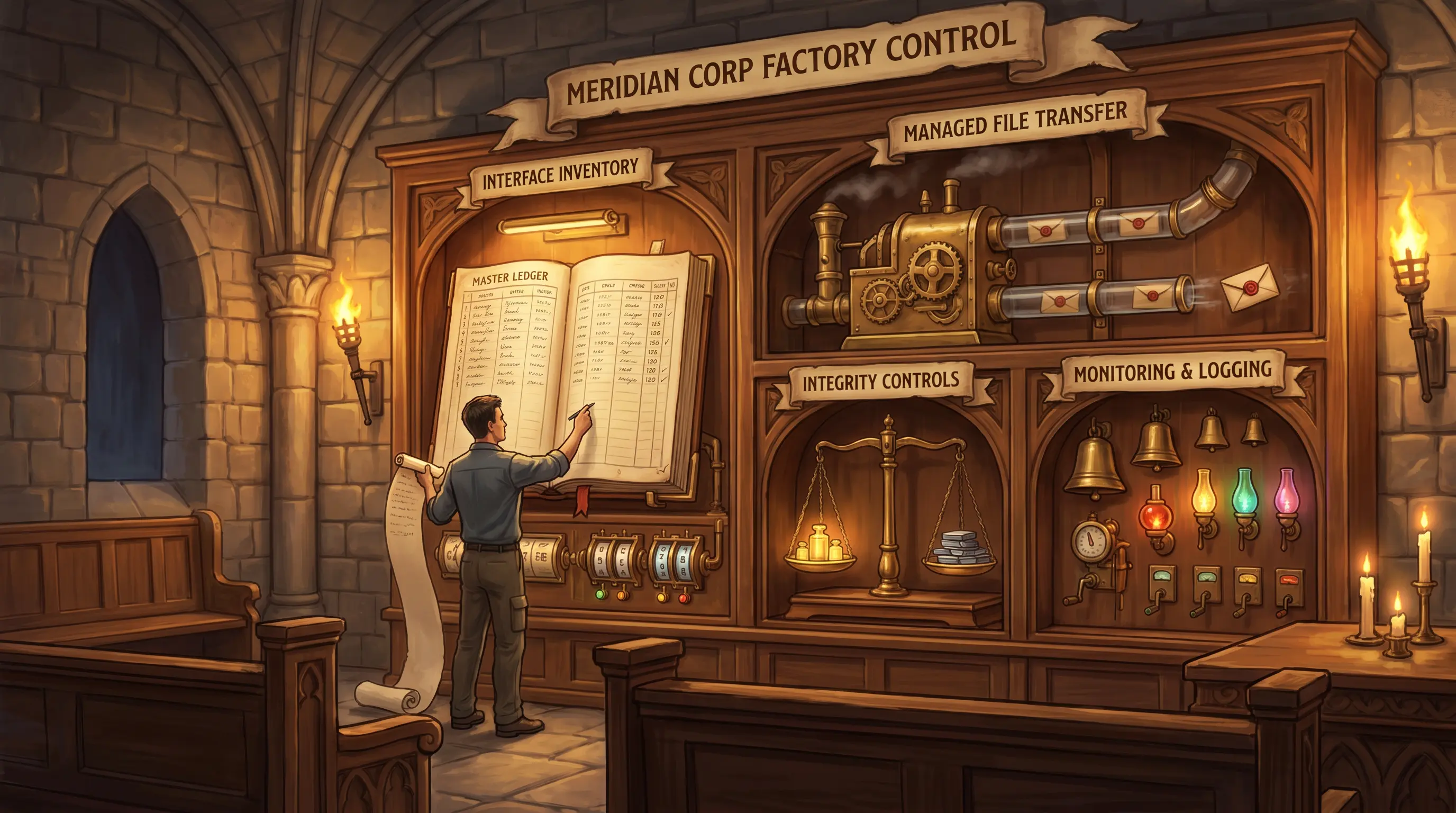
Controls Associated With System Interfaces
Four control panels = inventory, MFT, integrity, monitoring. Half the transfer scroll has no matching ledger entry.
How it works

Controlling system interfaces requires a structured framework applied to every data transfer — known and unknown, internal and external. Four controls form the foundation. Interface inventory: the organization must document all interfaces, including ad hoc ones, identifying the source, destination, data type, frequency, owner, and applicable regulations. This inventory is the scope boundary for all other controls. Managed file transfer (MFT): a centralized MFT system replaces ad hoc scripts and FTP by providing standardized logging, scheduling, retry logic, error notification, and audit trails for all file-based transfers. Integrity controls: record counts, hash totals, sequence numbers, and reconciliation procedures detect data errors at both the sending and receiving end before downstream processing begins. Monitoring and logging: automated alerts for transfer failures, volume anomalies, and unauthorized access attempts, with logs retained to support investigation and regulatory compliance. IS auditors verify all four layers, starting with the inventory to establish scope.

🧠 Mnemonic
I·M·I·M
Inventory (what transfers exist), MFT (how they run), Integrity (is the data right), Monitoring (is anything wrong) — the four interface control pillars.
At a glance
📋

Interface Inventory

What transfers exist?

  • All internal and external feeds
  • Ad hoc transfers included
  • Source, destination, owner, frequency
  • Regulatory applicability noted
🚀

Managed File Transfer

How are transfers standardized?

  • Centralized MFT system
  • Replaces ad hoc FTP / scripts
  • Scheduling and retry logic
  • Comprehensive transfer logs

Integrity Controls

How is data correctness verified?

  • Record count at source and destination
  • Hash totals
  • Sequence number checks
  • Reconciliation before downstream use
📡

Monitoring & Logging

How are failures detected?

  • Real-time failure alerts
  • Volume anomaly detection
  • Unauthorized access alerts
  • Log retention for audit
Try yourself

Meridian runs 200 internal and external data feeds, some via FTP and some via custom scripts. Many were built years ago and are undocumented. As the IS auditor, what four control areas should exist to properly govern these interfaces?

— Pause to recall —
Interface inventory (track all feeds), Managed File Transfer (standardize and log all transfers), Integrity controls (record counts, hash totals), and Monitoring/logging (alert on failures, preserve audit trail).

IS auditors should verify four control areas for system interfaces. Interface Inventory: the organization must maintain a complete register of all internal and external interfaces, including ad hoc transfers — an undocumented interface is an uncontrolled interface. Managed File Transfer (MFT): using a commercial or custom MFT system centralizes logging, scheduling, retry logic, and alerting for all file-based transfers — replacing ad hoc FTP or scripts. Integrity Controls: record counts, hash totals, sequence numbers, and reconciliation procedures applied at both send and receive to detect errors before downstream processing. Monitoring and Logging: real-time alerts on transfer failures, volume anomalies, and unauthorized attempts, with logs retained long enough to support audit and investigation.

Why this matters: The CISA exam tests whether candidates can build an interface control framework. The most commonly missed element is the interface inventory — organizations often control known interfaces well but miss undocumented or ad hoc ones. 'Undocumented = uncontrolled' is a core audit principle.
🎯
Exam tip

The exam asks which control addresses which interface gap. Interface inventory = scope; MFT = execution; integrity controls = correctness; monitoring = detection. An 'undocumented interface' finding means the inventory control is missing. Always start the audit with the inventory.

See also: 4.4.1 1.3.6
Section 4.5 Must-know

End-User Computing and Shadow IT

By the end of this card, you should be able to
Distinguish end-user computing (EUC) from shadow IT, and identify the governance risks and control responsibilities that apply to each.
Scenario

Alex Chen pulls Meridian's IT asset inventory during the payroll audit. The reconciliation spreadsheet the HR team uses for month-end close is registered — someone added it two years ago. But when he checks the SaaS analytics tool the Finance team has been using for headcount tracking, it's not on any approved list — Finance subscribed without contacting IT at all. Alex has both items flagged on his screen. He needs to classify each one and decide what governance risk each carries.

End-User Computing and Shadow IT
Two workbenches = EUC (known, loose) and Shadow IT (hidden, ungoverned). Pulling back the curtain is the auditor's job.
How it works

Two distinct phenomena describe IT used outside formal governance channels. End-user computing (EUC) refers to applications and tools built or configured by non-IT users — spreadsheets, personal databases, low-code platforms — that are typically known to IT but governed loosely or not at all. EUC risks include untested business logic, absent version control, no formal backup, and no change management. Shadow IT is the use of systems, hardware, or software on the enterprise network without IT or cybersecurity approval — cloud tools purchased with a personal credit card, unauthorized SaaS subscriptions, or consumer apps used for business data. Shadow IT risks include data leaving the organization to unevaluated vendors, security controls that have never been verified, and regulatory non-compliance. IS auditors must identify both, but Shadow IT carries the higher risk because it is invisible to governance.

🧠 Mnemonic
EUC = Known-but-loose / Shadow IT = Unknown-and-outside
EUC is governed loosely; Shadow IT is not governed at all. Both are findings, but Shadow IT is the bigger hole.
At a glance
📊

EUC — Definition

What is EUC?

  • Non-IT users build own tools
  • Spreadsheets, Access DBs, low-code
  • Typically known to IT
  • Governed loosely or not at all
⚠️

EUC — Risks

What can go wrong with EUC?

  • Untested business logic
  • No version control
  • No formal backup
  • No change management
👤

Shadow IT — Definition

What is Shadow IT?

  • Unapproved systems on enterprise network
  • No IT / cybersecurity sign-off
  • Often cloud-based SaaS
  • Invisible to governance
🚨

Shadow IT — Risks

What can go wrong with Shadow IT?

  • Data sent to unevaluated vendors
  • No security assessment
  • Regulatory non-compliance
  • No incident response capability
Try yourself

A Meridian HR analyst uses an Excel spreadsheet to reconcile payroll. A Finance team subscribes to a SaaS tool without IT approval. Which of these is EUC and which is Shadow IT?

— Pause to recall —
The Excel spreadsheet = EUC (known, user-built tool within the organization's purview). The unapproved SaaS = Shadow IT (unknown to IT, outside governance). EUC risks: untested logic, no backup. Shadow IT risks: data leakage, no security review, compliance exposure.

End-user computing (EUC) refers to technologies that allow non-IT users to build and manage their own information systems — spreadsheets, Access databases, low-code apps. EUC is typically known to IT and managed under IT governance frameworks, but it carries risks: no formal testing, no version control, no backup, and logic errors that can be material (e.g., a salary calculation bug). Shadow IT is the use of systems, services, or software on the enterprise network without IT or cybersecurity department approval — the SaaS tool in the scenario. Shadow IT is outside governance entirely: data may be exfiltrated to unknown vendors, security controls are unverified, and regulatory requirements may be violated.

Why this matters: The exam tests whether candidates can distinguish EUC (known but under-controlled) from Shadow IT (unknown and uncontrolled). Both are audit findings, but Shadow IT represents a higher risk because the organization doesn't know it exists.
🎯
Exam tip

The exam distinguishes EUC from Shadow IT. EUC = known, user-built, under-controlled. Shadow IT = unknown to IT, outside governance. A key exam point: Shadow IT is not just a policy violation — it is a risk to data confidentiality, regulatory compliance, and incident response.

📰Real World

In 2012, JPMorgan's "London Whale" trading scandal ultimately cost the bank USD $6.2 billion — commonly rounded to "more than $6 billion." A root cause was a manually maintained Excel-based value-at-risk (VaR) model in the Chief Investment Office that required copying and pasting data between spreadsheets; a formula dividing by the sum rather than the average of two hazard rates materially understated risk exposure. The model had no version control and no independent review. Trader Bruno Iksil's oversized CDS positions, masked by the flawed model, drove the loss. The U.S. Senate Permanent Subcommittee on Investigations documented the failures in its March 2013 report. JPMorgan subsequently paid $920 million in regulatory fines to four U.S. and U.K. authorities.

See also: 1.3.6
Section 4.5.1 Good-to-know

End-User Computing

By the end of this card, you should be able to
Describe the risks and controls associated with end-user computing applications and explain the role of an end-user support manager in governing EUC.
Scenario

Priya Rao hands Alex Chen a printout: the payroll shift-differential spreadsheet is flagged as 'critical process input.' Alex interviews the payroll supervisor, who confirms that no one else has ever looked inside the macro, the author left Meridian eight months ago, and the file runs on the supervisor's personal laptop. Alex has the classification form open. He needs to decide what EUC controls are absent here before he can write the finding.

End-User Computing
Three red gauges = integrity, security, maintenance risks. A departed craftsman and an unlocked door make it worse.
How it works

End-user computing (EUC) refers to the ability of non-IT employees to design and use their own software tools — spreadsheets, desktop databases, macros, and low-code applications. These tools often become embedded in critical business processes despite lacking the governance controls applied to enterprise systems. EUC risks fall into three categories. Integrity risk: user-written formulas are not formally tested or reviewed, so logic errors can persist undetected for years. Security risk: EUC files typically lack access controls, leaving sensitive data visible to unauthorized users. Maintenance risk: EUC tools often depend on a single creator — when that person leaves, the tool becomes undocumentable. The end-user support manager acts as a liaison between IT and business departments, inventorying EUC tools, classifying their criticality, ensuring documentation and access controls, and coordinating backup procedures. IS auditors should assess EUC tools proportional to their business impact.

🧠 Mnemonic
ISM
Integrity risk → Security risk → Maintenance risk — ISM: three EUC risks the IS auditor prioritizes.
At a glance
⚠️

Integrity Risk

How can EUC data be wrong?

  • Untested formulas and macros
  • No independent review
  • No version control
  • Changes made without change management
🔓

Security Risk

How can EUC data be exposed?

  • No access controls on files
  • Sensitive data on shared drives
  • No encryption
  • No audit trail
🧩

Maintenance Risk

What is key-person dependency?

  • Single author who understood logic
  • No documentation
  • Successor cannot maintain or fix
  • Business process relies on black box
🧑‍💼

Support Manager Role

Who governs EUC?

  • Inventory EUC applications
  • Assess criticality
  • Enforce documentation and access controls
  • Ensure backup and succession
Try yourself

Meridian's payroll team has used an Excel macro to calculate shift differentials for three years. No one else understands the formula. The macro author left the company last month. What EUC risks does this scenario illustrate?

— Pause to recall —
Integrity risk (untested formula, no independent verification), maintenance risk (single author, now unavailable — 'key-person dependency'), and security risk (no access controls on a spreadsheet containing salary data).

EUC applications built by non-IT users carry multiple risk types. Integrity risk: formulas and macros are often written without testing standards; a single error in a payroll macro can produce incorrect results that go undetected if no one else can read the code. Security risk: EUC files typically lack the access controls of enterprise applications — a shared drive spreadsheet with salary data may be readable by anyone with network access. Maintenance risk (key-person dependency): when the only person who understands the application leaves, the tool becomes a black box. The end-user support manager's role is to inventory EUC applications, assess their criticality, document their logic, enforce access controls, and ensure backup and succession planning. Without a support manager, EUC risk accumulates invisibly.

Why this matters: EUC is tested in both IS operations and auditing contexts. The exam focuses on the auditor recognizing that user-built applications require the same control disciplines as IT-built systems — just applied proportionally to their risk level.
🎯
Exam tip

The CISA exam often presents an EUC scenario and asks which risk applies. Match: undocumented formula = integrity; no file password = security; only one person knew = maintenance/key-person. The end-user support manager is the governance role — not IT, not the business owner alone.

See also: 4.5
Section 4.5.2 Good-to-know

Shadow IT

By the end of this card, you should be able to
Define shadow IT, explain its causes and risks, and identify the controls and governance approaches that reduce shadow IT proliferation.
Scenario

Devon Park's CASB dashboard flags a new entry: an analytics SaaS tool that Meridian has never approved is exporting HR data to a datacenter outside Meridian's approved cloud regions. The Finance team lead confirms they subscribed to avoid a long IT project queue. Devon has the CASB alert, the tool's terms of service, and the shadow-IT policy on-screen. He needs to identify what caused this situation and what risk exposure Meridian now faces before he can escalate.

Shadow IT
Shadow machine in the courtyard = Shadow IT. The CASB watchtower exists to shine a light before data leaves the wall.
How it works

Shadow IT is the use of hardware, software, or cloud services within an enterprise without the knowledge or approval of the IT or cybersecurity department. It proliferates when official IT channels are perceived as slow, expensive, or unresponsive — and low-cost, easy-to-subscribe cloud tools make self-service IT feel risk-free to business users. The risks are significant: data sent to vendors with no security assessment may be inadequately protected; data residency laws may be violated if the vendor's servers are in the wrong jurisdiction; there is no incident response plan if a shadow tool is breached; and software licensing controls are bypassed. Controls include reducing IT approval friction through fast-track review processes for low-risk SaaS tools; deploying Cloud Access Security Brokers (CASBs) that discover and monitor unauthorized cloud usage; enforcing network egress monitoring; and periodic shadow IT discovery audits. IS auditors should ask for CASB reports and compare approved tool lists to observed network traffic.

🧠 Mnemonic
C·R·C
Causes (slow IT, cheap SaaS), Risks (data, compliance, no IR), Controls (CASB, fast-track review, egress monitoring) — the shadow IT audit triangle.
At a glance
🐢

Causes

Why does Shadow IT happen?

  • Slow IT approval processes
  • Low-cost, easy-to-subscribe SaaS
  • Business units self-service
  • Perceived IT inflexibility
🚨

Risks

What can go wrong?

  • Data to unapproved vendors
  • Regulatory / data residency breach
  • No incident response plan
  • Lost licensing control
🛡️

Controls

How is Shadow IT governed?

  • CASB to discover / monitor cloud use
  • Faster IT approval tracks
  • Network egress monitoring
  • Regular Shadow IT discovery audits
Try yourself

Meridian's Finance team subscribed to a cloud analytics tool outside the IT approval process; the tool is now exporting payroll data to servers outside Meridian's approved cloud regions. What governance failure enabled this, and what control should close it?

— Pause to recall —
Cause: slow IT delivery drove the business unit to self-provision. Risks: data exfiltration to unapproved vendor, compliance breach, no incident response. Controls: business unit engagement model (reduce IT queue friction), cloud access security broker (CASB), and regular network traffic monitoring.

Shadow IT arises when business units bypass IT because approved channels are too slow, too expensive, or too restrictive. The proliferation of low-cost SaaS tools and mobile-first software has made it trivially easy to subscribe and start using a tool without IT knowledge. Risks include: data being sent to vendors with unknown security posture; regulatory violations if data leaves approved jurisdictions; no incident response plan if the shadow tool is breached; and loss of licensing control. Controls include reducing the friction of IT approval processes (faster review tracks for low-risk SaaS), deploying a Cloud Access Security Broker (CASB) to discover and monitor unauthorized cloud usage, enforcing network egress monitoring to detect unusual data flows, and conducting regular shadow IT discovery audits.

Why this matters: Shadow IT is an increasingly tested topic as cloud adoption grows. The exam focuses on causes (slow IT, low-cost SaaS), risks (data governance, compliance), and the CASB as the primary technical control. Understanding root cause is as important as knowing the controls.
🎯
Exam tip

The exam distinguishes Shadow IT from EUC: Shadow IT is invisible to IT governance. The primary technical control is the CASB. The primary root-cause control is reducing IT approval friction. An exam scenario showing a business unit 'bypassing IT' is almost always asking about Shadow IT governance.

See also: 4.5 5.5.1
Section 4.6 Must-know

Systems Availability and Capacity Management

By the end of this card, you should be able to
Define systems performance management and explain how IS architecture, availability, and capacity planning interact to ensure systems operate within acceptable bounds.
Scenario

Sarah Lin gets the call at 9 AM: Workday is running at crawl speed. Tom Reyes pulls up the monitoring dashboard — CPU at 95%, memory at 89%, both red. No alert fired last night because no threshold was ever configured. Sarah wants to know how long before it crashes and what stopped the team from seeing this coming. Tom has the dashboard on the screen and Sarah on the phone. He needs to name the missing process before she escalates to Marcus.

Systems Availability and Capacity Management
Three control dials = performance, availability, capacity. When the capacity tank overflows, the uptime clock stops.
How it works

Systems performance management is the discipline of monitoring and ensuring that hardware, software, and network components function within acceptable boundaries. Three related disciplines form the framework. Performance management involves establishing baselines — what normal looks like — and continuously comparing current behavior against those baselines. Deviations trigger investigation before failure occurs. Availability management focuses on ensuring that systems are accessible to users when needed, tracking uptime metrics (such as five-nines availability) and identifying threats to continuity before they escalate. Capacity management plans for future resource consumption by modeling current utilization trends against expected business growth, then provisioning additional resources in time to prevent bottlenecks. All three disciplines are interdependent: insufficient capacity degrades performance, degraded performance threatens availability, and without a performance baseline, neither capacity planning nor availability management has accurate inputs.

🧠 Mnemonic
P·A·C
Performance (baseline and monitor), Availability (uptime assurance), Capacity (plan ahead) — the three pillars of systems management.
At a glance
📊

Performance Management

How is normal defined and tracked?

  • Establish performance baselines
  • Monitor CPU, memory, disk, network
  • Alert on threshold breach
  • Trend analysis for proactive response
⏱️

Availability Management

How is uptime protected?

  • Uptime SLA defined (e.g., 99.9%)
  • Redundancy and failover
  • Mean time to recover (MTTR) tracked
  • Availability incidents logged
📈

Capacity Management

How is growth anticipated?

  • Current utilization modeled
  • Business growth projections
  • Provisioning lead time identified
  • Regular capacity plan reviews
Try yourself

Meridian's Workday payroll system is degrading at month-end because server CPU hits 95% utilization. No performance baseline exists and no capacity plan was created when the system was deployed. Which three management disciplines failed?

— Pause to recall —
Performance management (no baseline to detect degradation), availability management (degraded performance threatens uptime), and capacity management (no plan to scale resources ahead of demand).

Systems performance management is the practice of studying and managing the entire system — hardware, software, and network — to ensure it operates as expected. Three disciplines support this. Performance management establishes baselines and monitors against them; without a baseline, degradation is invisible until failure occurs. Availability management ensures systems are reliably accessible when business needs them — performance degradation is an early warning of availability risk. Capacity management plans for growth by modeling resource consumption against business demand and provisioning resources before they hit critical thresholds. Meridian failed on all three: no baseline (performance), degrading response times (availability risk), and a system running at 95% with no expansion plan (capacity).

Why this matters: These three disciplines are tested together in exam scenarios because they are interdependent. A system with no capacity plan will eventually have an availability problem — and without a performance baseline, you won't know it's coming until it's too late.
🎯
Exam tip

The exam tests all three disciplines together. A scenario showing a system that failed at peak load tests capacity management. A scenario showing no uptime tracking tests availability management. A scenario showing degradation that went undetected tests performance management (missing baseline).

See also: 2.10.2 4.6.8
Section 4.6.1 Good-to-know

IS Architecture and Software

By the end of this card, you should be able to
Describe the hierarchical architecture of a computer system from hardware through nucleus to system management software, and explain why each layer is relevant to IS audit.
Scenario

Devon Park's patch management system flags a critical kernel vulnerability on the Workday production server. He explains to Sarah Lin why this patch can't wait: the kernel is the foundation of the IS architecture. Sarah asks him which layer the patch touches and — more importantly — which higher layers would be left exposed if the patch is delayed. Devon needs to answer before she decides whether to approve the emergency change.

IS Architecture and Software
Four architecture floors = hardware, kernel, system management, application. Crack the kernel floor and everything above it shakes.
How it works

The architecture of most computers can be understood as four stacked layers, each dependent on the layer below. The base layer is hardware and firmware — physical processors, memory chips, and hard-coded instructions that form the machine itself. Above this is the nucleus, or kernel — the core of the operating system, responsible for process scheduling, memory allocation, input/output control, and interrupt handling. The kernel is the system's trust foundation: a compromise here undermines every higher layer. The third layer is system management software — access control programs, database management systems, data communications software, and utilities that use kernel services to perform their functions. The top layer is application software — the business programs users interact with, such as payroll, CRM, and analytics tools. IS auditors must verify controls at each layer, with particular attention to kernel and system management software, where compromise has the broadest impact.

🧠 Mnemonic
H·N·S·A
Hardware/Firmware → Nucleus/Kernel → System Management Software → Application — four architecture layers, trust flows upward from the bottom.
At a glance

Hardware / Firmware

What is the physical foundation?

  • CPUs, memory, storage hardware
  • Hard-coded firmware instructions
  • Cannot be altered at runtime
  • Physical access controls critical
🧩

Nucleus (Kernel)

What is the OS trust anchor?

  • Process scheduling
  • Memory management
  • I/O control and interrupts
  • Kernel compromise bypasses all above
🛠️

System Management Software

What services support applications?

  • Access control programs
  • DBMS
  • Data communications software
  • Utility programs
🖥️

Application Software

What do users interact with?

  • Business applications (payroll, CRM)
  • User interfaces
  • Relies on all layers below
  • Application controls depend on kernel integrity
Try yourself

Meridian's security team applies a critical kernel patch to the Workday production server. Which layer of the IS architecture hierarchy does this patch affect, and which layers sit directly above it and depend on its stability?

— Pause to recall —
The kernel patch affects the Nucleus layer. All layers above it — system management software and application software — depend on the nucleus; a kernel vulnerability or instability can compromise every layer above.

IS architecture can be viewed as a hierarchy of layers. At the base is Hardware/Firmware — physical processors, memory, and hard-coded instructions that cannot be altered at runtime. Above that is the Nucleus (Kernel) — the core OS functions: process scheduling, memory management, I/O control, and interrupt handling. The kernel is the trust anchor of the system: a kernel vulnerability can bypass all higher-level controls. Above the kernel is System Management Software — access control programs, data communications software, database management systems, and utility programs that rely on kernel services. At the top is Application Software — the business-facing programs that users interact with. Each layer depends on the integrity of the layers below it. IS auditors must verify that security controls exist at each layer and that changes at lower layers are properly managed.

Why this matters: Architecture layering is foundational to understanding where controls must exist. The exam tests whether candidates know that a kernel compromise undermines all higher controls, and that application-layer controls cannot compensate for an insecure kernel.
🎯
Exam tip

The IS architecture hierarchy is tested in questions about where vulnerabilities have the most impact. Answer: a kernel (nucleus) vulnerability is the highest impact because it undermines all layers above. Application-layer controls cannot compensate for a kernel compromise.

See also: 4.6
Section 4.6.2 Good-to-know

Operating Systems

By the end of this card, you should be able to
Describe the role of the operating system as the primary manager of computer resources and identify the key OS parameters and configuration options an IS auditor should review.
Scenario

Tom Reyes captures the thread dump from the Workday server crash. A background diagnostic process has no CPU limit set in the OS scheduler — it consumed 100% of CPU for eight minutes, starving the payroll application. Tom has the OS configuration screen open. He needs to identify which OS function failed and what parameter should have been set before he can file the root-cause report.

Operating Systems
Four OS control zones = resources, security, configuration, change control. An uncapped pipe starves the whole machine.
How it works

The operating system (OS) is the most critical system software component because it manages every other resource on the computer. It acts as a scheduler (allocating CPU time to processes), a traffic controller (managing I/O requests and memory allocation), and a security enforcer (controlling access to files, resources, and hardware). For IS auditors, four OS areas require review. Resource management parameters — CPU priority, memory quotas, and I/O scheduling — prevent runaway processes from starving business-critical applications. Security parameters — password complexity, privilege assignment, audit logging settings, and lockout thresholds — establish the OS security baseline. System configuration — enabled services, open ports, filesystem permissions — determines the attack surface. OS change control — all patches and configuration changes must be formally authorized, tested, and logged. The OS configuration baseline, compared against a recognized standard (CIS Benchmarks, DISA STIG), is the primary audit artifact.

🧠 Mnemonic
R·S·C·C
Resource management, Security parameters, Configuration, Change control — four OS audit review areas.
At a glance
⚙️

Resource Management

How are CPU and memory controlled?

  • CPU priority and quotas
  • Memory limits per process
  • I/O scheduling
  • Prevents process starvation
🔒

Security Parameters

What security settings matter?

  • Password policy settings
  • Privilege levels (least privilege)
  • Audit log configuration
  • Lockout thresholds
🛠️

System Configuration

What is the attack surface?

  • Enabled services (disable unused)
  • Open ports
  • Filesystem permissions
  • CIS Benchmark / STIG compliance
📋

OS Change Control

How are OS changes governed?

  • Patches through formal change management
  • Configuration changes logged
  • Rollback plan for every change
  • Tested before production
Try yourself

During the Workday outage, a low-privilege background process consumed 100% of CPU, starving the payroll application. Which specific OS function was absent, and what configuration parameter should have been enforced?

— Pause to recall —
Resource management failed: the OS scheduler allowed an unbounded process to monopolize CPU. A CPU quota or process priority parameter should have been configured to prevent starvation of higher-priority processes.

The operating system is the primary manager of all computer resources — it acts as a scheduler (allocating CPU time), a traffic controller (managing I/O and memory), and a security enforcer (controlling access to resources). Key audit-relevant OS areas include: Resource Management (CPU priority and quotas, memory limits, I/O scheduling — a misconfigured scheduler allowed the runaway process); Security Parameters (password policies, privilege levels, audit log settings, security baselines); System Configuration (tunable parameters such as service enablement, port bindings, and filesystem permissions); and OS Change Control (patches and configuration changes must go through formal change management). An auditor reviewing OS controls should verify that the security baseline is applied, parameters are hardened, and all changes are logged.

Why this matters: OS configuration is one of the most common sources of control weaknesses. The exam tests whether candidates recognize that OS parameters are security controls — a misconfigured parameter is a control failure, not just a performance issue.
🎯
Exam tip

The exam often asks what the IS auditor should review first when assessing OS controls. Answer: the OS security configuration baseline compared against a standard (CIS Benchmark or DISA STIG). Missing parameters are control gaps even if the OS is otherwise functional.

See also: 4.6.1 4.8.1
Section 4.6.3 Must-know

Access Control Software

By the end of this card, you should be able to
Describe the purpose of access control software in an IS environment and identify what an IS auditor should verify when reviewing access control software controls.
Scenario

Devon Park reviews the Workday access log after the payroll outage. A help-desk account — Tom Reyes's group — ran a SELECT query against the salary table at 2:34 AM. Tom's team has no business need for payroll data. Devon has the access log, the role-based access matrix, and an open change ticket. He needs to identify which access control software function failed before he can recommend a remediation.

Access Control Software
Four security gates = four access control functions. The gate enforces the policy — a bad policy opens the wrong doors.
How it works

Access control software is system software designed to detect or prevent unauthorized interactions with data, functions, and computer resources. It enforces four protective functions: preventing unauthorized access to data (users can only view data they are authorized to see); preventing unauthorized use of system functions and programs (users can only run processes and commands within their defined role); preventing unauthorized data modifications (changes to records require appropriate write permissions); and detecting and alerting on unauthorized access attempts (failed access is logged and can trigger alerts). The effectiveness of access control software depends entirely on the quality of the access management policies it enforces — if those policies grant excessive privileges, the software will faithfully allow the over-broad access. IS auditors must verify both that the software is configured correctly and that the underlying access policies follow least privilege principles.

🧠 Mnemonic
4-Prevent Rule
Access control software prevents: (1) unauthorized access, (2) unauthorized function use, (3) unauthorized data changes, (4) unauthorized resource attempts. All four, not just login.
At a glance
🚫

Prevent Unauthorized Access

Who can see what data?

  • Role-based access to data views
  • Least privilege enforcement
  • Segregation of duties
  • Access reviews and recertification
⚙️

Prevent Unauthorized Functions

Who can run which programs?

  • Function-level authorization
  • Restricted admin commands
  • Privilege separation
  • Admin access logging
✏️

Prevent Unauthorized Changes

Who can modify data?

  • Write vs. read-only permissions
  • Approval workflow for sensitive changes
  • Change logging
  • Database-level controls
🔔

Detect Unauthorized Attempts

How are failed attempts caught?

  • Failed access alerts
  • Account lockout after threshold
  • SIEM correlation of access patterns
  • Access attempt logs retained
Try yourself

During the Workday outage, a help-desk technician used admin credentials to query the salary table — a resource outside their authorized scope. What specific access control software failure allowed this?

— Pause to recall —
Access control software prevents unauthorized access to data, unauthorized use of system functions, unauthorized data changes, and unauthorized resource access attempts. The specific failure: the technician's account had excessive privilege (violated least privilege), and the access control software allowed it rather than denying it.

Access control software is the layer of system software that detects or prevents four categories of unauthorized activity: unauthorized access to data (viewing records the user is not permitted to see); unauthorized use of system functions and programs (running commands or applications outside one's role); unauthorized updates or changes to data (modifying records without authorization); and unauthorized attempts to access computer resources (generating alerts when access is attempted without permission). The software enforces access rules defined in the identity and access management framework. When a help-desk technician uses admin credentials to view payroll data, two failures coexist: the IAM framework granted excessive privilege, and the access control software enforced those over-broad permissions without flagging them as anomalous.

Why this matters: Access control software is the technical enforcement layer for the access management framework. The exam tests whether candidates understand that the software enforces whatever rules are defined — it cannot compensate for poorly designed access policies. A privilege excess in the policy becomes a control failure in the software.
🎯
Exam tip

The exam asks what access control software is designed to do. The four-point list (access, functions, changes, resource attempts) is the canonical answer. Remember: the software enforces policies — it does not design them. Weak policies = weak enforcement, even with perfect software.

See also: 5.3.1
Section 4.6.4 Memorize

Data Communications Software

By the end of this card, you should be able to
Describe the role of data communications software in transmitting data between systems and identify the audit-relevant control points in a typical communications layer.
Scenario

Lila Okafor's database diagnostic shows MERIDIA-1's query listener is running and the Ethernet cable tests clean. But Workday's payroll request never arrives at the database. She traces the path: the request leaves the Workday app server and enters the network layer. That's where the trail goes cold. She has a network protocol analyzer open and three possible failure points on the screen. She needs to identify which communications software component is responsible before she can call the network team.

Data Communications Software
Four pipeline stages = application, comms software, network, destination. A broken gear in stage two means no data arrives.
How it works

Data communications software transmits messages and data between computing endpoints — locally within a data center or remotely across a network. In a typical data flow, a request originates in an application or database, is passed to the data communications software, which formats it into a protocol message, routes it through the network medium (cables, fiber, wireless), and delivers it to the destination system's communications layer, where it is unwrapped and processed. The key audit control points in this chain are: authentication of message sources (to prevent spoofing); encryption in transit (to protect confidentiality and integrity); message logging (to provide an audit trail of what was sent and received); and error detection and retry handling (to ensure failed transmissions are caught and not silently dropped). IS auditors should verify that communications software is configured to encrypt sensitive data in transit, authenticate remote endpoints, and log all significant transmission events.

🧠 Mnemonic
A·E·L·E
Authenticate sources, Encrypt in transit, Log transmission events, Error-detect and retry — four audit control points in the data communications software layer.
At a glance
📱

Flow Step: Application

Where does the message originate?

  • User or DBMS generates request
  • Application passes to comms layer
  • Data formatted for transmission
  • Source authenticated
📡

Flow Step: Comms Software

What does comms software do?

  • Encapsulates in protocol (TCP/IP)
  • Routes to destination
  • Manages error handling
  • Logs transmission events
🔐

Control: Encryption in Transit

Is data protected in transit?

  • TLS / SSL for all sensitive data
  • No cleartext transmission
  • Certificate validity verified
  • Applies to internal and external
📋

Control: Logging

Is the audit trail complete?

  • Transmission events logged
  • Errors and retries recorded
  • Source and destination captured
  • Log integrity protected
Try yourself

During the Workday outage, a payroll database request from a user workstation fails to reach MERIDIA-1. The network team confirms the cable is active. Which component — data communications software or the network medium — is most likely at fault, and why?

— Pause to recall —
Data communications software: the network medium (cable) is confirmed active, so the fault lies in the software layer that formats, routes, and manages the message transmission between endpoints.

Data communications software is the system software responsible for transmitting messages or data from one endpoint to another — locally or remotely. In a typical request flow, a user's database query is formatted by the DBMS and passed to the data communications software, which encapsulates it in a protocol message (e.g., TCP/IP), routes it through the network medium (cable, fiber, wireless) to the destination, and unwraps the response for the application. If the cable is confirmed active but the request does not arrive, the fault is in the communications software layer — it may be misconfigured, have a broken protocol stack, or have applied the wrong routing logic. Audit control points include: protocol authentication (are messages from verified sources?); encryption in transit (is data protected?); message logging (is there an audit trail?); and error handling (are failed transmissions detected and retried?).

Why this matters: Data communications software is the plumbing of IT systems. Exam questions focus on understanding where in the data flow a failure occurred and which control (encryption, authentication, logging) belongs at the communications layer vs. the application or network layer.
🎯
Exam tip

The exam rarely dives deep into protocol specifics. Focus on the control points: encryption in transit, source authentication, message logging, and error handling. If a question describes a transmission failure with no error logged, the gap is in error detection / logging.

See also: 4.1.1
Section 4.6.5 Good-to-know

Utility Programs

By the end of this card, you should be able to
Identify the five functional categories of utility programs and explain why utility programs require strict access controls from an IS audit perspective.
Scenario

Devon Park is reviewing the MERIDIA-1 change log after the payroll outage. He finds that a DBA utility — a direct SQL editing tool — was used to modify three salary records at 11:47 PM. No change ticket exists. No approval was obtained. Devon has the utility access log and the change policy open. He needs to decide what risk category this represents and what control should have prevented unrestricted use before he files the finding.

Utility Programs
Five tool cabinets = five utility categories. Cabinet three needs the heaviest lock — it lets you rewrite the ledger.
How it works

Utility programs are system software tools used to perform maintenance and processing tasks that occur routinely during normal operations. They are categorized into five functional groups. Application understanding utilities — such as flowcharting tools and data dictionary utilities — help analysts map how existing systems work. Data quality assessment utilities analyze, validate, and test the accuracy of data. Data editing utilities directly modify data in files or databases, bypassing the normal application interface and its audit trail — this is the highest-risk category. System resource management utilities handle disk defragmentation, memory dumps, file sorting, and similar tasks. Removable media management utilities read, write, and erase media such as tapes and external drives. Because many utility programs can bypass normal application controls, IS auditors must verify that access is restricted to authorized personnel, that all use is logged, and that utility access is subject to formal change management and segregation-of-duties controls.

🧠 Mnemonic
A·Q·E·S·R
Application understanding, Quality assessment, Editing (highest risk!), System resource management, Removable media — five utility categories.
At a glance
🔍

App Understanding

What maps system behavior?

  • Flowcharting software
  • Data dictionary
  • Transaction profilers
  • Executive path analyzers

Data Quality

What tests data accuracy?

  • Data analysis tools
  • Validation routines
  • Quality reporting
  • File comparison utilities
✏️

Data Editing (High Risk)

What bypasses app controls?

  • Direct DB modification tools
  • Bypasses application audit trail
  • Must be strictly access-controlled
  • Every use must be logged
💾

System Resource & Media Mgmt

What manages system resources?

  • Disk compaction / defrag
  • Memory dump utilities
  • File sort utilities
  • Removable media read/write/erase
Try yourself

A Meridian DBA used a direct SQL editing utility to modify three payroll records in production at 11:47 PM, bypassing the application and leaving no change ticket. Which utility program category does this represent, and what governance control should restrict its use?

— Pause to recall —
Data Editing utility (direct database manipulation). Unrestricted use bypasses application-layer controls and audit trails, enabling unauthorized data changes that cannot be detected through normal application logs.

Utility programs are system software used for maintenance and routine processing tasks. They fall into five categories: Application Understanding (flowcharting, data dictionary, transaction profile analyzers that map how systems work); Data Quality Assessment (tools that analyze, validate, and test data quality); Data Editing (tools that directly modify data, bypassing application controls — the highest audit risk category); System Resource Management (disk compaction, memory dump, file sorting); and Removable Media Management (tools for reading, writing, and erasing media). Data-editing utilities carry the highest risk because they can bypass all application-level controls and audit trails. IS auditors must verify that access to data-editing utilities is restricted, logged, and subject to the same change control as any other privileged activity.

Why this matters: Utility program access is a classic segregation-of-duties and privileged access issue. The exam tests whether candidates know the five categories and can identify data-editing utilities as the highest-risk category because they bypass application controls.
🎯
Exam tip

Utility program questions almost always focus on data-editing utilities and their bypass risk. The exam answer: these tools require the strictest access controls because they can alter data outside normal application controls. Missing access restrictions = material finding.

See also: 4.6.3
Section 4.6.6 Good-to-know

Software Licensing Issues

By the end of this card, you should be able to
Describe software licensing risks and controls, and explain what an IS auditor should verify in a software license management program.
Scenario

Alex Chen runs a software discovery scan during the Meridian asset audit. The scan returns 80 installed instances of the payroll analytics tool; the license register shows 50 seats purchased. A second query finds 200 purchased licenses for the archiving tool — with only 10 in active use. Alex has both numbers on the screen. He needs to name the two distinct licensing risks before he can frame the audit finding.

Software Licensing Issues
Two scales = under-licensing (illegal) and over-licensing (waste). The reconciliation ledger balances both.
How it works

Software licensing compliance is the legal and financial obligation to use software only as permitted by the license agreement. Two failure modes exist. Under-licensing occurs when more copies of software are installed and used than the number of licenses purchased — this constitutes copyright infringement and exposes the organization to financial penalties, vendor audits, and reputational risk. Over-licensing occurs when an organization purchases more licenses than it uses — this is legal but wasteful. Both are managed through a software license management program with four components: software discovery (automated scanning to enumerate all installed applications); a license register (a record of every license purchased, its type, and its authorized user count); periodic reconciliation (comparing installed counts to licensed counts and resolving gaps); and a procurement control (requiring license verification before any new software installation is approved). IS auditors verify all four components and review the most recent reconciliation for gaps.

🧠 Mnemonic
U·O·L
Under-licensing (illegal = penalty), Over-licensing (legal = waste), License management program (the control that catches both).
At a glance
⚖️

Under-Licensing Risk

What is the legal risk?

  • More installs than licenses purchased
  • Copyright infringement
  • Financial penalties, vendor audits
  • Reputational damage
💸

Over-Licensing Risk

What is the financial risk?

  • More licenses than users
  • Wasted budget
  • No legal penalty but audit finding
  • Opportunity cost
🗂️

License Management Controls

How is compliance maintained?

  • Automated software discovery
  • License register (purchased vs. allowed)
  • Periodic reconciliation
  • Procurement control (verify before install)
Try yourself

Meridian's software audit reveals 80 installed copies of a payroll analytics tool against 50 purchased licenses, and 200 paid licenses for an archiving tool with only 10 in use. What are the two distinct licensing risks these situations represent?

— Pause to recall —
Under-licensing (80 installs, 50 licenses = copyright infringement and penalty risk). Over-licensing (200 purchased, 10 used = wasted spend). Both are addressed by a software license management program with regular reconciliation of installed vs. licensed counts.

Software licensing compliance requires that every piece of installed software is used under a valid license. Two opposing risks exist. Under-licensing occurs when more copies are installed than licenses purchased — this is copyright infringement and exposes the organization to fines, reputational damage, and contract termination. Over-licensing occurs when more licenses are purchased than are used — this is waste but is not illegal. Both are detected through a license management program that inventories all installed software, maps installations to valid licenses, and reconciles the two regularly. Controls include automated software discovery tools, a license register, periodic reconciliation, and a procurement process that requires license verification before any software installation.

Why this matters: Software licensing is a recurring audit finding in IT asset management. The exam tests the distinction between under-licensing (legal risk) and over-licensing (financial waste) and the controls — discovery tools, license registers, and reconciliation — that address both.
🎯
Exam tip

The exam distinguishes under-licensing (illegal) from over-licensing (wasteful but legal). The control question always points to the license management program: discovery + register + reconciliation. A missing reconciliation process is the most commonly tested control gap.

See also: 4.2
Section 4.6.7 Must-know

Source Code Management

By the end of this card, you should be able to
Describe the components of a source code management program and explain why access controls, version control, and change traceability are critical IS audit concerns.
Scenario

Alex Chen asks Meridian's development manager for the commit history of the payroll calculation module. The manager opens the git log. Three weeks ago: a single commit with no ticket number, no reviewer, and a direct push to main — marked 'emergency hotfix' by an admin account. A second commit from last week shows a full pull request with two approvals and a linked ServiceNow ticket. Alex has both commits on the screen. He needs to identify which specific controls failed in the first commit before he can draft the finding.

Source Code Management
Four SCM inspection stations = version, access, branching, traceability. A bypassed gate means an untraceable gear in production.
How it works

Source code management (SCM) is the practice of controlling access to, and changes in, software source code. Source code contains intellectual property and business logic; unauthorized changes or untracked modifications can introduce errors, backdoors, or compliance violations. An SCM program rests on four pillars. Version control repository: all code is stored in a repository (such as Git) that maintains a complete, immutable history of every change. Access controls: write access to production branches is restricted; developers use feature or hotfix branches, with changes approved through pull requests and code reviews before merging. Branching and merging: structured workflows (feature branches, pull requests, branch protection rules) ensure no code reaches production without review. Change traceability: every commit is linked to a formal change ticket, enabling auditors to reconstruct the who, what, when, and why of any code change. IS auditors review the repository access control configuration, branch protection rules, and a sample of commits to verify that traceability is maintained.

🧠 Mnemonic
V·A·B·T
Version control, Access controls, Branching policy, Traceability — four pillars of source code management.
At a glance
📦

Version Control Repository

Where does all code live?

  • All code in repository (Git, SVN)
  • Complete commit history
  • No code changed outside repo
  • Immutable audit trail of changes
🔒

Access Controls

Who can write to production?

  • No direct push to production branch
  • Developer access scoped to feature branches
  • Admin tokens controlled and logged
  • Regular access recertification
🌿

Branching & Code Review

How do changes get reviewed?

  • Feature / hotfix branch workflow
  • Pull request required for merge
  • Minimum approver count
  • Branch protection rules enforced
🔗

Change Traceability

Can every change be explained?

  • Commit linked to change ticket
  • Author, date, reason recorded
  • Audit can trace any code change
  • Required for compliance (SOX, ITGC)
Try yourself

Meridian's development team pushed a hotfix directly to the production payroll code repository without a code review or change ticket. Two weeks later, payroll calculations are wrong by a consistent factor. As the IS auditor, which source code management controls failed?

— Pause to recall —
Access control (developer had direct push rights to production), change traceability (no change ticket linked to the commit), and code review / quality gate (no review before push). All three are source code management control failures.

Source code is intellectual property that must be protected and tightly controlled. A source code management (SCM) program has four components. Version Control Repository: all code lives in a repository with full commit history — no code change is made outside the repository. Access Controls: developers should not have direct write access to production branches; changes must flow through review gates. Branching and Merging: code changes are made in feature or hotfix branches, reviewed, and merged only after approval — bypassing branch policy defeats this control. Change Traceability: every commit should be linked to a change ticket or bug report — this is how auditors trace who changed what, when, and why. A direct production push without a ticket breaks traceability. When payroll calculations fail, the auditor's first question is: 'Show me every commit to the payroll module in the past month.' Without traceability, that question has no answer.

Why this matters: Source code management is tested in both IS operations and IS development contexts. The exam focuses on access control to production code, the requirement for code reviews, and traceability — the three controls most commonly bypassed in real-world incidents.
🎯
Exam tip

The exam presents source code scenarios and asks which control failed. Direct push to production = access control failure. No ticket number on commit = traceability failure. No code review = quality gate failure. Know all three and what the correct control looks like.

See also: 4.8 3.6.1
Section 4.6.8 Must-know

Capacity Management

By the end of this card, you should be able to
Define capacity management, explain its components, and identify what an IS auditor should verify in a capacity management program.
Scenario

Lila Okafor's disk-usage alert fires at 11 PM: the Workday database volume is at 100%. She checks the capacity plan — last updated 18 months ago, based on 3,500 employees. Meridian now has 4,900. The plan assumed 3% annual growth; actual growth was 14%. Lila has the alert, the plan, and the current headcount figure in front of her. She needs to identify what failed in the capacity management process before she escalates to Sarah Lin.

Capacity Management
Four-step capacity cycle = monitor, model, plan, review. An overflowing tank means the review step was skipped.
How it works

Capacity management is the discipline of planning and monitoring computing and network resources to ensure they are used efficiently and are sufficient to meet current and future business demand. An effective capacity management program follows a four-step cycle. First, monitor utilization: continuously measure resource consumption (CPU, memory, disk, network bandwidth) and compare against defined thresholds. Second, model growth: use historical utilization trends and business growth projections to forecast when resources will reach critical levels. Third, plan expansion: identify and provision additional capacity before thresholds are breached — capacity planning must lead demand, not follow failure. Fourth, review and adjust: revisit the capacity plan regularly and whenever significant business events occur (mergers, headcount growth, new applications). The capacity plan is the primary audit artifact. IS auditors verify that the plan exists, is current, is linked to business projections, and that its thresholds align with SLA commitments.

🧠 Mnemonic
M·M·P·R
Monitor utilization, Model growth, Plan expansion, Review and adjust — the four-step capacity management cycle.
At a glance
📊

Monitor Utilization

What is being consumed?

  • CPU, memory, disk, network
  • Threshold alerts configured
  • Baseline comparison
  • Real-time dashboards
📈

Model Growth

When will resources run out?

  • Historical trend analysis
  • Business growth projections
  • Peak vs. average modeling
  • Forecast horizon (12–24 months)
🚀

Plan Expansion

How are resources acquired ahead of need?

  • Provisioning lead time built in
  • Budget request tied to forecast
  • Cloud elasticity options
  • Approved before threshold breach
🔄

Review & Adjust

How does the plan stay current?

  • Annual review minimum
  • Review after major business change
  • Plan vs. actuals reconciliation
  • Executive sign-off on updates
Try yourself

Meridian's Workday payroll server hit 100% disk utilization during month-end and crashed. A capacity plan existed but was last updated 18 months ago, before headcount grew 40%. As the IS auditor, which step in the capacity management cycle was neglected?

— Pause to recall —
Review and Adjust: the capacity plan was not updated after significant business growth. Monitoring was present (utilization was measured), but the plan was not refreshed to reflect the new demand trajectory.

Capacity management is the planning and monitoring of computing and network resources to ensure efficient, effective use and to provision resources in line with business growth or reduction. The cycle has four steps: Monitor Utilization (continuously measure CPU, memory, disk, and network usage and compare against baselines and thresholds); Model Growth (use historical trends and business projections to forecast when current resources will be insufficient); Plan Expansion (acquire and provision additional capacity before thresholds are breached — not after failure); and Review and Adjust (regularly revisit the capacity plan to account for business changes). The neglected step at Meridian was Review and Adjust: the 40% headcount growth changed the demand trajectory, but the plan was not updated, so no expansion was triggered before the disk hit 100%.

Why this matters: Capacity management is tested as both a proactive control (plan ahead) and an audit finding generator (plan not updated). The exam distinguishes between monitoring (reactive, detects current problems) and capacity planning (proactive, prevents future problems).
🎯
Exam tip

Capacity management exam questions test the cycle. A scenario where a system crashed because of growth = 'plan not updated' (Review and Adjust failure). A scenario where problems were detected after failure = monitoring in place but planning absent. Proactive planning is the goal.

See also: 4.6 2.10.2
Section 4.7 Must-know

Problem and Incident Management

By the end of this card, you should be able to
Distinguish between incident management and problem management, and explain how the two processes work together to restore service and prevent recurrence.
Scenario

Tom Reyes, the help desk lead, brings a pattern to Priya Rao's attention: three tickets for MERIDIA-1 in thirty days, each with a different error message but the same outcome — system unavailable. His team has resolved each incident individually and asks whether to open another incident ticket. Priya Rao calls Alex Chen into the war room. Three incidents, no pattern identified, no root-cause analysis initiated. Alex needs to tell the help desk what process should now be triggered and why.

Problem and Incident Management
2-process comparison = Incident vs Problem. IR·PR: Incident Restores quickly; Problem Removes cause permanently. Root cause = problem's job.
How it works

Incident management and problem management are two distinct but complementary processes in IT service operations. Incident management aims to restore normal service operation as quickly as possible, minimizing disruption to business. It focuses on workarounds and rapid recovery, not on understanding why the disruption occurred. Problem management investigates the root cause of one or more incidents, identifies permanent solutions, and updates the known error database with interim workarounds. A 'problem' may be raised reactively (triggered by recurring incidents) or proactively (to prevent incidents before they occur). Computer resources—hardware, software, networks, and data—must be available to authorized users when needed; incident and problem management processes protect that availability. Together, the two processes ensure that service is both restored quickly and improved permanently.

🧠 Mnemonic
IR·PR
Incident Restores service quickly; Problem Removes the root cause permanently — IR for now, PR for good.
At a glance
🚒

Incident Management

What is the primary goal of incident management?

  • Restore normal service as quickly as possible
  • Minimize business impact
  • Uses workarounds — root cause not required
  • Documented in incident record and ticket
🔬

Problem Management

What does problem management achieve?

  • Identifies root cause of incidents
  • Implements permanent fix
  • Maintains known error database
  • Can be reactive or proactive
📚

Known Error Database

What is a known error database (KEDB)?

  • Records confirmed root causes
  • Stores tested workarounds
  • Allows faster incident resolution
  • Updated by problem management team

Triggers

When is problem management triggered?

  • Recurring incidents with shared characteristics
  • High-impact or high-priority incidents
  • Proactively to prevent future incidents
  • Review of incident trends
Try yourself

Meridian Corp's MERIDIA-1 core banking system crashes twice in one month for apparently unrelated reasons. The help desk asks whether to open another incident ticket. What higher-order process is now triggered instead, and what is its defining goal?

— Pause to recall —
Problem management is triggered to identify the underlying root cause connecting the incidents and prevent recurrence, whereas incident management only restores service.

Incident management focuses on restoring normal service as quickly as possible with minimal business impact—it does not require identifying root cause. Problem management investigates one or more related incidents to identify the underlying cause and implement permanent solutions. When patterns of incidents emerge, problem management becomes essential to prevent recurrence. A known error database records identified root causes and workarounds so that future incidents can be resolved faster while the permanent fix is developed. Together, the two processes ensure both rapid recovery and long-term stability.

Why this matters: CISA exams frequently test the distinction: incident management = restore service quickly; problem management = find and fix the root cause. Treating recurring incidents as isolated incidents without triggering problem management is a governance gap.
🎯
Exam tip

Never confuse incident management (restore service now) with problem management (find and fix the root cause). A scenario describing repeated outages that were individually resolved but not investigated is describing a problem management gap.

📰Real World

The May 2017 British Airways IT outage grounded around 672 flights and stranded approximately 75,000 passengers at Heathrow and Gatwick. IAG (BA's parent) stated the total cost — including lost revenue, passenger accommodation, rebooking, and compensation — was approximately £80 million; direct passenger compensation claims alone were estimated at £58 million. Root cause: a power-supply incident at BA's Boadicea House data centre near Heathrow, compounded by an uncontrolled power restoration. IAG's CEO Willie Walsh stated that a contractor disconnected a power supply, and the subsequent power surge bypassed backup generators and batteries — preventing a controlled failover to the secondary facility — and exposing multiple unresolved gaps in resilience design.

See also: 2.10.2 4.7.1
Section 4.7.1 Must-know

Problem Management

By the end of this card, you should be able to
Distinguish problem management from incident management, explain the root-cause analysis process, and describe the role of the known error database (KEDB).
Scenario

Tom Reyes drops a thick printout on Priya Rao's desk — seventeen Workday payroll-timeout tickets over ninety days, each resolved by restarting the service. 'Incident closed each time,' he says. 'But it keeps coming back.' Priya hands the stack to Alex Chen. The tickets are real, the restarts are real, and the pattern is unmistakable. Alex has to tell Priya what process is missing from Meridian's IT operations and what should happen next.

Problem Management
Fishbone diagram → root cause → known error → KEDB. Problem management breaks the repeat-ticket cycle; incident management only restarts the clock.
How it works

Problem management and incident management address different goals. Incident management aims to restore normal service as quickly as possible following a disruption. Problem management aims to identify the root cause of one or more related incidents to prevent its recurrence. Root-cause analysis methods include the 5 Whys (asking why iteratively until the underlying cause is found), Ishikawa (fishbone) cause-and-effect diagrams, and brainstorming sessions. Once root cause is determined, the situation is classified as a known error. A workaround is developed to address the error state and prevent future occurrences of related incidents. The known error and its workaround are recorded in the known error database (KEDB). Effective problem management reduces the total number and severity of incidents over time, improving overall IS service quality.

At a glance
🔍

Root Cause Analysis

How is the root cause identified?

  • 5 Whys — iterative questioning
  • Ishikawa / fishbone diagram
  • Brainstorming sessions
  • Analysis of one major or several similar incidents
📂

Known Error & KEDB

What happens after root cause is confirmed?

  • Condition classified as a known error
  • Workaround developed to address the error state
  • Entry added to the Known Error Database (KEDB)
  • KEDB enables immediate response if incident recurs
⚖️

Problem vs. Incident Management

How do the two differ?

  • Incident management: restore service quickly
  • Problem management: reduce number/severity of incidents
  • Different objectives, different processes
  • Problem management addresses root cause; incident management treats symptoms
📈

Outcome

What does effective problem management deliver?

  • Fewer recurring incidents
  • Faster resolution when known error recurs
  • Improved IS service quality
  • Proactive prevention rather than reactive fixes
Try yourself

Meridian Corp's help desk has closed the same Workday payroll-timeout ticket seventeen times in three months, each time marking it 'resolved — service restarted.' Devon Park escalates to Priya Rao. As the IS auditor, what process is missing and what should happen next?

— Pause to recall —
Problem management is missing. The recurring incident signals an underlying root cause that should be investigated, documented as a known error, and entered in the KEDB with a workaround.

Incident management closes tickets by restoring service quickly. Problem management investigates recurring or severe incidents to find the root cause — using techniques such as the 5 Whys or Ishikawa (fishbone) diagrams. Once root cause is confirmed, the condition becomes a known error. A workaround is developed and the known error is added to the KEDB so that if the incident recurs, staff can resolve it immediately and future occurrences can be proactively prevented. Without problem management, the help desk will keep closing the same ticket indefinitely, degrading service quality.

Why this matters: CISA exams frequently test the distinction between incident management (restore service fast) and problem management (prevent recurrence). Confusing the two is the most common wrong answer.
🎯
Exam tip

The classic exam trap is to select 'incident management' as the answer when the scenario describes recurring incidents. If the question involves finding root cause or preventing recurrence, the correct answer is problem management. Also watch for questions that ask about the KEDB — it is a problem management artifact, not an incident management one. A workaround in the KEDB is not the same as a permanent fix; the permanent fix remains a goal, but the workaround is the immediate protection.

See also: 4.7 2.10.2
Section 4.7.2 Must-know

Process of Incident Handling

By the end of this card, you should be able to
Describe the incident management process within IT service management (ITSM) and identify the key phases an IS auditor should verify.
Scenario

Tom Reyes watches the Workday outage ticket sit in the low-priority queue for six hours. The submitting analyst marked it 'minor' because the alert said 'application unresponsive' — no one recognized it as the payroll system during month-end. By the time the right person sees it, payroll is six hours late. Tom has the ticket, the severity matrix, and the escalation policy open. He needs to identify which phase of incident management failed before he can write the post-incident report.

Process of Incident Handling
Five incident phases = detect, classify, respond, resolve, close. A wrong classification dial sends the brigade to the wrong station.
How it works

Incident management is the IT service management process focused on restoring normal operations as quickly as possible when a disruption occurs. The process flows through five phases. Detection: the incident is identified — through automated monitoring, user report, or help desk ticket. Classification: the incident is categorized by type and assigned a priority based on urgency and business impact — this phase determines response speed and team engagement. Response: the appropriate technical team investigates, contains, and works to restore service. Resolution: the root cause is addressed and normal service is confirmed restored. Closure and Review: the incident record is formally closed, a post-incident review captures what happened and why, and lessons learned are fed back into the monitoring and classification process. IS auditors verify that the incident classification framework is documented, applied consistently, and that escalation thresholds are defined — particularly for systems with material business impact such as payroll, core banking, or customer-facing services.

🧠 Mnemonic
D·C·R·R·C
Detection → Classification → Response → Resolution → Closure — five phases of incident management. Classification is where most failures occur.
At a glance
🔔

Detection

How is the incident found?

  • Automated monitoring alerts
  • User-reported via help desk
  • Anomaly detection from SIEM
  • Proactive scanning results
🏷️

Classification

How is priority set?

  • Urgency × Impact matrix
  • Criticality of affected system
  • Number of affected users
  • Regulatory or financial consequence
🚒

Response & Resolution

How is service restored?

  • Right team engaged promptly
  • Containment before full investigation
  • Root cause addressed
  • Service confirmed restored
📋

Closure & Review

What happens after resolution?

  • Formal incident record closed
  • Post-incident review completed
  • Lessons learned documented
  • Classification framework updated
Try yourself

The Workday payroll system crashes at midnight and the ticket sits in the low-priority queue for six hours because the submitter marked it 'application unresponsive' without recognizing it as a payroll system. Which incident management phase failed here?

— Pause to recall —
Classification failed: the incident's business impact was not assessed correctly. A payroll system outage should trigger high/critical priority, immediate escalation, and rapid response — not a low-priority queue.

Incident management is the ITSM process for restoring normal service operation as quickly as possible while minimizing business impact. The process has five phases: Detection (the incident is identified through monitoring, user report, or automated alert); Classification (the incident is categorized by type and prioritized by urgency and business impact — the most critical phase for ensuring the right response); Response (the appropriate team is engaged and begins investigation and containment); Resolution (the root cause is addressed and normal service is restored); and Closure and Review (the incident record is formally closed, a post-incident review is conducted, and lessons learned are captured). The failure at Meridian was in Classification: the submitter lacked context about the payroll system's criticality, so the impact was underestimated, delaying response by six hours.

Why this matters: Incident management is heavily tested because classification errors are the most common cause of delayed response. The exam asks which phase failed in a given scenario. Always match the symptom (wrong priority, delayed response, unaddressed ticket) to the phase (classification).
🎯
Exam tip

The CISA exam focuses on classification as the most frequently tested phase. An incident that sat unaddressed = classification or escalation failure. Post-incident review = closure phase. Always identify the phase before choosing the remediation.

See also: 4.7
Section 4.7.3 Good-to-know

Detection, Documentation, Control, Resolution and Reporting of Abnormal Conditions

By the end of this card, you should be able to
Identify the five-step process for handling abnormal system conditions and explain the role of automated and manual logs in supporting each step.
Scenario

Alex Chen reviews the Workday error log timeline. The first error entry is timestamped 72 hours before the outage — a recurring database timeout. No alert was sent. The log was not in the review rotation. Alex has the log file, the monitoring configuration, and the incident timeline in front of him. He needs to identify which two steps of the abnormal-conditions management process were absent before he writes the finding.

Detection, Documentation, Control, Resolution and Reporting of Abnormal Conditions
Five error-handling stations = detect, document, control, resolve, report. A disconnected bell means 72 hours of silence.
How it works

Handling abnormal system conditions requires a structured five-step process. Detection: mechanisms — automated monitoring tools, threshold alerts, or regular log reviews — must identify abnormal conditions as they arise, not hours or days later. Documentation: every abnormal condition is captured in a log that records the timestamp, condition type, severity, and affected components; logs may be automated (system-generated) or manual (operator entries). Control: immediate actions are taken to contain the condition and prevent it from spreading or worsening — for example, isolating a failing server or halting a runaway job. Resolution: the root cause of the condition is identified and permanently corrected, with the corrective action documented. Reporting: management receives a formal summary of the condition, its business impact, and the resolution actions taken. IS auditors verify that all five steps are operational by reviewing monitoring configurations, log samples, escalation records, and incident reports.

🧠 Mnemonic
A·N·C·R·T
Acknowledge the abnormal condition, Note it (document timestamp, type, severity, affected components), Contain the spread (isolate failing components, halt runaway processes), Resolve the root cause (permanently fix and document), Tell management (formal report on impact and resolution).
At a glance
🔍

Detection

How is the condition found?

  • Automated threshold alerts
  • Scheduled log reviews
  • User reports
  • Anomaly detection tools
📝

Documentation

What is recorded?

  • Timestamp and severity
  • System and component affected
  • Error description
  • Automated or manual log entry
🛑

Control

How is spread prevented?

  • Isolate failing component
  • Halt affected jobs
  • Apply temporary workaround
  • Notify stakeholders
📊

Resolution & Reporting

How is it fixed and communicated?

  • Root cause identified
  • Permanent fix applied
  • Fix tested and confirmed
  • Management report with impact and actions
Try yourself

During the Workday outage, Meridian discovers that database timeout errors had been logged for 72 hours before anyone noticed because no one reviewed the error log. Which two steps of the abnormal-conditions management process were absent?

— Pause to recall —
Detection (errors were occurring but not detected — automated monitoring or log review should have triggered an alert) and Documentation (the errors were not logged or reviewed — an automated error log should have captured them).

Handling abnormal conditions requires a five-step process. Detection: a mechanism — automated monitoring or manual log review — must exist to recognize when an error or abnormal condition has occurred. Documentation: every abnormal condition must be captured in a log (automated or manual) with timestamp, description, and severity — without a log, errors are invisible. Control: immediate containment actions are taken to prevent the condition from worsening (e.g., isolating a failing component). Resolution: the root cause is identified and permanently corrected. Reporting: management receives a summary of the condition, its impact, and the resolution — this closes the accountability loop. Meridian lacked both Detection (no automated alert) and Documentation (no log review), allowing 72 hours of errors to accumulate.

Why this matters: The five-step process is tested in questions about error handling and IT operations controls. The most commonly missed steps are detection (automated monitoring absent) and documentation (log not reviewed). Both must exist for the process to work.
🎯
Exam tip

The exam describes an abnormal condition scenario and asks which step failed. Errors not noticed = detection. Errors noticed but not recorded = documentation. Spread not stopped = control. Same error recurs = resolution was inadequate. Management not informed = reporting gap.

See also: 4.9 4.7.2
Section 4.7.4 Good-to-know

Support/Help Desk

By the end of this card, you should be able to
Describe the roles of the help desk and technical support functions and identify the key audit controls for help desk operations.
Scenario

A user reports slow payroll response at 11 PM. The tier-1 agent runs a standard connection test, sees nothing obvious, and marks the ticket resolved. Six hours later, the payroll system is confirmed down and the ticket — already closed — provides no audit trail. Tom Reyes is reviewing the escalation policy. He needs to identify which help desk control failed and what the escalation path should have triggered.

Support/Help Desk
Three support floors = Tier 1, 2, 3. The escalation lift must run — a closed ticket at ground level is a stuck lift.
How it works

The support and help desk function is the front line of IT service management, responsible for receiving, logging, troubleshooting, and resolving user-reported issues. The support structure is organized into three tiers. Tier 1 (help desk) handles first contact: password resets, standard troubleshooting, and known-issue resolution using documented procedures. Issues that cannot be resolved at Tier 1 within a defined timeframe must be formally escalated to Tier 2. Tier 2 (technical support) provides specialist knowledge of production systems and handles complex or infrastructure-related problems. Tier 3 involves vendor support or senior technical specialists for issues beyond Tier 2's scope. Key audit controls include: a documented escalation procedure with defined time thresholds; complete ticket records capturing problem description, troubleshooting steps, and resolution or escalation; and periodic management review of ticket metrics to identify quality trends. IS auditors review a sample of closed tickets to verify completeness and appropriate escalation.

🧠 Mnemonic
T1 → T2 → T3
Help desk (Tier 1) → Technical support (Tier 2) → Specialist/Vendor (Tier 3). Tickets must move up when unresolved, never close sideways.
At a glance
☎️

Tier 1 — Help Desk

What does front-line support handle?

  • First contact / ticket intake
  • Password resets, known issues
  • Standard troubleshooting scripts
  • Escalate within defined timeframe
🛠️

Tier 2 — Technical Support

What does specialist support handle?

  • Complex / infrastructure issues
  • Production system expertise
  • Assists in problem resolution
  • Escalates to vendor if needed
🏢

Tier 3 — Specialist / Vendor

Who handles the hardest problems?

  • Vendor technical support
  • Senior engineers
  • Specialized expertise
  • Last escalation before escalation to CIO
📋

Audit Controls

What do auditors look for?

  • Escalation procedure followed
  • Tickets complete (not closed blank)
  • User satisfaction tracking
  • Ticket SLA metrics reviewed
Try yourself

During the Workday outage, a tier-1 help desk agent ran a standard connection test, saw nothing obvious, and closed the ticket without escalating. Which help desk control failed, and what should the escalation path have triggered?

— Pause to recall —
Escalation control failed: unresolved tickets must be escalated from Tier 1 (help desk) to Tier 2 (technical support) and, if needed, Tier 3 (specialist or vendor). Closing without escalating bypasses this control.

The support structure has three tiers. Tier 1 (Help Desk) handles front-line calls and tickets: password resets, basic troubleshooting, and known-issue resolution. When a ticket cannot be resolved at Tier 1, it must be escalated. Tier 2 (Technical Support) provides specialist knowledge of production systems — infrastructure, application, or database expertise — and handles more complex issues. Tier 3 involves vendor support or senior specialists for issues beyond Tier 2 capability. Key audit controls for the help desk include: a formal escalation procedure (tickets not resolved at Tier 1 within a defined timeframe must be escalated); ticket completeness (all tickets must record problem description, troubleshooting steps, resolution or escalation action); and user satisfaction measurement (to detect systemic quality issues). Closing without escalating circumvents the escalation control and creates an invisible backlog.

Why this matters: Help desk escalation controls are a classic IS operations audit topic. The exam tests whether candidates know the tier structure, the escalation requirement, and the key audit controls. A closed-without-resolution ticket is a control failure, not a service success.
🎯
Exam tip

Help desk exam questions focus on escalation. A closed ticket that was not resolved is an escalation control failure, not a resolution success. Know the three tiers and the requirement to escalate within defined timeframes. Ticket quality (completeness) is the secondary audit focus.

See also: 4.7.2
Section 4.7.5 Good-to-know

Network Management Tools

By the end of this card, you should be able to
Identify the primary network management tool categories — including response time monitors, SNMP, and ICMP tools — and explain what each monitors and why IS auditors need to verify their use.
Scenario

Devon Park opens the network management console during the Workday diagnostic. SNMP traps show: a core switch has been reporting high error rates since 10 PM — five hours before the outage. The SNMP alert threshold was set so high it never fired. Devon has the SNMP configuration and the trap log on-screen. He needs to identify which network management tool should have caught this and what the configuration failure was.

Network Management Tools
Four monitoring stations = response time, SNMP, ICMP, throughput. A five-hour unread error light is a monitoring failure.
How it works

Network management tools provide the monitoring and diagnostic capabilities needed to maintain network performance and detect problems before they become outages. Four tool categories are relevant to IS operations and audit. Response time reports measure the elapsed time from a user command to system response, identifying performance degradation that affects user experience. SNMP (Simple Network Management Protocol) is the industry-standard protocol for polling network devices — routers, switches, and firewalls — for performance counters and error statistics; SNMP traps deliver alerts when a device detects an error condition. ICMP tools include the ping utility (tests connectivity to a specific host) and traceroute (maps the path packets travel and identifies where latency increases). Throughput and link reports measure bandwidth utilization on specific links, identifying congested or failed connections. IS auditors verify that these tools are deployed, that their alerts route to on-call personnel, and that tool outputs are reviewed on a defined schedule.

🧠 Mnemonic
R·S·I·T
Response time, SNMP, ICMP (ping/traceroute), Throughput — four network monitoring tool categories.
At a glance
⏱️

Response Time Reports

How is user experience measured?

  • Command-to-response time
  • Baseline vs. current comparison
  • SLA compliance tracking
  • Identifies application vs. network delay
📡

SNMP Monitoring

How are device errors detected?

  • Polls routers, switches, firewalls
  • Error counters and interface stats
  • SNMP traps for immediate alerts
  • MIB (Management Information Base)
🔗

ICMP Tools

How is connectivity tested?

  • Ping: tests host reachability
  • Traceroute: maps path, finds delay hop
  • ICMP echo request / reply
  • Used for ad hoc and routine diagnostics
📈

Throughput / Link Reports

How is bandwidth tracked?

  • Utilization % by link
  • Peak vs. average bandwidth
  • Congested link identification
  • Capacity planning input
Try yourself

During the Workday outage, Meridian's network team had no visibility into which network devices were reporting errors. Which network management tool or protocol should have been providing this information?

— Pause to recall —
SNMP (Simple Network Management Protocol): it polls network devices for performance and error data and reports status to a network management console, providing the visibility the team lacked.

Network management tools provide the visibility needed to maintain and troubleshoot an enterprise network. Four categories matter for IS auditors. Response Time Reports: measure the time from user command entry to system response — slow response times indicate congestion or application problems. SNMP (Simple Network Management Protocol): a standardized protocol used by network management software to poll devices (routers, switches, firewalls) for performance and error statistics — SNMP traps alert when a device reports an error condition. ICMP Tools (Internet Control Message Protocol): include ping (testing connectivity to a host) and traceroute (mapping the path packets take and identifying where delays occur). Throughput and Link Reports: measure bandwidth utilization and identify congested or failed links. Without SNMP monitoring, device errors accumulate silently — exactly the blind spot Meridian experienced.

Why this matters: Network management tools are IS operations controls. The exam tests the specific function of each tool — SNMP for device status, ICMP for connectivity and path, response time for user experience. Missing any one creates a monitoring blind spot.
🎯
Exam tip

The exam asks which tool addresses which network management need. Device error status = SNMP. Connectivity test = ping (ICMP). Path analysis = traceroute. User experience = response time. Bandwidth = throughput reports. Match the tool to the question.

See also: 4.7.3 4.9
Section 4.7.6 Good-to-know

Problem Management Reporting Reviews

By the end of this card, you should be able to
Apply the IS auditor's review approach for problem management reporting, including the evidence sources to examine and the key control questions to ask.
Scenario

Alex Chen has three artifacts spread across the conference table in room B: Meridian's Workday help desk call log, the outstanding error log from the past quarter, and the IS department's written reporting standards. The call log shows the same Workday timeout pattern seventeen times. The error log shows the same database fault each time. The reporting standards say recurring errors above a threshold must be escalated to IS management. No escalation has occurred. Alex has to identify which specific reporting control has failed before he can close the review.

Problem Management Reporting Reviews
Three evidence scrolls, four control panels. Fourteen identical call-log entries against zero escalations = the finding writes itself.
How it works

A problem management reporting review evaluates whether the organization's procedures for logging, analyzing, resolving, and escalating problems are adequate and followed. The auditor examines multiple evidence sources: interviews with IS operations personnel, performance records, outstanding error log entries, help desk call logs, written IT department procedures, and operations documentation. Key questions include whether documented procedures guide personnel through logging and escalation, whether significant and recurring problems are identified and acted upon, whether any recurring problems are being suppressed from IS management, whether resolution was prompt, complete, and reasonable, and whether statistics on processing performance are collected and analyzed accurately. An IS auditor maps each evidence source to specific control questions and flags gaps where evidence contradicts stated procedures.

At a glance
📁

Evidence Sources

What artifacts does the auditor collect?

  • Interviews with IS operations personnel
  • Performance records
  • Outstanding error log entries
  • Help desk call logs
  • IT department written procedures
  • Operations documentation
📝

Logging & Escalation

Are problems documented and escalated properly?

  • Procedures developed and documented for logging
  • Analysis and resolution steps defined
  • Escalation path matches management authorization
  • All problems recorded for verification
🔁

Recurrence Controls

Are recurring problems being caught and stopped?

  • Significant/recurring problems identified
  • Actions taken to prevent recurrence
  • Recurring problems not hidden from IS management
  • Processing problems resolved promptly and completely
📊

Performance Statistics

Are performance data collected and analyzed accurately?

  • Procedures to collect online processing statistics are adequate
  • Analysis is accurate and complete
  • Reasons for delays in processing are valid
  • Problems in processing identified and recorded
Try yourself

During a problem management reporting review at Meridian Corp, you find that recurring Workday processing errors appear in the help desk call log but are not reflected in any IS management report. Which evidence source first revealed the gap, and which control question does that evidence answer?

— Pause to recall —
The control question 'Are recurring problems being reported to IS management?' has failed. The help desk call logs and outstanding error log entries are the evidence sources that exposed the gap.

A problem management reporting review uses several evidence sources: interviews with IS operations personnel, performance records, outstanding error log entries, help desk call logs, procedures used by the IT department, and operations documentation. Key control questions include: Are procedures documented to guide logging, analysis, resolution, and escalation? Are significant and recurring problems identified and acted upon to prevent recurrence? Are there recurring problems not being reported to IS management? Were problems resolved promptly, completely, and reasonably? Are statistics on processing performance collected and analyzed adequately? An auditor finding recurring issues not escalated to management is a material control gap.

Why this matters: CISA exams test specific audit evidence sources and the mapping of those sources to control objectives. Knowing which artifact (help desk log, error log, performance record) surfaces which control failure is a common exam question format.
🎯
Exam tip

When the exam presents a problem management reporting scenario, look for the distinction between the evidence source (what the auditor examines) and the control question (what that evidence answers). A common wrong answer conflates 'help desk logs exist' with 'the control is effective' — existence of logs does not confirm that recurring problems are being escalated. The auditor must cross-reference logs against procedures. Also note: a recurring problem not reported to IS management is a stronger finding than a single unresolved incident.

See also: 4.7.1 2.10.2
Section 4.8 Must-know

IT Change, Configuration and Patch Management

By the end of this card, you should be able to
Describe the change management process, explain the roles of test and production environments, and identify what an IS auditor should verify in a change control framework.
Scenario

Tom Reyes traces the Workday outage to a change made directly in production. A developer applied a configuration edit at 11 PM with no ServiceNow change ticket. The CAB hadn't met. QA was skipped. The change was live in minutes. Tom has the deployment log and the change management policy open. He needs to identify which specific controls were bypassed before he can write the root-cause report.

IT Change, Configuration and Patch Management
Four environment stages = Dev, QA, UAT, Production. Carrying a gear from stage one to four bypasses every inspection.
How it works

IT change management is the set of controls that govern how modifications to systems, applications, configurations, and infrastructure are authorized, tested, and deployed. Changes must flow through a defined environment path to avoid introducing unvalidated code into production. The standard path begins in the development and test environment, where changes are built and initially validated. Changes then move to a QA environment for independent, thorough testing. Next, user acceptance testing (UAT) allows business stakeholders to verify that the change meets requirements. Finally, approved changes are promoted to the production environment. Each transition requires a formal change request, review by a change advisory board or IS management, and documented approval. Segregation of environments — ensuring that developers cannot directly modify production systems — is the foundational technical control that enforces this path. IS auditors review the change management process by sampling recent changes and verifying that tickets, approvals, and testing evidence exist for each.

🧠 Mnemonic
Dev → QA → UAT → Prod
Every change must travel: Development → Quality Assurance → User Acceptance Test → Production. Skip a gate = unvalidated change in prod.
At a glance
🔧

Development / Test

Where is the change built?

  • Code written and unit tested
  • No production data
  • Segregated from production systems
  • Change request initiated

Quality Assurance

Who independently tests?

  • Independent QA team
  • Regression and integration testing
  • Defects resolved before UAT
  • QA sign-off required
👤

UAT

Who verifies business requirements?

  • Business users test real scenarios
  • Acceptance criteria documented
  • Business sign-off required
  • Final gate before production
🚀

Production

How does the change go live?

  • CAB / IS management approval
  • Rollback plan documented
  • Deployment window defined
  • Post-deployment verification
Try yourself

A Meridian developer applied a configuration edit directly in production at 11 PM with no ServiceNow change ticket, skipping QA and the CAB. Which specific change management controls were bypassed?

— Pause to recall —
Four controls bypassed: change request (no ticket), QA testing (no quality gate), UAT sign-off (no business verification), and environment segregation (production changed directly without flowing through test → QA → UAT → production). Risk: unvalidated code in production can cause outages or data errors with no rollback plan.

Change management controls govern the movement of code and configuration from development to production. The standard path flows through four environments: Development/Test (where changes are built and initially tested); QA (where thorough, independent testing occurs); UAT (where business users verify the change meets requirements); and Production (where the approved, tested change is deployed). Each transition requires a formal change request reviewed and approved by a change advisory board (CAB) or IS management. Bypassing any stage risks deploying untested changes to production — a common cause of outages. IS auditors verify: segregation of environments; formal change requests for all changes; required approvals before each promotion; and rollback plans for every production change.

Why this matters: Change management is one of the most heavily tested IS operations topics. The four-environment model and the approval gate at each transition are the canonical exam content. Emergency changes (fast-track) are allowed but must still be documented and reviewed retroactively.
🎯
Exam tip

Change management exam questions test which gate was bypassed and what risk resulted. Emergency changes are allowed but must be documented and reviewed after the fact. Segregation of environments is the technical control; the change request and CAB approval are the process controls. Both must exist.

📰Real World

The 2017 Equifax breach exposed personal data of approximately 147 million people. Root cause: an unpatched Apache Struts vulnerability (CVE-2017-5638) for which a patch had been available for over two months before Equifax was breached. Patch management identified the CVE but failed to confirm installation across all systems. Equifax agreed to a global settlement of up to USD $700 million with the FTC, CFPB, and 50 U.S. states and territories. The FTC stated that Equifax had failed to apply a critical patch to a network it had been alerted to in March 2017, and did not discover the unpatched system for four months. The lesson for CISA candidates: one missed step in patch management, at enterprise scale, produced one of the costliest data breaches in U.S. history.

See also: 4.6.7 1.3.6
Section 4.8.1 Must-know

Patch Management

By the end of this card, you should be able to
Describe the patch management process and identify the key controls an IS auditor should verify to ensure patches are acquired, tested, and deployed appropriately.
Scenario

Devon Park's vulnerability scanner flags the Workday server: a critical OS patch with a CVSS score of 9.8 has been available for 90 days. He checks the patch management tracker — the patch is marked 'downloaded' with a timestamp from 87 days ago. No test environment entry exists. No deployment record. Devon has the tracker, the vulnerability report, and the five-step patch process diagram on his screen. He needs to identify which specific steps were completed and which were skipped before he can file the exception report.

Patch Management
Five patch stations = identify, assess, test, deploy, verify. A patch box sitting at station one for 90 days is an open door.
How it works

Patch management is the process of acquiring, evaluating, testing, and deploying software patches to keep systems up to date and secure. The process follows five steps. First, identify available patches by monitoring vendor advisories, security bulletins, and vulnerability databases. Second, assess applicability by comparing available patches against the organization's system inventory to determine which systems are affected and the severity of the risk. Third, test patches in a non-production environment to verify they do not break existing functionality before deployment. Fourth, deploy tested patches to production via the formal change management process, within the timeframe defined by the organization's patch policy (typically based on CVSS score and exploitability). Fifth, verify and document that the patch was successfully deployed, that systems are functioning correctly post-deployment, and that the patch status is recorded in the asset management system. IS auditors review patch status reports, test evidence, and deployment change tickets.

🧠 Mnemonic
I·A·T·D·V
Identify, Assess, Test, Deploy, Verify — five patch management steps that must all complete. Stopping at 'I' means the patch is downloaded but not applied.
At a glance
🔍

Identify

How are new patches found?

  • Vendor security advisories
  • CVE / NVD database
  • CVSS scoring
  • Patch tracking tool
🧮

Assess Applicability

Which systems need this patch?

  • Inventory match to affected software
  • Risk severity (CVSS score)
  • Exploitability in current environment
  • Defines deployment priority / timeline
🧪

Test in Non-Production

How is safety verified?

  • Deploy to test environment first
  • Functional regression testing
  • Rollback plan prepared
  • Test evidence documented
🚀

Deploy & Verify

How is the patch tracked to completion?

  • Change ticket with CAB approval
  • Deployment within policy timeframe
  • Post-deployment health check
  • Asset record updated with patch status
Try yourself

Meridian's Workday server is breached through a vulnerability whose vendor patch had been available for 90 days. The patch log shows it was downloaded but never tested or deployed. Which two specific steps of the patch management process were completed, and which three failed?

— Pause to recall —
Completed: Identify (patch was downloaded and logged) and Assess applicability (the patch was flagged against the Workday server, indicating applicability was determined). Failed: Test in non-production (never tested), Deploy to production (never deployed), and Verify/Document (no record of successful deployment or disposition). The core failures are testing and deployment.

Patch management has five steps. Identify Available Patches: the team maintains current awareness of vendor patches and security advisories. Assess Applicability: each patch is evaluated against the organization's system inventory to determine which systems require it. Test in Non-Production: patches are applied to a test environment and validated before production deployment — skipping this risks a patch breaking a production system. Deploy to Production: tested patches are deployed via the formal change management process within a risk-appropriate timeframe. Verify and Document: deployment is confirmed, systems are verified healthy post-patch, and the patch status is recorded for each asset. At Meridian, the patch was identified but never assessed, tested, or deployed — three of five steps failed.

Why this matters: Patch management is one of the most-tested IS operations topics because unpatched systems are the primary attack vector in real-world breaches. The exam tests the five-step process and focuses on the testing and deployment steps as the most commonly skipped.
🎯
Exam tip

Exam questions about patch management often describe a breach caused by an unpatched vulnerability and ask which step failed. A downloaded-but-not-deployed patch = failed assessment, testing, and deployment. Always check: was there a risk-based timeline? Was testing skipped? Is there documentation?

See also: 4.8 1.3.6
Section 4.8.2 Good-to-know

Release Management

By the end of this card, you should be able to
Describe the release management process, distinguish between major and minor releases, and identify what an IS auditor should verify when reviewing a software release.
Scenario

Alex Chen reviews the Workday deployment history. Last quarter, a 'patch' added entirely new overtime calculation logic. The change ticket is labeled Minor — triggering only unit test review. No regression testing was scheduled, no UAT was performed. Alex has the change ticket, the release classification policy, and the test log in front of him. He needs to decide whether this was correctly classified and, if not, which release management controls were bypassed.

Release Management
Two release tracks = major (full testing) and minor (scaled). Routing a major gear down the minor track bypasses three inspections.
How it works

Release management is the process of controlling how software changes are packaged, tested, approved, and delivered to users. A release is a collection of authorized changes — it may bundle several problem fixes, enhancements, or new features. Releases are classified by scope. Major releases introduce significant new functionality, architectural changes, or modifications to critical processing logic; they require comprehensive testing (full regression, integration, and user acceptance testing), senior management or CAB approval, and a detailed rollback plan. Minor releases and patches address small bug fixes, performance improvements, or minor enhancements; they still require testing but at a reduced scope appropriate to their risk. The distinction matters because the required governance rigor scales with the classification. IS auditors verify that the release classification process is formally defined and applied consistently, and that testing evidence and approval records match the stated classification level. Misclassification — labeling a major change as minor to reduce governance overhead — is a control failure.

🧠 Mnemonic
Major = Full / Minor = Scaled
Major releases require full testing, full approval, full rollback. Minor releases require scaled (but still required) testing and approval. Both need governance.
At a glance
🏗️

Major Releases

What qualifies as major?

  • New functionality or architecture
  • Critical processing logic changes
  • Requires full regression + UAT
  • Senior approval + rollback plan
🔧

Minor Releases / Patches

What qualifies as minor?

  • Bug fixes, minor enhancements
  • Reduced but still required testing
  • Lower approval level (may skip CAB)
  • Still needs change ticket and rollback
🏷️

Classification Control

Who decides the release type?

  • Defined classification criteria
  • Reviewed by release manager or CAB
  • Auditor verifies criteria are applied
  • Misclassification = control bypass
📋

Release Testing Evidence

What proves testing was done?

  • Test plan and results
  • UAT sign-off for major releases
  • Performance test results
  • Retained in release record
Try yourself

Meridian deploys a new Workday payroll module as a 'minor patch' to avoid the full release management process, even though it adds entirely new payroll calculation logic. As the IS auditor, what is the concern?

— Pause to recall —
Misclassification: a change adding significant new functionality should be classified as a major release, not a minor patch. Labeling it 'minor' bypasses the comprehensive testing, approval, and rollback requirements that apply to major releases.

Release management governs how software updates are made available to users. A release is a collection of authorized changes. Releases are classified by scope: Major releases involve significant new functionality or architectural changes and require comprehensive testing (full regression, UAT, performance), senior management approval, and a detailed rollback plan. Minor releases / patches address smaller bug fixes or minor enhancements and involve less rigorous (though still required) testing. The classification matters because it determines the rigor of the required governance process. Misclassifying a major change as minor intentionally or inadvertently bypasses the required testing and approval controls. IS auditors review the release classification process and verify that the level of testing and approval matches the scope of the change.

Why this matters: Release classification is tested because misclassification is a common control bypass. The exam presents a scenario where a change was labeled minor to skip testing, and asks the auditor to identify the control failure: misclassification = inadequate testing = unvalidated production change.
🎯
Exam tip

The exam asks: 'A significant change was labeled minor. What is the IS auditor's concern?' Answer: the classification bypassed required testing and approvals, leaving an unvalidated change in production. Correct classification is the upstream control that gates downstream governance.

See also: 4.8 4.6.7
Section 4.8.3 Good-to-know

IS Operations

By the end of this card, you should be able to
Describe the scope of IS operations activities and identify the key controls an IS auditor should verify when reviewing IS operations, including media library management and access controls.
Scenario

Priya Rao walks through the server room during the Workday audit and photographs the backup tape cabinet — unlocked, unmarked, accessible to anyone with a server-room badge. She counts 34 tapes, none labeled. She has the IS operations policy and the physical security standard on her tablet. She needs to identify which specific IS operations control is deficient before she drafts the finding.

IS Operations
Four IS operations stations = network ops, media library, access controls, procedures. An unlocked media cabinet is a finding.
How it works

IS operations encompasses all processes and activities that support the day-to-day functioning of the IS infrastructure, including network management, system monitoring, job scheduling, and data management. Four control areas are critical for IS auditors. Network and systems operations covers the monitoring, maintenance, and problem resolution activities that keep systems running. Media library management requires that all backup media, tapes, and removable storage be inventoried, stored in access-controlled locations, labeled with classification and retention information, and tracked through their lifecycle from creation to destruction. Access controls for operations staff address the elevated privileges that operations personnel require — these must be least-privilege, individually assigned, logged, and regularly recertified. Operational procedures ensure that recurring tasks are performed consistently through documented runbooks, shift handover notes, and escalation procedures. IS auditors verify all four areas by reviewing media logs, access lists, operational procedures, and job schedules.

🧠 Mnemonic
N·M·A·P
Network/systems Operations, Media library, Access controls for ops, Procedures — four IS operations audit areas.
At a glance
🖥️

Network & Systems Operations

What keeps systems running daily?

  • Job scheduling and monitoring
  • Problem detection and escalation
  • Performance monitoring
  • Shift coverage for all production windows
📼

Media Library Management

How is backup media controlled?

  • Restricted access (locked, badged)
  • Inventory log (who accessed, when)
  • Classification and retention labeling
  • Offsite storage for DR copies
🔒

Access Controls for Ops

How is ops privilege governed?

  • Least-privilege assignments
  • Individual (not shared) accounts
  • Access logging and review
  • Segregation of duties: ops vs. develop
📋

Operational Procedures

How is consistency ensured?

  • Documented runbooks for routine tasks
  • Shift handover procedures
  • Escalation paths defined
  • Procedures reviewed and updated regularly
Try yourself

Meridian's IS operations team stores backup tapes in an unlocked, unmarked server-room cabinet accessible to all badge-holders. What specific IS operations control is deficient here?

— Pause to recall —
Media library management: backup tapes should be stored in a restricted, access-controlled media library. Unrestricted access allows theft, tampering, or accidental damage to backup media containing sensitive data.

IS operations encompasses the processes and activities that support and manage the entire IS infrastructure. Key areas include: Network and Systems Operations (day-to-day monitoring, job scheduling, and problem resolution); Media Library Management (backup tapes, removable media, and offline storage must be inventoried, stored in access-controlled locations, and tracked throughout their lifecycle — the unlocked cabinet violates this); Access Controls for Operations Staff (operations personnel require elevated access to perform their duties, but this access must be least-privilege, logged, and regularly reviewed — excessive operations access is a segregation-of-duties issue); and Operational Procedures (documented runbooks, operating instructions, and shift handover procedures ensure consistency and accountability). The unlocked tape cabinet violates media library access controls and exposes sensitive backup data to unauthorized access.

Why this matters: IS operations controls are foundational to data protection and availability. The exam tests media library management (physical controls for backup media) as a classic control gap — 'unlocked media' = unauthorized access risk. Operations access controls are tested in the context of segregation of duties.
🎯
Exam tip

IS operations questions often test media library management (unlocked, unlogged media) and operations access controls (shared accounts, excessive privilege). The auditor's focus: physical access to media = locked + logged. Logical access to systems = least privilege + individually assigned.

See also: 4.9 4.14
Section 4.9 Must-know

Operational Log Management

By the end of this card, you should be able to
Describe the purpose of operational logs (audit trails) and explain how log monitoring functions as both a detective control and a compensating control.
Scenario

Devon Park opens the Workday application log to trace a salary modification. The log ends three months ago — the retention policy was set to 90 days, and today is day 91. The modification happened on day 90. The data shows the field changed, but the actor field is null. Devon has the truncated log, the retention policy, and an open audit workpaper. He needs to identify what IS audit principle has been violated before he can characterize the finding.

Operational Log Management
Four log lanterns = tracking, investigation, accountability, compensating control. A scroll that ends too soon leaves the room in darkness.
How it works

Operational logs, also called audit trails, are records of activities, system events, and user interactions within applications and IT infrastructure. They serve four critical purposes. Activity tracking: logs create a chronological record of what occurred, enabling reconstruction of events for investigation and review. Security incident investigation: when a breach or anomaly occurs, logs are the primary forensic evidence source — they reveal who did what, when, and from where. Accountability: logs associate actions with specific user accounts, creating both a deterrent (users know their actions are recorded) and an evidentiary record (actions can be attributed and enforced). Compensating control: in environments where preventive controls cannot be implemented (such as small organizations without segregation-of-duties capability), log monitoring provides a detective compensating control by identifying violations after the fact. IS auditors verify that logs are generated for critical systems, protected from tampering, retained for a period meeting regulatory requirements, and actively monitored — not just stored.

🧠 Mnemonic
A·I·A·C
Activity tracking, Incident investigation, Accountability, Compensating control — four purposes of operational logs.
At a glance
📜

Activity Tracking

What does the log record?

  • User actions and timestamps
  • System events and errors
  • Data changes
  • Login and logout events
🔍

Incident Investigation

How are logs used after an event?

  • Primary forensic evidence
  • Timeline reconstruction
  • Scope determination
  • Attribution of actions to users
👤

Accountability

How do logs enforce behavior?

  • Actions tied to individual accounts
  • Deterrent effect (users know they're logged)
  • Evidentiary record for enforcement
  • Non-repudiation
🔄

Compensating Control

When do logs replace a primary control?

  • When segregation of duties impossible
  • Small orgs with limited staff
  • Detective control (catches after the fact)
  • Must be actively monitored to be effective
Try yourself

Meridian cannot determine whether a Workday salary record was modified intentionally or by a software bug because the application log was deleted after 90 days and the modification occurred on day 91. What IS audit principle has been violated?

— Pause to recall —
Operational logs provide an audit trail of actions, system events, and user interactions, enabling accountability and investigation. The IS audit principle: 'If it's not logged, it didn't happen' — absence of a log means the action cannot be proven or disproven.

Operational logs, also called audit trails, track activities within applications and systems — recording user actions, system events, errors, and data changes. They serve four purposes: Activity Tracking (historical record of what happened, when, and by whom); Security Incident Investigation (logs are the primary evidence source for determining the cause, scope, and timeline of an incident); Accountability (logs associate actions with specific users, creating a deterrent against unauthorized behavior and an evidentiary record for enforcement); and Compensating Control (when it is impossible to implement a primary preventive control — such as for small organizations with limited staff — log monitoring can serve as a detective compensating control that catches violations after the fact). Without logs, Meridian cannot reconstruct the salary modification.

Why this matters: Audit trail/log management is foundational to IS auditing. The exam tests the four purposes and the specific use of logs as compensating controls. The compensating control application is often the highest-difficulty question on this topic.
🎯
Exam tip

Log questions on the exam test all four purposes, but compensating control is the highest-level question. Know: logs as compensating control apply when a preventive control cannot be implemented. Also know: a stored-but-unmonitored log provides accountability but not compensating-control value — monitoring is required.

See also: 1.3.6
Section 4.9.1 Good-to-know

Types of Logs

By the end of this card, you should be able to
Identify the major categories of IT logs, describe the type of information each records, and explain how logs function as detective controls and how they must be protected.
Scenario

Devon Park gets the midnight alert: abnormal record-deletion activity flagged in MERIDIA-1. By 07:00 he has Splunk open and three log source options available: the database audit log, the OS security event log, and the firewall traffic log. He needs to answer three questions — who accessed the database, whether records were modified, and whether unusual traffic appeared at the perimeter — before the 8 AM briefing. Which log should he pull first for each question?

Types of Logs
Ten scroll types, one SIEM crystal. Access log = who; Database log = what changed; Firewall log = what passed the gate. All must be sealed against tampering.
How it works

Nearly every network component generates logs. Event logs record network traffic, login attempts, and application events; they are common detective controls used after breaches. Server logs record activities for a specific server over a time period. System logs record OS-level events such as startups, shutdowns, errors, and warnings. Access logs list who or what accessed files or applications and serve as compensating controls when separation of duties is not feasible. Change logs provide a chronological record of application or file changes and support change management controls. Availability logs track uptime and SLA compliance. Resource logs report connectivity issues and capacity limits, and can serve as early breach indicators. Threat logs capture traffic matching a security profile within a firewall, functioning as an early warning system. Database logs track record-level changes (insertions, updates, deletions) for integrity and security purposes. Firewall logs capture traffic traversing the firewall to identify threats. Because intruders often attempt to alter logs, logs must be protected from modification — centralized collection and analysis via a SIEM is a standard control.

At a glance
🔐

Security & Access Logs

Which logs support access and threat detection?

  • Event log — logins, failed passwords, network traffic
  • Access log — who accessed what (compensating control for SoD)
  • Threat log — traffic matching firewall security profile
  • Firewall log — inbound/outbound traffic at the perimeter
  • Access control log — evaluates access controls for critical files
📝

Integrity & Change Logs

Which logs support change and data integrity?

  • Change log — chronological list of app/file changes
  • Database log — insertions, updates, deletions of records
  • Application log — efficiency, authorization, suspicious behavior
  • OS log — data file versions, scheduled programs, utility usage
📊

Operations & Performance Logs

Which logs support availability and capacity management?

  • Availability log — uptime and SLA tracking
  • Resource log — connectivity issues and capacity limits
  • Server log — server activity over a time period
  • System log — OS events, errors, unexpected shutdowns
🛡️

Log Protection

How must logs be protected?

  • Intruders attempt to alter logs to hide activity
  • Logs must be protected from modification
  • Centralize and analyze on a secure server
  • SIEM software is the standard mechanism
Try yourself

After a suspected unauthorized data export from MERIDIA-1, Devon Park needs to answer: who accessed the database and when, whether any records were modified, and whether unusual traffic patterns appeared at the firewall. Which three log types should he pull first, and what does each one tell him?

— Pause to recall —
Access log (who accessed files/apps), database log (insertions/updates/deletions of records), and firewall log (incoming/outgoing traffic traversing the firewall for potential threats).

Nearly every network component can generate logs. Access logs list people or bots accessing applications or files and are used as compensating controls when separation of duties is not feasible. Database logs track changes to a database including insertions, updates, and deletions, supporting data integrity and security assessment. Firewall logs record incoming and outgoing network traffic to identify potential threats. Other important log types include event logs (network traffic, login attempts, failed passwords), change logs (chronological record of application changes), threat logs (traffic matching a security profile in a firewall, early warning system), availability logs (uptime and SLA compliance), resource logs (connectivity issues and capacity, early indicator of breach), and OS/application logs. Logs must be protected from alteration; centralized SIEM systems are a common mechanism.

Why this matters: CISA exams frequently ask which log type is appropriate for a specific detection or investigation scenario. Memorizing the purpose of each log type — not just the name — is required.
🎯
Exam tip

The exam uses scenarios where you must map an investigation question to the correct log type. A common wrong answer pairs 'database integrity question' with 'event log' — event logs cover login attempts and network traffic, not record-level database changes. For database record changes, the answer is always the database log. A related point: access logs are explicitly noted as compensating controls when separation of duties is not feasible — this distinction appears on the exam. Log protection via SIEM centralization is a required concept; logs stored only locally are a control weakness.

See also: 4.9
Section 4.9.2 Good-to-know

Log Management

By the end of this card, you should be able to
Describe the six-step log management cycle and explain how SIEM tools support active log monitoring and analysis.
Scenario

Priya Rao asks to see Meridian's SIEM dashboard during the Workday audit. Devon Park hesitates: 'The SIEM is configured but the alert rules haven't been tuned in a year.' He pulls the log volume report — 2.3 million events per day generated, zero alerts fired in the past month. Priya has the log management policy and the SIEM configuration open. She needs to identify which step of the log management cycle is failing before she writes the finding.

Log Management
Six log management stations. Dark gears at station four = SIEM not running. A full vault at station three is just a passive archive.
How it works

Log management is the discipline of ensuring that log data is available, accurate, and actively used for security and compliance purposes. The process follows a six-step cycle. Generate: systems, applications, and network devices create log entries recording significant events. Transmit: log data is forwarded to a centralized log repository using secure protocols to prevent interception or alteration in transit. Store: logs are retained in a tamper-evident, access-controlled repository. Analyze: log data is examined for anomalies, patterns, and security events — this step is where SIEM (Security Information and Event Management) systems are most valuable, correlating events across sources and applying detection rules automatically. Alert: when anomalous conditions are detected, automated alerts notify on-call personnel in time to respond. Retain and archive: logs are kept for the period required by law, regulation, or policy, then securely disposed of. IS auditors verify all six steps, with emphasis on the analyze and alert steps — a log repository that is never reviewed is a passive archive, not a functioning detective control.

🧠 Mnemonic
G·T·S·A·A·R
Generate, Transmit, Store, Analyze, Alert, Retain — six log management steps. Stopping at step three = passive archive, not a control.
At a glance
📡

Generate & Transmit

How do logs get to the repository?

  • System / app generates events
  • Forwarded via syslog / agent
  • Encrypted in transit
  • Tamper detection on transmission
🗄️

Store

How are logs protected at rest?

  • Tamper-evident storage
  • Access control (least privilege)
  • Redundant storage for availability
  • Integrity hashing
🔍

Analyze (SIEM)

How are logs reviewed?

  • SIEM correlation rules
  • Automated pattern detection
  • Cross-source event correlation
  • Must be actively maintained (tuned)
🔔

Alert, Retain & Archive

What happens after analysis?

  • Automated alerts on anomalies
  • On-call routing for critical events
  • Retention period per regulation
  • Secure disposal at end of retention
Try yourself

Meridian's logs are generated and stored but never reviewed — the SIEM alert rules have not been tuned in a year. Which step of the log management cycle is failing, and what tool typically closes this gap?

— Pause to recall —
Analysis step is failing. A SIEM (Security Information and Event Management) system is the standard tool — it aggregates logs from multiple sources, applies correlation rules, and generates alerts on anomalous patterns, replacing manual review.

Log management follows a six-step cycle. Generate: the system or application creates log entries. Transmit: logs are forwarded to a centralized repository (securely, to prevent tampering in transit). Store: logs are retained in a protected, tamper-evident repository with access controls. Analyze: log data is examined for patterns, anomalies, and security events — this is where SIEM (Security Information and Event Management) systems add value by correlating events across multiple log sources and applying detection rules. Alert: anomalous conditions trigger automated alerts routed to on-call personnel. Retain/Archive: logs are kept for the period required by regulatory or contractual obligations, then securely disposed of. Without the Analyze and Alert steps, logs are a passive archive — they contain evidence but are not functioning as a detective control.

Why this matters: The SIEM is the primary technical control for active log management. The exam tests the six-step cycle and the SIEM's role in the Analyze and Alert steps. A logs-stored-but-never-analyzed scenario = passive archive, not an active detective control.
🎯
Exam tip

The exam distinguishes between storing logs (passive) and analyzing logs (active detective control). A SIEM that is installed but not tuned = passive. Know the six steps and that the SIEM enables steps 4 and 5. Retention period is a compliance control — failing to retain logs long enough is a separate finding from failing to analyze them.

See also: 4.9 2.10.2
Section 4.10 Must-know

IT Service Level Management

By the end of this card, you should be able to
Explain how service level agreements (SLAs) translate IT service commitments into measurable business obligations and identify the IS auditor's role in evaluating SLA governance.
Scenario

Sarah Lin presents thirty-two service improvement initiatives at the quarterly governance meeting. Alex Chen checks the working paper: not one initiative has an SLA tied to it. The business units have been logging complaints for months — IT says nothing was formally agreed. Priya Rao circles the gap and looks at Alex. Alex needs to identify what process is missing and what evidence an IS auditor would expect to find if that process were in place.

IT Service Level Management
4-stage flow = SLM lifecycle. Define → Negotiate → Measure → Improve. SLA breach without corrective action = governance gap on exam.
How it works

IT Service Level Management (SLM) governs how IT delivers services to the business by defining, agreeing, monitoring, and improving service performance against documented commitments. A service level agreement (SLA) is the formal contract between an IT service provider and a business unit or customer that specifies service scope, expected performance levels, responsibilities, measurement methods, and remediation procedures. ITSM takes a process view: discrete, interdependent processes—each governed by SLAs—collectively deliver IT services. Performance is measured against agreed targets, reported to stakeholders, and used to drive improvement. Good SLM improves customer satisfaction, enables fine-tuning of services to match business demand, and demonstrates IT's contribution to organizational goals over time.

At a glance
📄

SLA Definition

What does an SLA contain?

  • Service scope and responsibilities
  • Measurable performance targets (uptime, response time)
  • Remediation procedures for breaches
  • Review and reporting cadence
⚙️

ITSM Framework

How does ITSM structure IT service delivery?

  • IT managed as a series of discrete processes
  • Processes are interdependent
  • Services delivered to internal and external customers
  • Fine-tuned to meet changing business demands
📊

Performance Monitoring

How is SLA compliance tracked?

  • KPIs matched to SLA commitments
  • Regular performance reports to stakeholders
  • Breach thresholds trigger escalation
  • Trend data drives improvement planning
🔍

IS Auditor Focus

What does the IS auditor assess for SLM?

  • SLAs exist and are formally documented
  • Metrics are measurable and meaningful
  • Monitoring and reporting processes function
  • SLA breaches drive corrective action
Try yourself

Meridian's business units say IT never meets its commitments; the CIO says no commitments were formally agreed in writing. What process was missing, and what should the IS auditor look for when assessing this?

— Pause to recall —
Service level management and formal SLAs were absent. The IS auditor should verify that SLAs exist, are tied to measurable KPIs, and that performance is actively monitored and reported.

Service level management (SLM) ensures that IT services are delivered at agreed-upon quality levels by negotiating, monitoring, and reporting on service level agreements (SLAs). An SLA is a formal documented agreement between the IT service provider and the business that defines service scope, performance metrics, responsibilities, and remediation procedures. Without SLAs, IT commitments are informal and unenforceable, making governance impossible. The IS auditor assesses whether SLAs are in place, whether metrics are measurable and meaningful, whether performance is monitored and reported, and whether SLA breaches trigger corrective actions.

Why this matters: CISA exams test SLA governance: auditors verify that SLAs exist, are measurable, are monitored, and drive improvement. IT performance metrics without SLAs are unenforceable. SLAs must cover both internal and external service providers.
🎯
Exam tip

For CISA exam scenarios: if IT makes commitments but they are not in a formal SLA, there is a governance gap—not a performance gap. The IS auditor also checks that SLA metrics are measurable, not vague (e.g., 'as quickly as possible' is not a measurable SLA).

See also: 2.10.2
Section 4.10.1 Must-know

Service Level Agreements

By the end of this card, you should be able to
Define a service level agreement (SLA), identify its key components, and explain what an IS auditor should verify when reviewing SLAs.
Scenario

Sarah Lin calls the Workday hosting vendor at 6 AM. The system has been down six hours. She asks for the SLA breach report. Silence. The vendor confirms: the SLA guarantees 99.9% monthly uptime (43 minutes downtime allowed), but the six-hour outage has already consumed more than that. Alex Chen has the SLA document, the outage log, and the vendor's standard monthly report. She needs to identify the first SLA component to verify before she can determine whether a breach has occurred.

Service Level Agreements
Five SLA scroll sections. An unwired remedy-bell means breaches occur but consequences never follow.
How it works

A service level agreement (SLA) is a formal contract between an IT organization — internal or external — and the business it serves, specifying the services to be delivered and the performance standards that must be maintained. Effective SLAs have five components. Services defined: a precise description of what is covered and excluded. Performance metrics: measurable targets such as availability percentage, response time, throughput, or mean time to repair (MTTR). Responsibilities: the obligations of each party — the provider's delivery duties and the customer's obligations (timely inputs, access, payment). Remedies for non-performance: consequences when metrics are not met, such as service credits, right to terminate, or escalation to executive management. Review and amendment process: a defined mechanism for updating the SLA as business requirements evolve. IS auditors verify that SLAs exist for critical services, that performance metrics are being measured and reported, that breaches trigger the defined remedies, and that the SLA is current.

🧠 Mnemonic
S·P·R·R·A
Services, Performance metrics, Responsibilities, Remedies, Amendment process — five SLA components.
At a glance
📋

Services Defined

What is covered?

  • Specific services listed
  • Exclusions documented
  • Scope boundaries clear
  • Hours of coverage defined
📊

Performance Metrics

What is measured?

  • Availability % (e.g., 99.9%)
  • Response time targets
  • Throughput / capacity floors
  • MTTR limits
⚖️

Responsibilities & Remedies

Who does what when it fails?

  • Provider delivery duties
  • Customer obligations
  • Service credits for breach
  • Termination rights
🔄

Monitoring & Review

How is the SLA kept current?

  • Automated metric monitoring
  • Regular performance reports
  • Formal breach notification process
  • Periodic SLA review and amendment
Try yourself

Meridian's Workday hosting SLA guarantees 99.9% monthly uptime, but during the payroll outage the system was down for 6 hours. As the IS auditor reviewing the SLA, what is the first component you would verify to determine whether a breach occurred?

— Pause to recall —
First question: was the 6-hour outage measured and documented against the SLA metric? Key components to verify: the performance metric (99.9% uptime), the measurement method, the remedy clause (what happens when SLA is breached), and whether a formal breach notification was sent.

An SLA is a contract between an IT service provider and a customer defining the services to be delivered and the standard to which they will be provided. Key components include: Services Defined (what specific services are covered); Performance Metrics (measurable targets such as uptime percentage, response time, throughput); Responsibilities (what each party must do — provider delivers the service, customer provides inputs and access); Remedies for Non-Performance (what happens when metrics are not met — service credits, termination rights, escalation); and Review/Amendment Process (how and when the SLA is updated to reflect changed requirements). For the Workday outage, the auditor's first question is: was the 6-hour downtime measured, reported to the provider, and formally documented as an SLA breach? Without measurement, the remedy clause cannot be triggered.

Why this matters: SLAs are tested because they are the formal accountability mechanism between IT and the business. The exam focuses on whether SLAs are measurable, monitored, and enforced — not just signed. An SLA with no monitoring mechanism is unenforceable.
🎯
Exam tip

The exam tests whether candidates know what makes an SLA enforceable. Key: metrics must be measurable and monitored — a signed SLA with no monitoring mechanism cannot trigger remedies. The IS auditor's focus: does measurement happen? Are breaches reported? Are remedies applied?

See also: 4.10 2.10.2
Section 4.10.2 Must-know

Monitoring of Service Levels

By the end of this card, you should be able to
Explain how service level monitoring is conducted, the role of third-party oversight, and what an IS auditor should verify in the monitoring program.
Scenario

Alex Chen requests Meridian's SLA compliance evidence for the Workday hosting contract. Tom Reyes produces 12 months of vendor-provided PDF reports, all showing 99.95% uptime. But Alex checks the internal monitoring tool — which Meridian never activated — and finds no independent data. He has the vendor reports, the contract, and the monitoring tool configuration on her screen. She needs to explain to Tom why this evidence package is insufficient for audit purposes.

Monitoring of Service Levels
Three monitoring stations = internal, third-party, management review. Two gauges showing different numbers is the finding.
How it works

Service level monitoring is the practice of continuously measuring IT service performance against the commitments defined in SLAs and ensuring that management is informed of any shortfalls. Effective monitoring operates at three levels. Internal monitoring: the organization independently measures the services it receives, using its own tools — availability monitors, response-time collectors, and transaction trackers — to capture the user perspective of service quality. This is distinct from vendor-provided reports, which reflect the vendor's measurement methodology and may exclude factors the customer considers failures. Third-party provider monitoring: when IT services are sourced from external vendors, the organization must maintain oversight of those vendors' performance rather than accepting self-reported data at face value. Management review: appropriate management regularly reviews monitoring results against SLA targets, identifies trends, investigates breaches, and ensures remedies are applied. IS auditors verify the independence and completeness of monitoring mechanisms and confirm that management reviews are documented.

🧠 Mnemonic
I·T·M
Internal monitoring (customer-owned), Third-party oversight (vendor governance), Management review (accountability) — three layers of service level monitoring.
At a glance
🔭

Internal Monitoring

How does Meridian measure its own services?

  • Availability monitoring tools
  • Response-time measurement
  • Transaction throughput tracking
  • End-user experience measurement
🏢

Third-Party Monitoring

How are vendor services verified?

  • Independent measurement (not just vendor report)
  • Comparison of vendor vs. internal data
  • Vendor audit rights in SLA
  • Escalation for discrepancies
👔

Management Review

Who reviews service metrics?

  • Regular (monthly) performance review
  • Metrics vs. SLA targets compared
  • Breach notifications documented
  • Remedies applied when SLA missed
Try yourself

Meridian relies on the Workday hosting vendor's own monthly report to verify SLA compliance. As the IS auditor, why is this monitoring approach insufficient, and what should be in place?

— Pause to recall —
Relying solely on vendor self-reporting is insufficient — the vendor is measuring their own compliance. Meridian should independently monitor service levels using its own tools or a third-party monitoring service, and management should formally review results against SLA metrics.

Service level monitoring requires three layers. Internal Monitoring: the customer organization (Meridian) should independently measure the services it receives — not rely solely on vendor-provided reports. This can include availability monitoring tools, response-time measurements from end-user perspective, and transaction throughput tracking. Third-Party Provider Monitoring: if Meridian uses third-party IT services, it must still monitor those services against the SLA — 'we rely on the vendor's report' is not a control. Management Review: appropriate management must regularly review monitoring data against SLA targets, investigate shortfalls, and ensure remedies are applied when breaches occur. Self-reported SLA metrics from a vendor represent a conflict of interest and are not sufficient audit evidence of SLA compliance.

Why this matters: Service level monitoring is distinct from the SLA itself. The exam tests whether candidates know that monitoring must be independent — vendor self-reporting is not sufficient. Management review is required to close the accountability loop.
🎯
Exam tip

The exam distinguishes monitoring from the SLA document itself. The SLA defines the target; monitoring verifies achievement. Key exam point: vendor self-reporting is not sufficient — independent measurement by the customer is required. Management review closes the accountability loop.

See also: 4.10.1 2.10.2
Section 4.10.3 Good-to-know

Service Levels and Enterprise Architecture

By the end of this card, you should be able to
Explain how enterprise architecture (EA) aligns multiple service delivery channels to availability and recovery objectives, and why EA choice is driven by acceptable recovery time.
Scenario

Sarah Lin presents Meridian Corp's proposed unified cloud architecture at a Thursday morning briefing. Alex Chen raises one slide: four delivery channels — mobile app, Internet banking, branch tellers, automated kiosks — all sharing one backend on a standard AWS configuration. Janet Holloway turns to Alex: 'What if Internet banking's RTO requirement is four hours but the standard architecture delivers six?' Alex needs to answer using EA guidance before Janet decides whether to approve the proposal.

Service Levels and Enterprise Architecture
Four delivery gates, one backend keep. When recovery time is unacceptable, EA demands the fortified fault-tolerant tower — not the standard arch.
How it works

Enterprise architecture (EA) provides a framework for aligning an organization's service delivery channels with its operational and recovery requirements. Organizations commonly deliver services through multiple channels — mobile apps, Internet portals, physical service outlets, third-party providers, and automated kiosks — all of which may use the same backend database but different front-end technologies. When evaluating availability and recovery options, EA ensures that architectural decisions support service delivery objectives. The critical principle is that an unacceptable Recovery Time Objective (RTO — the maximum acceptable time to restore service after a disruption) for a specific service channel should lead to choosing fault-tolerant, high-availability architecture for that channel, even if other less-critical channels use standard architecture. EA thus acts as the bridge between business service level requirements and technical infrastructure decisions.

At a glance
🏛️

EA's Role in Service Delivery

What does EA do for service delivery?

  • Aligns multiple delivery channels to operational requirements
  • Channels: mobile, Internet, outlets, third-party, kiosks
  • All channels may share one backend database
  • EA ensures architecture supports service level objectives
🔄

Availability & Recovery Alignment

How does EA link to recovery options?

  • EA best aligns operational requirements to service delivery objectives
  • Recovery time requirements drive architectural choice
  • Unacceptable RTO → fault-tolerant / high-availability architecture
  • Critical service channels may need different architecture than non-critical ones
⚖️

Architectural Decision

When is fault-tolerant architecture required?

  • When recovery time under standard architecture is unacceptable
  • For critical service delivery channels
  • Driven by business service level requirements
  • EA framework makes this alignment explicit
🔍

Auditor's Perspective

What does the IS auditor check?

  • Are service delivery channels inventoried and mapped to EA?
  • Are recovery time requirements documented per channel?
  • Is architecture selection justified by RTO/availability requirements?
  • Are critical channels using appropriate fault-tolerant design?
Try yourself

Meridian's four customer delivery channels share a single backend. Sarah Lin proposes a uniform cloud architecture to cut costs. Janet Holloway warns that Internet banking may have a different RTO than the branch teller system. What does EA guidance say the architecture must accommodate?

— Pause to recall —
When a service channel's recovery time under standard architecture is unacceptable, EA guidance calls for fault-tolerant, high-availability architecture for that critical channel.

Enterprise architecture (EA) helps organizations align service delivery across multiple channels — such as mobile apps, the Internet, service outlets, third-party providers, and automated kiosks — that rely on the same backend database but use different front-end technologies. When evaluating availability and recovery options, EA ensures operational requirements map to service delivery objectives. If a channel's recovery time objective cannot be met by standard architecture, the EA decision should be to adopt fault-tolerant, high-availability architecture for that critical channel. This is a direct link between service level requirements (RTO) and architectural choices.

Why this matters: CISA exams test the connection between availability requirements and architectural decisions. The key principle is that EA is the mechanism for aligning service delivery with recovery objectives — not the other way around.
🎯
Exam tip

A common exam distractor presents cost savings as the primary driver for architecture selection. The correct answer is that availability and recovery requirements (RTO, service level) drive architectural choices — EA is the framework that makes this alignment explicit. When the exam says 'unacceptable recovery time,' the answer involves fault-tolerant or high-availability architecture, not a policy update or SLA renegotiation.

See also: 4.10 4.16.1
Section 4.11 Good-to-know

Database Management

By the end of this card, you should be able to
Describe the primary functions of a database management system (DBMS) and explain how DBMS software supports data organization, access control, and integrity.
Scenario

Lila Okafor is called in when the payroll reconciliation fails. Three department heads each maintain their own Excel salary roster. This month's discrepancy: 23 records differ across the three files. No one knows which version is authoritative. Alex Chen is watching. He needs to explain to the department heads what specific control benefit a DBMS would provide that these spreadsheets cannot — without just saying 'a DBMS is better.'

Database Management
Four DBMS pipes = redundancy, access speed, security, transactions. The vault holds one truth; the spreadsheets hold three.
How it works

A database management system (DBMS) is software that organizes, stores, and controls access to data used by applications. It addresses fundamental data management problems that arise when organizations rely on manual files or isolated spreadsheets. The primary functions of a DBMS provide four control benefits. Reduced data redundancy: a DBMS stores each data element once in a central repository, eliminating the data inconsistency problems that arise when the same data is stored in multiple places. Decreased access time: indexed and optimized storage structures allow rapid data retrieval without manual searching. Basic security: the DBMS enforces access controls at the table, column, and row level, ensuring users can only access data they are authorized to see. Transaction management: the DBMS enforces atomicity — a set of related data changes is applied completely or not at all, preventing partial updates that would leave data in an inconsistent state. IS auditors verify DBMS security settings, access controls, and transaction logging as part of database reviews.

🧠 Mnemonic
R·A·S·T
Redundancy reduction, Access time decrease, Security (access control), Transaction management — four DBMS control benefits.
At a glance
🗃️

Reduced Redundancy

How does DBMS eliminate duplicate data?

  • Single authoritative record per entity
  • No separate spreadsheet copies
  • Data normalization
  • Eliminates update anomalies

Decreased Access Time

How does DBMS speed retrieval?

  • Indexed storage structures
  • Optimized query execution
  • Structured query language (SQL)
  • Faster than manual file search
🔒

Basic Security

How does DBMS control access?

  • Table / column / row-level access
  • Role-based grants
  • User authentication
  • DBMS audit log
⚖️

Transaction Management

How does DBMS ensure data consistency?

  • ACID properties (Atomicity, Consistency, Isolation, Durability)
  • Rollback on failure
  • No partial updates committed
  • Transaction log for recovery
Try yourself

Meridian stores employee salary data in three separate departmental spreadsheets manually reconciled each month. As the IS auditor, how does this arrangement compare to a DBMS, and what specific control benefit does a DBMS provide that these spreadsheets cannot?

— Pause to recall —
A DBMS provides: reduced data redundancy (one authoritative data source instead of three copies), decreased access time (structured queries instead of manual search), basic security (access controls at the data level), and transaction management (ensuring changes are applied completely or not at all).

A DBMS (Database Management System) is software that organizes, controls, and provides access to data needed by application programs. Its primary functions address four problems with manual data management. Reduced data redundancy: instead of three copies of salary data in three spreadsheets (which diverge), a DBMS maintains one authoritative record. Decreased access time: structured queries and indexes allow rapid data retrieval without manual file searching. Basic security: the DBMS enforces access controls at the field, table, and record level — users see only data they are authorized to access. Transaction management: the DBMS ensures that related data changes are applied atomically (all-or-none) — a partial salary update that crashes midway does not leave the database in an inconsistent state. These functions collectively improve data quality and support the audit trail.

Why this matters: DBMS fundamentals are tested in both IS operations and application audit contexts. The exam focuses on the four primary functions as control benefits. The redundancy question is most frequently tested: multiple spreadsheet copies = no single source of truth = data integrity risk.
🎯
Exam tip

DBMS exam questions often contrast DBMS with flat files or spreadsheets. The four functions (redundancy, access time, security, transactions) are the canonical exam answer. ACID properties — especially Atomicity — are frequently tested in transaction management questions.

See also: 1.3.6
Section 4.11.1 Good-to-know

DBMS Architecture

By the end of this card, you should be able to
Describe the three-schema DBMS architecture — conceptual, external, and internal schemas — and explain the role of metadata in database management.
Scenario

Lila Okafor is redesigning MERIDIA-1's physical storage layout — moving the salary table to a faster SSD tier. She explains to Sarah Lin that this change won't affect the HR application. Sarah isn't convinced: 'If you're changing where the data lives, how does the HR app not notice?' Lila has a DBMS architecture diagram open. She needs to explain exactly which architectural feature provides this separation before Sarah approves the change.

DBMS Architecture
Three schema floors = external views, conceptual model, internal storage. Moving cylinders at the bottom leaves the top floors unchanged.
How it works

DBMS architecture is organized around three schema layers, each serving a different purpose. The external schema (also called user views) defines what each user or application can see — a tailored, restricted view of the database that enforces access control at the data level. Different users or applications can have different external schemas over the same underlying data. The conceptual schema is the logical data model for the entire organization — it defines all data entities, attributes, and relationships in a structure independent of any physical implementation. The internal schema defines how data is physically stored — file structures, index types, storage allocation, and disk organization. The three schemas are connected by mappings: changes at one layer (such as moving data to faster storage) can be absorbed by the mapping without requiring changes to the layers above. All three schemas are described using metadata — data that defines the structure, format, and relationships of the data itself. IS auditors are most interested in the external schema as the access control layer.

🧠 Mnemonic
E·C·I
External (what users see), Conceptual (logical blueprint), Internal (physical storage) — three DBMS schemas, top to bottom.
At a glance
👁️

External Schema (User Views)

What can each user see?

  • Tailored view per user / application
  • Access control enforced at schema level
  • Different apps, different views, same DB
  • IS auditor's primary access control layer
🗺️

Conceptual Schema

What is the logical data model?

  • All entities and attributes defined
  • Relationships between entities
  • Independent of physical storage
  • Organization-wide logical blueprint
💾

Internal Schema

How is data physically stored?

  • File structures and indexes
  • Disk allocation and partitioning
  • Storage performance optimization
  • Changes here don't affect external views
📋

Metadata

What defines the schemas?

  • Data about data
  • Defines fields, types, relationships
  • Stored in data dictionary
  • IS auditors review for completeness
Try yourself

Meridian's HR application can only see first name, last name, and department — not salary. The payroll application sees all fields including salary. Both access the same database. Which DBMS architecture component enables this differentiation?

— Pause to recall —
External schema (user views): each application or user sees a tailored view of the database defined by their external schema, even though the underlying conceptual and internal schemas are the same for all users.

DBMS architecture is defined by three layers of schema (metadata). External Schema (User Views): each user or application is presented a customized view of the database — only the fields and records they are authorized to see. This is how HR sees a subset and payroll sees the full record. Conceptual Schema (Logical Model): the organization-wide logical model of all data entities, attributes, and relationships — the 'master blueprint' of the database. Internal Schema (Physical Storage): how data is physically stored on disk — file structures, indexes, partitions, storage locations. The three schemas are connected through mappings; when one changes (e.g., the physical storage moves to a new disk), the other schemas can remain unchanged. Metadata — data about data — is used to define all three schema layers.

Why this matters: The three-schema architecture is a core DBMS concept. The exam tests the ability to identify which schema layer a described change or access control applies to. External schema questions appear in access control contexts; conceptual schema in data modeling; internal schema in performance and storage.
🎯
Exam tip

The exam tests which schema layer is responsible for a given activity. Access control/user views = external schema. Logical data modeling = conceptual schema. Physical storage changes = internal schema. A storage change that doesn't affect the application = schema isolation working correctly.

See also: 4.11
Section 4.11.2 Memorize

Database Structure

By the end of this card, you should be able to
Identify the four major database structure types — hierarchical, network, relational, and object-oriented — and explain the key features of relational databases relevant to IS auditors.
Scenario

Alex Chen needs to cross-reference Workday salary records against MERIDIA-1 payroll history for the past three years. The Workday query returns in seconds. The MERIDIA-1 query is still running forty minutes later. Lila Okafor explains that MERIDIA-1's structure requires traversing the full record hierarchy to reach a single field. Alex has both systems open and an audit workpaper that asks his to explain the structural difference and its audit implications.

Database Structure
Four database structure blueprints. The relational table with SQL keys is the auditor's best tool — the tree requires climbing.
How it works

Database structure types determine how data is organized and how relationships between data elements are defined and accessed. Four major types exist. Hierarchical databases organize data in a tree structure with parent-child relationships — efficient for predefined queries along the tree path but inflexible for ad hoc relationships. Network databases extend hierarchical structure by allowing records to have multiple parents, supporting more complex relationships at the cost of greater management complexity. Relational databases organize data in tables (called relations) consisting of rows and columns; relationships between tables are established through primary keys (unique identifiers) and foreign keys (references to another table's primary key); any two tables sharing a key value can be joined by SQL queries, making relational databases the most flexible and auditable structure. Object-oriented databases store data as objects with attributes and behaviors, suited to complex or multimedia data. Most enterprise systems today use relational databases, and most IS audit data extraction uses SQL. DBMS security features typically interface with OS access controls to provide layered protection.

🧠 Mnemonic
H·N·R·O
Hierarchical (tree), Network (multi-parent), Relational (tables + keys + SQL), Object-Oriented (objects + methods) — four database structures.
At a glance
🌳

Hierarchical

How is data in a tree?

  • One parent, many children
  • Fast for predefined tree queries
  • Rigid — cannot query cross-branch
  • MERIDIA-1 legacy example
🕸️

Network

How does network extend hierarchical?

  • Records can have multiple parents
  • More flexible relationships
  • More complex to manage
  • Less common today
📊

Relational (most important)

How do tables relate?

  • Tables of rows and columns
  • Primary keys (unique IDs)
  • Foreign keys (cross-table links)
  • SQL joins for flexible queries
🧱

Object-Oriented

When are objects used?

  • Complex / multimedia data types
  • Objects with attributes and methods
  • Less common for operational business data
  • CAD, multimedia applications
Try yourself

Meridian's MERIDIA-1 legacy core banking system uses a hierarchical database structure, while Workday uses a relational database. As the IS auditor, what is the key structural difference, and why does it matter for audit queries?

— Pause to recall —
Hierarchical: data is organized in a tree (parent-child) with rigid relationships — queries must follow the tree path. Relational: data is organized in tables with flexible relationships via keys — SQL queries can join any tables with shared keys, making auditor queries far more flexible and powerful.

Four major database structures exist. Hierarchical: data organized as a tree — each record has one parent and many children; fast for predefined queries but rigid (cannot easily query relationships not built into the tree). Network: extends hierarchical by allowing records to have multiple parents; more flexible but complex to manage. Relational: data organized in tables (relations) of rows and columns; relationships established through primary and foreign keys; SQL queries can flexibly join any tables that share key values — the dominant structure for enterprise systems and the focus of most IS audits. Object-Oriented: data stored as objects with attributes and methods; suited for complex data types (multimedia, CAD); less common in operational business systems. Most DBMS security features interface with the OS access control layer — security is enforced both at the DBMS level and the OS level.

Why this matters: Relational database concepts — tables, keys, SQL, and DBMS security — are heavily tested. IS auditors must understand relational structure because most audit evidence extraction involves SQL queries. Hierarchical vs. relational is tested in legacy system contexts.
🎯
Exam tip

The exam focuses on relational databases: tables, primary/foreign keys, and SQL. Hierarchical vs. relational is tested in legacy system scenarios. The key audit point: relational databases support flexible SQL audit queries; hierarchical databases require predefined navigation paths. Know both.

See also: 4.11.1
Section 4.11.3 Must-know

Database Controls

By the end of this card, you should be able to
Identify the key controls that protect database integrity and availability, including definition standards, backup/recovery, access controls, and concurrency management.
Scenario

Lila Okafor gets a call from payroll: an employee's salary shows $0. She pulls the MERIDIA-1 transaction log: two processes updated the salary field at 2:03:47 AM — one from the payroll batch and one from an HR correction tool. One overwrote the other silently. Lila has the transaction log and the DBMS configuration open. She needs to identify which database control is missing before she can recommend a fix.

Database Controls
Four database control mechanisms. Two workers reaching the same drawer without a locking arm = lost update.
How it works

Database controls ensure that data stored in a DBMS remains accurate, available, and confidential. Four control categories apply. Definition standards: consistent naming conventions, data types, and format constraints prevent conflicting or duplicate data definitions across applications — without them, two applications may define 'employee ID' differently, creating reconciliation failures. Backup and recovery procedures: the database must be regularly backed up and recovery procedures must be tested to ensure that data can be restored within the organization's RPO and RTO requirements. Access controls: access to database objects — tables, columns, and rows — must be granted at appropriate granularity based on least privilege principles, distinguishing between read and write permissions and applying DBA-level controls to privileged database access. Concurrency controls: when multiple transactions access the same records simultaneously, locking mechanisms prevent data corruption — pessimistic locking blocks concurrent access, optimistic locking detects conflicts at commit. IS auditors review all four control categories as part of a database review.

🧠 Mnemonic
D·B·A·C
Definition standards, Backup/recovery, Access controls, Concurrency controls — four database control categories.
At a glance
📐

Definition Standards

How is data consistency enforced?

  • Consistent field naming
  • Data type constraints
  • Format and length rules
  • Prevents duplicate definitions
💾

Backup & Recovery

How is availability protected?

  • Regular database backups
  • Aligned with RPO / RTO
  • Recovery procedures tested
  • Transaction log backups
🔒

Access Controls

Who can access what?

  • Table / column / row level
  • Read vs. write permissions
  • DBA privileged access restricted
  • Access reviewed regularly
🔄

Concurrency Controls

What prevents simultaneous update conflicts?

  • Row-level locking
  • Pessimistic vs. optimistic locking
  • Prevents lost update, dirty read
  • ACID transaction enforcement
Try yourself

Two payroll applications simultaneously updated the same MERIDIA-1 salary record; one silently overwrote the other. Which database control mechanism was missing?

— Pause to recall —
Concurrency control is missing. It should prevent simultaneous updates from overwriting each other — locking mechanisms ensure that only one transaction can modify a record at a time, and the second must wait or retry.

Database integrity and availability require four control categories. Definition Standards: consistent data definition rules (field names, data types, format constraints) prevent duplicate or inconsistent data elements across applications. Backup and Recovery: procedures to backup the database regularly and restore it when corruption or failure occurs — aligned with RPO and RTO. Access Controls: privileged access to data items, tables, and files is restricted to authorized users, with access defined at appropriate granularity (field, table, record). Concurrency Controls: when multiple transactions access the same data simultaneously, locking mechanisms prevent 'dirty reads' and 'lost updates' — the scenario described (second write overwrites first) is a 'lost update' — caught by implementing pessimistic or optimistic locking. The DBMS enforces all four control types.

Why this matters: Database controls are tested across integrity, availability, and confidentiality dimensions. The exam most frequently tests concurrency controls (lost update, dirty read) and access controls (least privilege at the field/table level). Know all four categories.
🎯
Exam tip

The exam presents a database integrity scenario and asks which control failed. Simultaneous updates = concurrency control. Unauthorized field access = access control. Data definitions conflict = definition standards. System failure loses data = backup/recovery. Match symptom to control.

See also: 4.11.1 4.6.3
Section 4.11.4 Good-to-know

Database Reviews

By the end of this card, you should be able to
Identify the key activities an IS auditor performs when reviewing a database and explain what evidence is needed to assess DBMS security, integrity, and operational controls.
Scenario

Alex Chen sits down with Lila Okafor for the MERIDIA-1 database review. Her first request: the DBMS configuration export. Lila produces a 40-page report. Alex has the report, the CIS Oracle benchmark, the MERIDIA-1 user access matrix, and four items on his database review checklist. Before he can start comparing configurations, he needs to confirm: in what order should he work through the four activities, and which document should he review first?

Database Reviews
Four-stage database review. Stage one starts with the baseline comparison — gaps here cascade through every stage that follows.
How it works

A database review is an IS audit activity focused on assessing the controls protecting data stored in a DBMS. The review consists of four main activities. First, review DBMS security settings: obtain the DBMS configuration and compare it against a recognized security baseline (such as CIS Benchmarks) — verify that default credentials are changed, unnecessary features are disabled, and audit logging is fully enabled. Second, test access controls: verify that database user accounts have the correct permissions for their roles, that no excessive privileges exist, and that DBA-level access is individually assigned, logged, and recertified regularly. Third, verify integrity controls: confirm that referential integrity constraints are defined and enforced, data definition standards are applied consistently, and concurrency controls prevent conflicting updates. Fourth, assess backup and recovery: verify the backup schedule, test restore procedures, and confirm that the recovery process meets the organization's RPO and RTO requirements. IS auditors document findings from each activity with supporting evidence.

At a glance
💰

DBMS Security Settings

  • Compare to CIS Benchmark / vendor guide
  • Default passwords changed
  • Unnecessary features disabled
  • Audit logging fully enabled
💰

Access Control Testing

  • Table / column / row level permissions
  • No excessive write privileges
  • DBA access individually assigned
  • Regular access recertification
💰

Integrity Controls

  • Referential integrity constraints active
  • Data definition standards applied
  • Concurrency controls in place
  • No orphaned records
💰

Backup and Recovery Assessment

  • Backup schedule covers all critical tables and schemas
  • Recovery procedures tested and documented
  • Backup media stored offsite or in separate availability zone
  • Recovery time objective (RTO) verified against business requirements
Try yourself

Alex Chen is performing a database review of MERIDIA-1. He has the DBMS configuration export, the user access matrix, the CIS benchmark, and an activity checklist. What four activities should she perform to complete the review?

— Pause to recall —
Four activities: review DBMS security settings, test access controls, verify integrity controls, assess backup and recovery. The first document to request: the DBMS security configuration report or hardening baseline, to compare against a recognized standard.

A database review has four main activities. Review DBMS Security Settings: compare the DBMS configuration against a security baseline (CIS benchmark or vendor hardening guide) — check default passwords changed, unnecessary features disabled, audit logging enabled. Test Access Controls: verify that user accounts have appropriate permissions at the table, column, and row level; test that privilege escalation is not possible; review DBA account management. Verify Integrity Controls: confirm that referential integrity constraints are enforced, data definition standards are applied, and concurrency controls are in place. Assess Backup and Recovery: verify backup schedules, test restore procedures, and confirm that recovery meets RPO/RTO requirements. The primary document is the DBMS security configuration report — without it, the auditor cannot assess whether security settings meet standards.

Why this matters: Database review procedures are tested directly in the CISA exam. The four activities map to the four control categories in 4.11.3. The exam focuses on the auditor's specific actions: what do you ask for? What do you test? In what order?
🎯
Exam tip

Database review exam questions often ask what the auditor should do first. Answer: obtain the DBMS configuration / security settings report and compare against a baseline. Access control testing follows. Backup assessment is last but not optional. All four activities must be completed.

See also: 4.11.3 1.3.6
Section 4.12 Must-know

Business Impact Analysis

By the end of this card, you should be able to
Define a Business Impact Analysis (BIA), explain its purpose in business continuity planning, and identify the key outputs an IS auditor should verify.
Scenario

During the Workday payroll outage, Sarah Lin convenes the recovery team. The email system goes first — the IT director knows it well and executives are complaining. Payroll waits. Two hours later, Marcus Webb calls in: 'Why is payroll still down? Direct deposits missed.' The recovery team has no BIA. Alex Chen is in the room. He needs to tell Sarah what a BIA would have established that would have prevented this prioritization failure.

Business Impact Analysis
Four BIA stages build the recovery ladder. Without the ladder, the team climbs in the wrong order.
How it works

A Business Impact Analysis (BIA) is a structured process that identifies critical business functions, quantifies the consequences of their disruption, and defines recovery requirements and priorities. The BIA proceeds through four steps. First, identify all business processes and supporting IT systems to establish scope. Second, assess the impact of each process being unavailable — measuring financial loss, operational disruption, regulatory penalty, and reputational harm per unit of time. Third, determine recovery requirements: for each critical process, define the Maximum Tolerable Downtime (MTD — the maximum tolerable period of unavailability), the Recovery Time Objective (RTO — the maximum acceptable time to restore service after a disruption), and the Recovery Point Objective (RPO — the maximum acceptable data loss measured in time). Fourth, define recovery priorities by ranking all processes from most to least critical, creating a prioritized recovery sequence. The BIA is the essential input to both the Business Continuity Plan and the Disaster Recovery Plan — without it, those plans lack a rational prioritization basis. IS auditors verify that the BIA is current, comprehensive, and reflected in recovery plan priorities.

🧠 Mnemonic
I·A·R·P
Identify processes, Assess impact, determine Recovery requirements, set Priorities — four BIA steps.
At a glance
📋

Identify Critical Processes

What functions are in scope?

  • All business processes enumerated
  • Supporting IT systems mapped
  • Dependencies identified
  • Scope approved by management
💥

Assess Impact

What happens if each process fails?

  • Financial loss per hour
  • Regulatory penalty exposure
  • Reputational harm
  • Operational disruption cascades
⏱️

Recovery Requirements

How fast and how current must recovery be?

  • MTD (max tolerable downtime)
  • RTO (time to restore)
  • RPO (data loss tolerance)
  • Defined per critical process
🏆

Define Priorities

What gets restored first?

  • Processes ranked by criticality
  • Tier 1 = restore immediately
  • Guides BCP and DRP sequencing
  • Reviewed and updated regularly
Try yourself

Meridian's BCP was developed without a formal BIA. During the payroll outage, the recovery team restored email first because it was 'most visible.' What should the BIA have established that would have prevented this misprioritization?

— Pause to recall —
The BIA should have ranked processes by criticality and defined recovery priorities. Without it, recovery teams make ad hoc decisions (email over payroll) that misallocate resources and delay restoration of the most business-critical systems.

A Business Impact Analysis (BIA) is a systematic process for identifying which business functions are critical, assessing the consequences of their disruption, and establishing recovery priorities and requirements. The BIA flows through four steps: Identify Critical Processes (enumerate all business processes and IT systems); Assess Impact of Disruption (quantify the financial, operational, reputational, and regulatory impact if each process is unavailable); Determine Recovery Requirements (define the maximum tolerable downtime — MTD, the RTO, and the RPO for each critical process); and Define Priorities (rank processes by criticality to guide recovery sequencing). Without a BIA, recovery teams lack prioritization guidance — leading to the email-before-payroll mistake. The BIA is the foundation of both the BCP and the DRP.

Why this matters: The BIA is the most fundamental input to all business continuity and disaster recovery planning. The exam tests whether candidates understand that the BIA drives the RTO, RPO, and recovery strategy — and that a BCP without a BIA lacks a rational basis for prioritization.
🎯
Exam tip

The BIA is the foundation of all BC/DR planning. The exam tests: BIA outputs (MTD, RTO, RPO, criticality rankings), what happens without a BIA (irrational recovery priorities), and who approves the BIA (executive management). RTO and RPO definitions are heavily tested.

See also: 4.15 4.16.1
Section 4.12.1 Must-know

Classification of Operations and Criticality Analysis

By the end of this card, you should be able to
Describe how operations are classified by criticality and explain how risk-based ranking determines recovery investment priorities.
Scenario

Priya Rao runs the criticality workshop. She asks department heads to estimate the hourly cost of losing each system. Payroll: $180,000/hour. Internal HR reporting tool: $200/hour in manual workaround labor. Both are labeled 'critical' in the current BCP. Priya turns to Alex. Alex needs to explain which system should be recovered first and which specific BIA metric should drive that decision.

Classification of Operations and Criticality Analysis
Three-tier recovery ladder = critical, vital, non-critical. Climb from the top rung first — that is what the risk matrix demands.
How it works

Criticality analysis classifies all business operations and supporting IT systems into tiers based on the severity and immediacy of impact if they are disrupted. Three tiers are commonly used. Critical operations must be recovered almost immediately — their disruption causes severe financial, regulatory, or operational harm within hours. Vital operations are important but have a moderate maximum tolerable downtime (MTD); the organization can function briefly without them. Non-critical operations can be deferred for the longest period without significant harm. The classification is driven by two factors: impact (the quantified financial, operational, and regulatory consequences of disruption per unit of time) and likelihood (the estimated probability that the operation will be disrupted in a defined period). Risk ranking combines both: expected loss = probability × impact. Organizations allocate recovery investment — redundancy, hot sites, rapid failover — proportional to the risk rank of each operation. IS auditors verify that the criticality classification is based on quantified analysis rather than subjective judgment.

🧠 Mnemonic
C·V·N
Critical (must recover now), Vital (can wait briefly), Non-Critical (can wait longest) — three tiers of operational criticality.
At a glance
🚨

Critical Operations

What cannot wait?

  • Immediate severe harm if down
  • MTD measured in hours
  • Requires hot standby / redundancy
  • Payroll, core banking, trading systems
⚠️

Vital Operations

What can wait briefly?

  • Significant but not immediate harm
  • MTD measured in days
  • Requires warm standby
  • Customer service, key reporting

Non-Critical Operations

What can wait longest?

  • Minimal short-term harm
  • MTD measured in weeks
  • Cold standby acceptable
  • Internal admin reporting, archives
📊

Risk Ranking

How is investment allocated?

  • Impact × likelihood = risk rank
  • Recovery investment proportional to rank
  • BIA provides quantified impact data
  • Reviewed annually or after major change
Try yourself

Meridian classifies Workday payroll as 'critical' and the internal HR reporting tool as 'non-critical.' During a disaster, which system should be recovered first, and what specific metric from the BIA drives that prioritization decision?

— Pause to recall —
Workday payroll first — 'critical' operations must be recovered ahead of 'non-critical' ones. The metric driving this decision is the maximum tolerable downtime (MTD) per process, set during the BIA.

Criticality analysis classifies operations into tiers based on the financial and operational impact of their disruption and the organization's risk tolerance. Critical operations have very short MTDs — their loss causes immediate, severe business harm (payroll failure means regulatory violations and employee non-payment within hours). Vital operations have moderate MTDs — their loss is significant but the organization can function briefly without them. Non-critical operations can be deferred for the longest period without material harm. The risk ranking combines two factors: impact (what is the cost of disruption per unit of time?) and likelihood (what is the probability of a disruption in a given period?). Organizations use this ranking to allocate recovery investment proportional to risk — the most critical operations receive the most robust recovery capabilities. A criticality analysis without quantified impact and likelihood data is incomplete.

Why this matters: Criticality classification drives recovery investment decisions. The exam tests whether candidates understand that recovery priority = MTD + impact, not familiarity or visibility. A team that recovers 'what they know best' rather than 'what is most critical' has failed the criticality analysis.
🎯
Exam tip

Criticality classification questions often ask which operation should be recovered first. Always base the answer on MTD and impact — not which system the IT team knows best or which executive complained loudest. Risk rank = impact × likelihood.

See also: 4.12 4.16.1
Section 4.13 Must-know

System and Operational Resilience

By the end of this card, you should be able to
Define system resilience and explain the design approaches — including redundancy, fault tolerance, and graceful degradation — that allow systems to absorb disruptions and continue functioning.
Scenario

Tom Reyes holds up the failed power supply module from the Workday server — one unit, no spare. 'We specified N+1 redundancy in the server spec two years ago,' he tells Sarah Lin. 'But procurement bought single-PSU units to save $400 per server.' Sarah looks at the failed unit, then at Tom. She needs Tom to name the resilience principle that was violated and identify two design alternatives that could have prevented the outage — before Marcus Webb asks why payroll is down again.

System and Operational Resilience
Three resilience mechanisms = redundancy, fault tolerance, graceful degradation. A single power supply means zero of all three.
How it works

System resilience is the capacity of a system to absorb disruptions, adapt to adverse conditions, and continue performing its core functions. Resilience is achieved through three primary design approaches. Redundancy involves duplicating critical components — power supplies, disk drives, network interfaces — so that a single component failure does not cause system failure; N+1 redundancy means one spare component for every N active ones. Fault tolerance extends redundancy to maintain full operational capacity even when components fail — automatic failover switches to backup components without service interruption or performance degradation. Graceful degradation allows a system to continue providing partial or reduced functionality when failures exceed what fault tolerance can absorb — a system that queues transactions during overload rather than rejecting them is exhibiting graceful degradation. Resilient design must be verified through testing under simulated failure conditions. IS auditors assess resilience by reviewing system architecture, redundancy specifications, failover procedures, and test records.

🧠 Mnemonic
R·F·G
Redundancy (spare components), Fault Tolerance (full capacity despite failure), Graceful Degradation (reduced but not zero capacity) — three resilience levels.
At a glance
🔄

Redundancy

What is duplicated?

  • N+1 components (power, disk, NIC)
  • No single point of failure
  • Failover may require brief interruption
  • Cost: moderate (one spare)
🛡️

Fault Tolerance

What continues at full capacity?

  • Full redundancy with auto-failover
  • No service interruption or degradation
  • Continuous availability
  • Cost: highest (full duplication)
📉

Graceful Degradation

What continues at reduced capacity?

  • Partial functionality when fully redundant fails
  • Transactions queued not dropped
  • Non-critical features disabled first
  • Maintains core service under extreme conditions
Try yourself

Meridian's Workday server has a single power supply — when it failed, the entire system went down instantly. What resilience design principle is missing, and what are two architectural alternatives that could have prevented the outage?

— Pause to recall —
Redundancy is missing: a second power supply (N+1 redundancy) would allow the system to keep running on the surviving supply. Fault tolerance goes further — the system continues at full capacity if one component fails. Graceful degradation would allow partial functionality to continue rather than total failure.

System resilience is the ability to withstand unexpected disruptions while maintaining core functions. Three design approaches address this. Redundancy: duplicating critical components (power supplies, network interfaces, storage controllers) so that a single component failure does not cause a system failure — N+1 means one spare for every N active components. Fault Tolerance: the system continues operating at full capacity despite component failures — no performance degradation; full redundancy with automatic failover. Graceful Degradation: when failures exceed what fault tolerance can absorb, the system reduces functionality in a controlled manner rather than crashing entirely — for example, a payment system that queues transactions rather than rejecting them. All three approaches require testing to verify they work under failure conditions.

Why this matters: System resilience concepts are foundational to DR and availability. The exam tests the definitions and differences between redundancy (components), fault tolerance (full capacity despite failure), and graceful degradation (reduced capacity without failure). These map to higher availability SLA requirements.
🎯
Exam tip

The exam tests which resilience approach applies to a given scenario. Single extra component = redundancy. Full capacity despite failure = fault tolerance. Partial service when overwhelmed = graceful degradation. All three require testing — an untested failover is a paper control.

See also: 4.16 4.16.1
Section 4.13.1 Must-know

Application Resiliency and Disaster Recovery Methods

By the end of this card, you should be able to
Describe clustering as an application resiliency method, distinguish active-active from active-passive cluster configurations, and explain how clustering protects against single points of failure.
Scenario

Devon Park's monitoring tool shows Node A in the Workday cluster has failed — CPU dead at 3 AM. He checks the cluster configuration: active-passive. Node B was in standby. The failover log shows Node B took 47 seconds to activate. Devon has the incident report and the architecture diagram on his screen. The post-incident review will ask him to evaluate whether active-passive was the right choice — and what active-active would have provided differently.

Application Resiliency and Disaster Recovery Methods
Active-active absorbs failure instantly; active-passive needs 47 seconds to wake up. Both beat having just one machine.
How it works

Application clustering is a resiliency technique where management software is installed on every server (node) in a group, enabling automatic failover if any node fails. The cluster eliminates single points of failure at the server level. Two cluster configurations exist. Active-active clustering: all nodes simultaneously handle application workload, sharing the processing load. If one node fails, the remaining nodes absorb its share of work — the failover is nearly instantaneous from the application's perspective, and the cluster also provides higher throughput during normal operations. Active-passive clustering: one node handles all workload while one or more passive nodes monitor the active node. When the active node fails, a passive node is promoted and begins processing — this involves a brief transition period during which the application is unavailable. Active-passive is less expensive (the passive node is idle during normal operations) but introduces a failover delay. IS auditors verify cluster configuration, test failover records, and confirm that cluster management software is subject to the change control process.

🧠 Mnemonic
A-A = Load-share (instant) / A-P = Standby (brief gap)
Active-Active = all nodes share load, failover invisible. Active-Passive = one standby waits, brief outage on failover. Both protect against SPOF.
At a glance

Active-Active Cluster

How does active-active failover work?

  • All nodes process workload simultaneously
  • Failed node's load absorbed instantly
  • Higher throughput under normal operations
  • Higher cost (all nodes provisioned)
💤

Active-Passive Cluster

How does active-passive failover work?

  • One node active; others in standby
  • Failover: passive node activates
  • Brief outage window during transition
  • Lower cost (passive nodes idle)
🛠️

Cluster Management

What governs the cluster?

  • Agent software on every node
  • Heartbeat monitoring between nodes
  • Automatic failover triggers
  • Change control for cluster config

Single Point of Failure

What does clustering prevent?

  • Server-level SPOF eliminated
  • Application continues on remaining nodes
  • Must also address network, storage SPOF
  • Regular failover testing required
Try yourself

Meridian runs Workday on two servers in a cluster. In an active-active configuration, both servers handle payroll transactions. In an active-passive configuration, one server handles all traffic and the other waits. During a server failure, which configuration provides the faster failover and why?

— Pause to recall —
Active-active provides faster effective failover: the surviving node is already processing load and simply absorbs the failed node's share. Active-passive requires the passive node to activate — there is a brief failover period before the passive node begins serving requests.

Clustering installs agent software on every server (node) in a group to manage failover when a component fails — the primary purpose is eliminating single points of failure. Active-Active: all nodes are processing workload simultaneously and sharing the load. If one node fails, the remaining nodes absorb its work — effectively instant failover from the application's perspective. Provides higher throughput under normal conditions. Active-Passive: one node handles all workload; the passive node monitors the active node and activates only when it detects a failure. Failover involves a transition period while the passive node comes online. More resource-efficient (passive node is not processing) but introduces a brief outage window during failover. IS auditors verify that clusters are correctly configured, that failover has been tested under real failure conditions, and that the cluster management software is subject to change control.

Why this matters: Clustering is the most commonly tested application resiliency technique. The exam distinguishes active-active (load-sharing, instant failover) from active-passive (standby failover, brief outage window). Both protect against single points of failure but differ in cost and failover speed.
🎯
Exam tip

The exam most frequently tests the difference in failover behavior: active-active = instant (load absorbs); active-passive = brief window (standby activates). Both protect against single points of failure but differ in cost and outage duration. Testing is required for both — 'configured' is not the same as 'tested.'

See also: 4.13 4.16.1
Section 4.13.2 Good-to-know

Telecommunication Networks Resiliency and Disaster Recovery Methods

By the end of this card, you should be able to
Describe the telecommunication resilience strategies organizations use to maintain network connectivity during disasters, including alternate routing and multiple carrier diversity.
Scenario

A construction backhoe severs Meridian's single fiber conduit at 10 AM. Workday goes dark instantly. Devon Park pulls up the network diagram — one ISP, one physical entry point, no alternate route. He has the network diagram, the carrier contract, and a blank incident report open. He needs to identify which three resilience gaps the diagram exposes before he can scope the remediation project.

Telecommunication Networks Resiliency and Disaster Recovery Methods
Three telecom resilience layers = alternate route, carrier diversity, last-mile redundancy. One conduit cut exposed all three gaps at once.
How it works

Telecommunication networks are critical to business continuity — most key processes depend on network connectivity. Unlike data center risks, telecom networks face additional hazards: physical cable cuts, localized carrier outages, and failure of the 'last mile' connection from the carrier to the building. Three resilience strategies protect against these risks. Alternate routing configures network paths so that traffic can automatically redirect through a secondary path if the primary fails — this requires that the network topology has no single dependency points. Multiple carrier diversity means contracting with two or more ISPs whose physical infrastructure follows different routes — when one carrier's cable is cut, the other carrier's circuit, on a separate physical path, remains functional. Last-mile redundancy provides two physically separate entry points into the building, each from a different direction, so that a single cut at one entry does not sever all connectivity. IS auditors verify that the organization's telecom architecture includes all three layers and that failover has been tested.

🧠 Mnemonic
A·C·L
Alternate routing, Carrier diversity, Last-mile redundancy — three telecom resilience layers.
At a glance
🗺️

Alternate Routing

How is traffic rerouted?

  • Multiple network paths configured
  • Automatic failover between paths
  • No single topology dependency
  • Tested under simulated failure
📡

Multiple Carrier Diversity

What if one ISP fails?

  • Two or more ISPs contracted
  • Physically separate infrastructure
  • Different conduit routes
  • SLA for each carrier
🏢

Last-Mile Redundancy

What protects the final connection?

  • Two building entry points
  • Different physical directions
  • Eliminates single-cut risk
  • Typically a finding to have only one entry
Try yourself

Meridian's primary internet circuit goes down because a construction crew cuts the fiber conduit outside the building. Workday connectivity is lost. The organization has a single ISP and a single entry point. What three telecom resilience controls should have been in place?

— Pause to recall —
Alternate routing (traffic automatically reroutes via a second path), multiple carrier diversity (a second ISP on a separate physical path), and last-mile redundancy (a second entry point into the building from a different direction). All three address the single physical path failure.

Telecommunication networks are vulnerable to physical damage (cuts, equipment failure), natural disasters, and carrier-level outages. Three resilience strategies apply. Alternate Routing: network paths are configured so that traffic automatically reroutes through secondary paths when a primary path fails — this requires a network topology with no single path dependency. Multiple Carrier Diversity: using two or more ISPs with separate physical infrastructure — when Carrier A's fiber is cut, Carrier B's circuit (via a different conduit) stays live. Last-Mile Redundancy: the 'last mile' is the physical connection between the ISP's network and the organization's building — having two entry points into the building from different directions means a single cut does not sever connectivity. IS auditors verify that telecom resilience strategies are documented, tested under simulated failure conditions, and consistent with the MTD for critical applications.

Why this matters: Telecom resilience is tested in the context of DR planning. The exam focuses on alternate routing, carrier diversity, and last-mile redundancy as the three layers of telecom resilience. A single-carrier, single-path design is a single point of failure — a reportable finding.
🎯
Exam tip

The exam presents a telecom failure scenario and asks what resilience control was missing. Single ISP = no carrier diversity. Single physical entry = no last-mile redundancy. No alternate route = single path failure. Each is a separate finding — a resilient design addresses all three.

See also: 4.13 4.16.3
Section 4.14 Must-know

Data Backup, Storage and Restoration

By the end of this card, you should be able to
Explain why data backup, storage, and restoration planning are critical IS controls and identify the regulatory and operational considerations that shape backup strategy.
Scenario

Lila Okafor watches the storage controller diagnostic fail. The SAN controller has just taken both the primary payroll volume and the backup volume offline simultaneously — they were on the same controller, the same SAN unit. Lila looks at the architecture diagram: primary and backup on the same physical device. She needs to identify what backup principle was violated and what the correct design should have been before she calls the storage vendor.

Data Backup, Storage and Restoration
Three backup pillars = strategy, storage, restoration readiness. Same controller for backup and primary = single failure destroys both.
How it works

Data backup, storage, and restoration planning are essential IS controls because organizational data is the most critical asset — without it, many business functions cannot operate. Three elements define an effective backup posture. The backup strategy determines what data is backed up (full, incremental, or differential), how frequently (driven by the Recovery Point Objective), and what method is used — the strategy must be aligned with regulatory requirements for data retention (some regulations require seven years of financial records, for example). Storage considerations require that backup media be stored separately from the primary data — at a different physical location and on a different storage infrastructure — so that a single failure, theft, or disaster cannot destroy both copies. Laws and regulations may also restrict where backup data may be stored (data residency requirements). Restoration readiness is the most frequently failed element: backups must be regularly tested to confirm that data can actually be restored within the required timeframe. A backup that has never been tested cannot be relied upon.

🧠 Mnemonic
S·S·R
Strategy (what, how often, method), Storage (separate, offsite, compliant), Restoration readiness (test, don't just store) — three backup pillars.
At a glance
📋

Backup Strategy

What, how often, and how?

  • Scope: all data or critical subset
  • Frequency aligned with RPO
  • Full, incremental, or differential
  • Regulatory retention period
📦

Storage Considerations

Where are backups stored?

  • Separate from primary data
  • Offsite or different facility
  • Different storage infrastructure
  • Data residency compliance
🔄

Restoration Readiness

Can backups actually be used?

  • Regular restore tests
  • Test within RPO/RTO timeframe
  • Document restore results
  • Backup that is never tested is unknown
Try yourself

Meridian's payroll database backup runs nightly, but the backup files are stored on the same SAN as the primary database. During the storage controller failure, both the primary data and the backups are lost. What backup control principle was violated?

— Pause to recall —
The offsite / independent storage principle: backups must be stored separately from the primary data — ideally at a different physical location. Storing backups on the same SAN or the same facility as production data means a single failure can destroy both.

Data backup, storage, and restoration are foundational IS controls because data is the organization's most critical asset. Three elements must align. Backup Strategy defines what is backed up (all data, incremental changes, or selected data), how frequently (aligned with RPO), and by what method. Storage Considerations require that backup media be stored separately from primary data — physically (different location) and logically (different storage system) — to ensure that a single failure or disaster cannot destroy both. Regulatory requirements (GLBA, SOX, GDPR) may also mandate specific retention periods and data residency. Restoration Readiness requires not just storing backups but regularly testing the ability to restore from them — a backup that cannot be restored is worthless. The violated principle: co-located backup and primary storage creates a single point of failure that defeats the backup entirely.

Why this matters: Data backup controls are among the most frequently tested IS operations topics. The exam focuses on storage independence (separate from primary), testing (restore, not just backup), and alignment with regulatory retention periods and the RPO.
🎯
Exam tip

The most commonly tested backup finding is co-located backup and primary storage (single point of failure). The second most common: a backup that has never been tested for restoration. The exam expects candidates to know that backup and restore are two different controls — both must be verified.

📰Real World

In June 2017, Maersk was struck by the NotPetya cyberattack — malware delivered via M.E.Doc, a Ukrainian tax-accounting software package. The company had to reinstall 4,000 servers, 45,000 PCs, and 2,500 applications in a ten-day 'heroic effort,' as described by Maersk chairman Jim Hagemann Snabe at the World Economic Forum in January 2018. Maersk's own earnings guidance estimated losses of $200–$300 million; $300 million is the widely cited figure. Every domain controller was wiped — except one in Ghana, which was offline during the attack due to a local power outage. That single surviving copy of Active Directory made system recovery possible; without it, rebuilding from scratch could have taken months. The lesson: an offline, air-gapped backup is not optional — it is the recovery.

See also: 4.16.1 4.12
Section 4.14.1 Good-to-know

Data Storage Resiliency and Disaster Recovery Methods

By the end of this card, you should be able to
Describe RAID and data replication as storage resiliency methods and explain the trade-offs between different RAID levels and replication approaches.
Scenario

A RAID 5 disk in the Workday storage array shows a red fault LED at 2 AM. Tom Reyes checks the array management console: one of four disks in the RAID 5 set has failed. The array is degraded. Tom has the rebuild-in-progress indicator, the IO performance graph (showing degraded speed), and a decision to make: is the system safe to continue operating, and what is the exact boundary of RAID 5's protection?

Data Storage Resiliency and Disaster Recovery Methods
RAID protects within a site (disk failure); replication protects across sites (site failure). One disk down in RAID 5 — still running.
How it works

Data storage resiliency uses two primary techniques to protect data from hardware failure. RAID (Redundant Array of Independent Disks) combines multiple physical disks into a logical storage unit, providing redundancy at the drive level within a single storage system. The most common RAID levels for enterprise use are: RAID 0 (data striped across disks for performance, but no redundancy — any single disk failure loses all data); RAID 1 (data mirrored on two disks — survives one disk failure); RAID 5 (data striped with distributed parity across three or more disks — survives one disk failure, parity enables rebuild); RAID 6 (double parity across four or more disks — survives two simultaneous disk failures). Data replication extends protection to a second physical site: synchronous replication writes data simultaneously to both primary and replica sites, ensuring zero data loss; asynchronous replication writes to the replica slightly after the primary, allowing a small data loss window in exchange for lower performance impact. RAID addresses disk failures; replication addresses site failures. Both are required for comprehensive storage resilience.

🧠 Mnemonic
RAID levels: 0=None, 1=Mirror, 5=One-disk, 6=Two-disk
RAID 0 has no protection. RAID 1 mirrors. RAID 5 survives one disk failure. RAID 6 survives two. Replication survives site failure.
At a glance

RAID 0

What does striping give you?

  • Performance (parallel reads/writes)
  • No redundancy
  • Any disk failure = total data loss
  • Use case: non-critical temp storage only
🪞

RAID 1

What does mirroring give you?

  • Exact copy on second disk
  • Survives one disk failure
  • Simple, high-cost (2x storage)
  • Fast read performance
🛡️

RAID 5 & 6

What does parity give you?

  • RAID 5: one disk failure tolerated
  • RAID 6: two disk failures tolerated
  • Distributed parity, efficient storage
  • RAID 5 rebuild window = vulnerability
📡

Data Replication

What protects against site failure?

  • Synchronous (zero data loss, higher latency)
  • Asynchronous (slight data loss, lower latency)
  • Protects against site-level disaster
  • Complements RAID (different failure modes)
Try yourself

Meridian uses RAID 5 for the Workday database volume and one of four disks has just failed. Can the system continue operating under this degraded state, and what is RAID 5's protection ceiling?

— Pause to recall —
Yes — RAID 5 stripes data with parity across three or more disks, so it can tolerate the failure of one disk while remaining operational. Data is rebuilt from parity when the failed disk is replaced. RAID 5 does not protect against two simultaneous disk failures.

RAID (Redundant Array of Independent Disks) is a storage virtualization technology that combines multiple physical disk drives into a logical unit for redundancy, performance, or both. Key levels: RAID 0 (striping, no redundancy — improves performance but a single disk failure loses all data); RAID 1 (mirroring — full copy on each disk, can survive one disk failure); RAID 5 (striping with distributed parity — data survives one disk failure, parity allows rebuild); RAID 6 (double parity — survives two simultaneous disk failures). Data Replication extends protection beyond a single system: synchronous replication writes data simultaneously to a remote site (zero data loss, higher latency); asynchronous replication writes to remote after a short delay (slightly more data loss risk, lower latency impact). RAID protects against hardware failure; replication protects against site failure.

Why this matters: RAID is tested for its levels and their specific protection guarantees. The exam expects candidates to know: RAID 0 = no redundancy, RAID 1 = mirroring, RAID 5 = one disk failure tolerance, RAID 6 = two disk failure tolerance. Replication is tested as the DR mechanism that goes beyond RAID.
🎯
Exam tip

RAID exam questions test: which level tolerates how many disk failures, and what happens during RAID 5 rebuild. Know: RAID 0 = no protection; RAID 5 = one disk; RAID 6 = two disks. Replication vs. RAID: RAID = disk/controller failure; replication = site failure. Both are needed.

See also: 4.14
Section 4.14.2 Must-know

Backup and Restoration

By the end of this card, you should be able to
Describe the key requirements for a backup and restoration program, including offsite storage, alignment with RPO/RTO, and restoration testing.
Scenario

Lila Okafor sits across from Alex Chen after the payroll failure. 'We back up at midnight — once a day,' Lila says. 'The last backup completed at midnight last night. It's 11 PM now.' Alex opens his workpaper. The RPO for payroll is 4 hours. The failure occurred at 11 PM; the last backup completed 23 hours earlier. Alex needs to calculate how much data is at risk and tell Lila what specific change to the backup schedule would close the RPO gap.

Backup and Restoration
Four backup control stations. A 20-hour gap between RPO and backup frequency is a finding. A 14-month-old restore test is another.
How it works

A backup and restoration program ensures that data can be recovered within the organization's RPO and RTO (see 4.16.1 for formal definitions) if primary data is lost or corrupted. Four requirements define an effective program. Backup frequency and scope: data must be backed up frequently enough that the amount of data lost if the most recent backup is used for recovery does not exceed the RPO — for a 4-hour RPO, backups must occur at least every 4 hours. Offsite storage: at least one backup copy must be stored at a physically separate location from the primary data; proximity matters — a backup stored in the same building as the primary data may be destroyed by the same fire or flood. Restore testing: backups must be regularly restored to a test environment to verify that the restoration process completes within the RTO and that recovered data is intact — a backup that has never been tested is an unverified assumption. Retention and regulatory compliance: backup media must be retained for the period mandated by applicable regulations and then securely destroyed — both under-retention and failure to destroy expose the organization to regulatory risk.

🧠 Mnemonic
F·O·T·R
Frequency (≤ RPO), Offsite storage, Testing (restore, not just backup), Retention (regulatory period then destroy) — four backup program requirements.
At a glance
⏱️

Backup Frequency & Scope

How often and what?

  • Frequency ≤ RPO
  • Full, incremental, or differential
  • Critical data prioritized
  • Transaction log backups for databases
🏔️

Offsite Storage

Where is the backup copy?

  • Physically separate location
  • Different natural disaster zone
  • Regulatory distance requirements
  • Offsite access tested
🧪

Restore Testing

Does backup actually work?

  • Regular restore to test environment
  • Test within RTO window
  • Verify data integrity post-restore
  • Document results and completion time
⚖️

Retention & Compliance

How long and then what?

  • Retention period per regulation
  • SOX: 7 years; GDPR: as long as needed
  • Secure disposal after period expires
  • Retention schedule documented
Try yourself

Meridian's payroll backup runs daily at midnight. The RPO for payroll is 4 hours. A failure occurs at 11 PM. How much data is at risk of loss, and what change to the backup schedule would close the RPO gap?

— Pause to recall —
Up to 23 hours of data is lost (from midnight to 11 PM the next day). The backup frequency must increase to at least every 4 hours to meet the 4-hour RPO. Alternatively, transaction log backups every 15-30 minutes with nightly full backups would achieve near-RPO compliance.

Backup and restoration programs must be designed around the RPO (Recovery Point Objective — how much data loss is acceptable) and RTO (Recovery Time Objective — how quickly must recovery complete). Backup Frequency must be at least as frequent as the RPO window — a 4-hour RPO requires backups no less than every 4 hours. Offsite Storage: backup copies must be stored at a location physically separate from the primary data to protect against site-level disasters; regulatory requirements may specify distance. Restore Testing: the backup program is only valuable if restoration works — tests must be performed regularly (at minimum annually; for critical systems, more frequently) and documented with completion times and data integrity verification. Retention and Regulatory Compliance: backup media must be retained for the period required by applicable regulations (SOX, GLBA, GDPR) and securely disposed of after the retention period expires.

Why this matters: RPO/RTO alignment with backup frequency is a fundamental IS audit evaluation. The exam tests whether candidates can identify a gap between RPO and backup frequency and recommend the correct change. Restore testing is also heavily tested as the most commonly skipped control.
🎯
Exam tip

The exam tests RPO alignment with backup frequency. Calculate: if RPO = 4 hours and backups run every 24 hours, the gap is 20 hours — a finding. Restore testing is the most commonly untested control. Know: 'backup' and 'restore' are two separate controls — both must be verified.

See also: 4.16.1 4.14
Section 4.14.3 Good-to-know

Backup Schemes

By the end of this card, you should be able to
Distinguish the three primary backup schemes — full, incremental, and differential — and explain the trade-offs in backup time, storage consumption, and restore complexity.
Scenario

Lila Okafor is preparing to restore the payroll database on Friday morning after a system failure. She checks the schedule: full backup Sunday at 11 PM, incremental backups Monday through Saturday at 11 PM. She needs to restore to Thursday night's state. She has the media vault log open. She needs to identify which media sets to pull and in what order before she can start the restore.

Backup Schemes
Three backup scheme units. Incremental needs five cartridges for Thursday. Differential needs two. Full needs one — but costs time to make.
How it works

Three backup schemes are commonly used, each with different trade-offs between backup duration, storage consumption, and restoration complexity. A full backup copies every file and folder to backup media, creating a complete, self-contained backup set. Restoration from a full backup requires only a single media set, making it the simplest restore. However, full backups consume the most time and storage. An incremental backup copies only the data that has changed since the most recent backup of any type — it is the fastest and most storage-efficient backup method. Restoration requires the last full backup plus every incremental backup performed since, applied in sequence — the more incrementals accumulated, the longer and more complex the restore. A differential backup copies all data that has changed since the last full backup — it grows larger as time passes but restores in two steps: the last full backup plus the most recent differential. Most enterprise environments use a combination of schemes: a weekly full backup with daily incrementals or differentials, balancing backup speed against restore simplicity. IS auditors verify that the chosen scheme is documented, aligned with RPO/RTO, and that restoration has been tested.

🧠 Mnemonic
Full=1 / Differential=2 / Incremental=N+1
Restore sets needed: Full backup alone = 1 set. Differential = 1 full + 1 differential = 2 sets. Incremental = 1 full + N incrementals = up to N+1 sets.
At a glance
📦

Full Backup

What does full copy?

  • All data every time
  • Longest backup time
  • Most storage consumed
  • Simplest restore: one media set

Incremental Backup

What does incremental copy?

  • Changes since last backup (any type)
  • Fastest backup, least storage
  • Restore: full + all incrementals
  • More incrementals = longer restore
🔀

Differential Backup

What does differential copy?

  • All changes since last full
  • Grows larger as time passes
  • Restore: full + one differential
  • Two-set restore — balanced option
📅

Grandfather-Father-Son

How are backup rotations managed?

  • Daily (Son), weekly (Father), monthly (Grandfather)
  • Older sets retire over time
  • Maintains multiple recovery points
  • Media labeled and rotated
Try yourself

Meridian runs a full backup on Sunday and incremental backups Monday through Saturday. On Friday, the system fails. How many media sets are needed to restore to Thursday night's state?

— Pause to recall —
Five media sets: Sunday's full backup + Monday, Tuesday, Wednesday, and Thursday incremental backups. Each incremental captures only what changed since the prior backup, so all must be applied in sequence.

Three backup schemes have different backup/restore trade-offs. Full Backup: copies all data every time — backup takes the most time and storage, but restoration requires only one media set (simplest restore). Incremental Backup: copies only data that changed since the last backup (of any type) — backup is fastest and uses least storage, but restoration requires the last full backup plus every incremental since — the more incrementals, the more complex the restore. Differential Backup: copies all data that changed since the last full backup — backup is intermediate (larger than incremental, smaller than full), and restoration requires only two media sets (the last full + the most recent differential). For the Friday failure: Sunday full + four incrementals (Mon/Tue/Wed/Thu) = five sets to restore.

Why this matters: Backup scheme trade-offs are heavily tested in the exam. The calculation question (how many media sets needed?) appears repeatedly. Know: full = one set to restore; incremental = full + all incrementals; differential = full + one differential.
🎯
Exam tip

The restore-complexity calculation is the most frequently tested element. Write it down: Full = 1 set; Differential = 2 sets; Incremental = full + all incrementals since last full. The exam presents 'failure on day N' and asks how many sets are needed — know the formula.

See also: 4.14.2 4.14
Section 4.15 Must-know

Business Continuity Plan

By the end of this card, you should be able to
Define the purpose of business continuity planning, explain the first step in creating a BCP, and distinguish BCP from DRP.
Scenario

Sarah Lin calls a recovery meeting six hours into the Workday outage. The DRP is being executed — the IT team is restoring the system. But no one has called the payroll vendor to explain the delay. No one has notified the branch managers about manual workarounds. No external communications have gone out. The employees whose direct deposits will be late don't know yet. Sarah turns to Janet Holloway: what critical document is missing, and why doesn't the DRP cover this?

Business Continuity Plan
DRP room sits inside BCP room — IT recovery is one part of total business recovery.
How it works

A Business Continuity Plan (BCP) is the comprehensive organizational plan that enables a business to continue essential operations during and after a disruptive event. It addresses all dimensions of recovery: people (staffing, alternate work locations), processes (manual workarounds, vendor notifications, customer communications), facilities (alternate workspace), and technology. A Disaster Recovery Plan (DRP) is a specific component within the BCP focused narrowly on restoring IT systems and infrastructure. The DRP answers: 'How do we get the systems back?' The BCP answers: 'How does the whole business keep operating while systems are restored — and beyond?' The first step in creating a BCP is identifying the business processes of strategic importance — the functions that are critical to the organization's survival and regulatory compliance. This identification is the output of the Business Impact Analysis. Without it, the BCP lacks a rational scope and will not protect the right processes.

🧠 Mnemonic
BCP = Whole Business / DRP = IT subset
BCP covers people, process, facilities, and IT. DRP covers IT only. DRP is a component of BCP. Both must be tested.
At a glance
🏢

BCP — Scope

What does BCP cover?

  • People and staffing
  • Alternate facilities
  • Communication plans
  • Manual processes and workarounds
🖥️

DRP — Scope

What does DRP cover?

  • IT system recovery
  • Network and infrastructure restoration
  • Data recovery
  • Application restart procedures
1️⃣

BCP First Step

Where does BCP start?

  • Identify strategically important processes
  • Output of BIA
  • Defines BCP scope
  • Management-approved priorities
🔗

Relationship

How do BCP and DRP relate?

  • DRP is a component of BCP
  • BCP is broader
  • Both must be aligned
  • Both must be tested separately
Try yourself

Meridian has a DRP for Workday but no BCP. During the payroll outage, IT is restoring systems while the business side — vendor notifications, manual workarounds, staff communications — falls apart. What is the defining distinction between a BCP and a DRP?

— Pause to recall —
DRP = IT recovery (restoring systems). BCP = total business recovery (people, processes, communications, facilities — including IT). The first BCP step is identifying strategically important business processes — the key functions whose continuity the plan must protect.

A Business Continuity Plan (BCP) enables the entire business to continue operations during any disruptive event — natural disaster, system failure, pandemic, or other emergency. It covers people, facilities, processes, communications, and IT. A Disaster Recovery Plan (DRP) is a subset of the BCP focused specifically on recovering IT systems and infrastructure. The DRP tells the IT team how to restore systems; the BCP tells the whole organization how to keep operating while IT is restored. The first step in creating a BCP is identifying the business processes of strategic importance — the key functions responsible for business growth, regulatory compliance, and continuity of service. These are identified through the BIA. Without this step, the BCP cannot be appropriately scoped.

Why this matters: The BCP/DRP distinction is one of the most frequently tested topics in CISA. The exam tests: what each plan covers (BCP = whole business; DRP = IT), the relationship between them (DRP is a component of BCP), and the first step of BCP development (identify critical processes via BIA).
🎯
Exam tip

The BCP/DRP distinction is almost guaranteed on the exam. BCP = whole organization; DRP = IT only; DRP ⊂ BCP. The first BCP step = identify critical processes (BIA output). A DRP without a BCP leaves the business without a recovery framework for non-IT activities.

📰Real World

When Hurricane Sandy struck in late October 2012, floodwaters inundated lower Manhattan's financial district, disabling multiple data centres and knocking out power to over 650,000 customers in New York City. The New York Stock Exchange closed for two consecutive trading days (October 29–30, 2012), the first weather-related two-day closure since the Great Blizzard of 1888. Financial institutions with active, tested continuity programs shifted operations to out-of-region sites (several major banks moved activity to London offices); those without tested plans faced extended disruptions. The industry post-mortem cemented the lesson that a documented but untested BCP is not a continuity plan — testing is the differentiator.

See also: 4.12 4.16
Section 4.15.1 Must-know

IT Business Continuity Planning

By the end of this card, you should be able to
Describe the components of IT business continuity planning and explain how IT BCP aligns with the organization's broader BCP and recovery strategy.
Scenario

During the payroll outage recovery, Devon Park works down the IT BCP recovery sequence: helpdesk portal, email relay, analytics dashboard. Workday is 14th on the list. Sarah Lin calls him: 'Why is payroll down while the analytics dashboard is up?' Devon has the IT BCP and the business BCP open side by side. The business BCP ranks payroll as Tier 1 critical. Devon needs to identify the alignment failure before Sarah escalates to Marcus.

IT Business Continuity Planning
Two priority lists that must match. Payroll at IT rank 14 versus business rank 1 is a critical misalignment.
How it works

IT business continuity planning is the process of preparing IT to support business operations during and after a disruptive event. While it uses the same framework as enterprise business continuity planning, its scope is limited to IT processing: servers, networks, applications, databases, and data. Four components define the IT BCP. The IT BCP strategy establishes how IT capabilities will be maintained or quickly restored, including the use of alternate processing sites, cloud failover, and redundant infrastructure. IT system criticality alignment ensures that the sequence in which IT systems are recovered matches the priority rankings in the business BCP — systems supporting the most critical business processes must be recovered first. IT infrastructure recovery procedures provide step-by-step instructions for restoring each system within its RTO. IT BCP testing verifies that recovery procedures are current, accurate, and executable — through tabletop exercises, partial tests, or full failover drills. IS auditors verify that the IT BCP is aligned with the business BCP, based on the BIA, and tested regularly.

🧠 Mnemonic
SCIR
Strategy alignment → Criticality-based prioritization → Infrastructure recovery sequencing → Recovery testing — SCIR: IT BCP planning essentials.
At a glance
🗺️

IT BCP Strategy

How will IT support the business?

  • Alternate processing sites
  • Cloud failover options
  • Redundant infrastructure
  • Defined by business strategy and BIA
📊

Criticality Alignment

Are IT priorities aligned to business?

  • Recovery sequence = BCP priority order
  • Tier 1 business = Tier 1 IT recovery
  • BIA drives both lists
  • Misalignment = audit finding
🔧

IT Infrastructure Recovery

How is each system restored?

  • Step-by-step recovery procedures
  • Within defined RTO per system
  • Roles and responsibilities assigned
  • Contact lists current
🧪

IT BCP Testing

Does the plan actually work?

  • Tabletop exercises annually
  • Walkthrough tests
  • Full failover / simulation tests
  • Results documented and gaps addressed
Try yourself

Meridian's IT BCP lists the internal helpdesk portal as 14th in the recovery sequence, while the business BCP ranks payroll as Tier 1 critical. What alignment failure does this represent, and what should IT BCP recovery prioritization be based on?

— Pause to recall —
The IT BCP is misaligned with the business BCP — it should recover systems in the same priority order as the business BCP, which ranks payroll Tier 1. IT BCP must be based on the BIA's criticality rankings.

IT business continuity planning applies the same planning approach as enterprise BCP but focuses on the continuity of IT processing. IT BCP must be aligned with the organization's overall business strategy and the BIA criticality rankings. Key components: IT BCP Strategy defines how IT will support business continuity — through redundant systems, failover sites, and recovery procedures. IT System Criticality Alignment ensures that the IT recovery sequence mirrors the business BCP's priority rankings — if payroll is Tier 1 for the business, it must be Tier 1 in the IT recovery sequence. IT Infrastructure Recovery covers how networks, servers, databases, and applications will be restored. IT BCP Testing verifies that recovery procedures work as documented through tabletop exercises, walkthroughs, and full failover tests. An IT BCP that prioritizes systems different from what the business BCP mandates creates a dangerous gap during actual recovery.

Why this matters: IT BCP alignment with business BCP is tested because misalignment is a common audit finding. The exam expects candidates to recognize that IT cannot set its own recovery priorities — they must reflect the BIA output and the business BCP. IT serves the business, not the other way around.
🎯
Exam tip

IT BCP alignment with business BCP is the key exam point. The exam may describe a scenario where IT recovered the wrong system first — ask: is the IT recovery sequence based on the BIA? If not, that is the finding. Testing frequency and completeness are secondary audit concerns.

See also: 4.15 4.12
Section 4.15.2 Good-to-know

Disasters and Other Disruptive Events

By the end of this card, you should be able to
Identify the categories of events that can trigger disaster recovery and business continuity responses, including natural disasters, man-made events, and pandemics.
Scenario

Janet Holloway reviews the BCP activation log after the payroll outage. The BCP activation criteria read: 'fire, flood, or physical damage to the data center.' Meridian has just experienced a ransomware attack on Workday — no physical damage, but full operational impact. The BCP team is debating whether the plan applies. Janet has the BCP, the activation criteria, and the current incident classification open. She needs to explain what the BCP failed to account for and what the correct scope of coverage should be.

Disasters and Other Disruptive Events
Three disaster boards = natural, man-made, pandemic. A BCP scroll with only one board checked leaves the other two unprotected.
How it works

A disaster is any event that causes critical information resources to be inoperative, adversely affecting organizational operations. The disruption may last minutes to months. Disruptive events fall into three categories. Natural disasters include earthquakes, floods, tornadoes, fires, and severe storms — they typically affect physical facilities and infrastructure. Man-made and technical events include ransomware attacks, cyber incidents, infrastructure failures, utility outages, hardware failures, and malicious insider activity — these are increasingly the most frequent causes of business disruptions in modern organizations. Pandemic and social events — such as infectious disease outbreaks, extended labor disputes, and civil unrest — disrupt organizations primarily by affecting personnel availability rather than physical infrastructure. An effective BCP must define activation criteria that cover all three categories, identify a designated individual responsible for making the activation decision, and specify escalation procedures for each event type. IS auditors verify that BCP scope includes all three event categories and that activation criteria are unambiguous.

🧠 Mnemonic
N·M·P
Natural disasters, Man-made/technical events, Pandemic/social events — three disruptive event categories that must be covered by the BCP.
At a glance
🌪️

Natural Disasters

What physical events trigger BCP?

  • Earthquakes, floods, tornadoes
  • Fires, severe storms
  • Power outages from natural causes
  • Geographic risk profile informs planning
💻

Man-Made / Technical

What human or system events trigger BCP?

  • Ransomware / cyber attacks
  • Infrastructure or utility failure
  • Malicious insider activity
  • Terrorism
🧬

Pandemic / Social

What people events trigger BCP?

  • Infectious disease outbreaks
  • Extended labor disputes
  • Civil unrest
  • Remote-work activation triggers
🔔

BCP Activation Criteria

When is the BCP activated?

  • Criteria cover all three event types
  • Designated activating authority
  • Escalation path for each event type
  • IS auditor verifies completeness of criteria
Try yourself

Meridian's BCP was written assuming only natural disasters (floods, fires). During a ransomware attack on Workday, the BCP activation criteria are not met because the plan has no trigger for cyber events. What category of disruptive event is missing from the BCP scope?

— Pause to recall —
Man-made / technical events: ransomware, cyber attacks, infrastructure failures, and malicious insider activities are in this category. A BCP that only covers natural disasters is incomplete and would fail to activate for the most common modern disruptions.

Disasters are events that cause critical information resources to be inoperative for some time. They fall into three categories. Natural Disasters: earthquakes, floods, tornadoes, fires, severe storms, and similar events — typically unforeseeable but with known risk profiles by geography. Man-Made / Technical Events: ransomware, cyber attacks, power grid failures, hardware failures, utility outages, malicious insiders, and terrorism — increasingly the primary cause of business disruptions in modern organizations. Pandemic / Social Events: infectious disease outbreaks (such as COVID-19), extended labor disruptions, civil unrest — events that affect the availability of personnel rather than technology directly. A BCP that only covers natural disasters is insufficient for modern risk environments. IS auditors verify that the BCP trigger criteria cover all three categories and that activation authority is clearly defined for each.

Why this matters: The scope of disruptive events is tested because many BCPs were written with a natural-disaster bias and fail to activate for cyber events or pandemics. The exam expects candidates to identify the three categories and recognize that a BCP must cover all of them.
🎯
Exam tip

The exam presents a BCP that fails to activate for a specific event (e.g., cyber) and asks what is wrong. Answer: the BCP scope or activation criteria does not cover that event category. Know the three categories and that modern BCPs must include man-made/technical events as a primary category.

See also: 4.15 4.15.5
Section 4.15.3 Good-to-know

Business Continuity Planning Process

By the end of this card, you should be able to
Describe the BCP life cycle phases and explain the role of each phase in maintaining an effective, current business continuity program.
Scenario

Alex Chen flips to the BCP cover page: 'Approved: September — four years ago.' He searches for Workday in the document — not found. He searches for the Commercial Banking division acquired two years ago — not found. He has the outdated BCP, the acquisition announcement, and the Workday go-live memo on the table. He needs to identify which specific BCP development process step was skipped before he can characterize the finding.

Business Continuity Planning Process
Five-phase BCP cycle = BIA, strategy, training, testing, maintenance. A dusty maintenance station breaks the whole loop.
How it works

The business continuity planning process is a continuous life cycle, not a one-time project. It consists of five phases that repeat and feed into each other. The Business Impact Analysis (BIA) identifies critical processes, quantifies the impact of disruption, and establishes MTD, RTO, and RPO for each process — this is the foundation from which all other phases derive their content. Strategy Execution implements the risk countermeasures identified by the BIA: redundant systems, alternate facilities, vendor agreements, and manual workarounds. BC Awareness Training ensures that all relevant staff understand the plan, know their roles and responsibilities, and can execute procedures under pressure — a plan that staff cannot execute is useless. BC Plan Testing validates the plan through progressively rigorous exercises — tabletop discussions, walk-throughs, and full simulations — identifying gaps before a real event. BC Plan Monitoring, Maintenance and Updating keeps the plan current: it must be reviewed after significant organizational changes (acquisitions, new systems, staff turnover) and at regular defined intervals. IS auditors verify all five phases, with particular emphasis on the maintenance phase, which is most commonly neglected.

🧠 Mnemonic
B·S·T·T·M
BIA → Strategy Execution → Training → Testing → Maintenance — five BCP life cycle phases. Maintenance is the one most often skipped.
At a glance
🔍

BIA

What is the foundation?

  • Critical process identification
  • MTD, RTO, RPO defined
  • Impact quantified per process
  • Drives all other phases
🚀

Strategy Execution

What countermeasures are implemented?

  • Redundant systems
  • Alternate sites
  • Vendor / supplier agreements
  • Manual workaround procedures
🎯

BC Awareness Training

How is staff prepared?

  • Awareness training for all staff
  • Staff know their roles and responsibilities
  • Procedures reviewed before an event
  • Training records maintained
🧪

BC Plan Testing

How is plan readiness validated?

  • Tabletop exercises
  • Walk-through tests
  • Full simulation / failover drills
  • Gaps documented and remediated
🔄

Maintenance & Updating

When is the plan updated?

  • After significant org changes
  • After each test (gaps addressed)
  • Annual review minimum
  • Plan owner responsible
Try yourself

Meridian's BCP was written four years ago. Since then, the company acquired a new banking division and deployed Workday. No BCP review has occurred. Which BCP life cycle phase was skipped?

— Pause to recall —
BC Plan Monitoring, Maintenance and Updating: the plan must be reviewed and updated whenever significant organizational changes occur — an acquisition and a major new system both trigger mandatory plan updates.

The BCP life cycle has five phases that cycle continuously. Business Impact Analysis (BIA): identifies critical processes and establishes MTD, RTO, and RPO — the foundation. Strategy Execution: implements risk countermeasures — redundant systems, alternate sites, agreements with vendors. BC Awareness Training: ensures all staff know the plan and their roles — untrained staff cannot execute the plan under pressure. BC Plan Testing: validates that the plan works through exercises ranging from tabletop discussions to full simulations. BC Plan Monitoring, Maintenance and Updating: the plan is a living document — it must be reviewed after organizational changes (acquisitions, new systems, staffing changes, regulatory updates) and at defined intervals (typically annual). Meridian skipped Phase 5 — a four-year-old plan covering a company that no longer exists in its original form is a significant audit finding.

Why this matters: The BCP life cycle is tested in questions about what triggers a plan update and which phase is most commonly neglected. Phase 5 (maintenance) is almost always the answer to 'what failed?' in a scenario involving an outdated plan.
🎯
Exam tip

The BCP life cycle exam question usually presents an outdated plan and asks which phase failed. Answer: Maintenance / Updating. The trigger is always an organizational change or elapsed time without review. Know the five phases in order — the BIA comes first, maintenance is the ongoing phase.

See also: 4.15 4.12
Section 4.15.4 Good-to-know

Business Continuity Policy

By the end of this card, you should be able to
Describe the purpose and components of a business continuity policy and explain why executive-level approval is required.
Scenario

Janet Holloway presents Meridian's BCP to the banking regulator. The examiner asks: 'Where is the business continuity policy?' Janet pauses. 'This is the BCP.' The examiner shakes her head: 'The plan is not the policy.' Janet has the BCP document, the regulatory guidance, and a blank policy template open. She needs to explain to the examiner what the policy should contain that the plan does not — before the examiner writes the deficiency.

Business Continuity Policy
Policy authorizes the program; plan documents the procedures. Both must exist — the regulator wants to see both documents.
How it works

A business continuity policy is a formal document approved by top management that authorizes and scopes the organization's business continuity program. It is distinct from the BCP itself — the BCP is an operational plan; the policy is a governance authorization. The policy has four key components. The scope and commitment statement defines what the BC program covers (which facilities, processes, and subsidiaries), the level of management commitment (resources, authority, accountability), and the organizational objectives for resilience. Roles and responsibilities assign accountability for BC activities to specific individuals — the BC program manager, department-level coordinators, and executive sponsors. The internal stakeholder section communicates to employees and management that the organization is committed to maintaining operations and protecting staff. An optional external or public section conveys to customers, regulators, and investors that the organization has a robust continuity program. Top management approval is required because a BC policy commits organizational resources and establishes accountability — it cannot be delegated to an IT or operational team without executive sign-off.

🧠 Mnemonic
Policy = Mandate / Plan = Procedure
The policy authorizes and scopes the BC program (management mandate). The plan documents how to execute it (operational procedure). Both are required; neither substitutes for the other.
At a glance
✍️

Scope & Commitment

What does the policy authorize?

  • What processes and facilities are covered
  • Level of management commitment
  • Resource allocation authority
  • Approved by top management / board
👥

Roles & Responsibilities

Who is accountable?

  • BC program manager
  • Department coordinators
  • Executive sponsor
  • IT and facilities roles
📢

Internal Communication

What do staff need to know?

  • Company commitment to continuity
  • Alternate work arrangements
  • Notification procedures
  • Employee responsibilities
🌐

External Section

What do outsiders see?

  • Public resilience statement
  • Regulatory compliance assurance
  • Customer / investor confidence
  • Not operationally detailed
Try yourself

Meridian has a BCP document but no business continuity policy. During a regulatory examination, the examiner asks for the policy that authorizes and scopes the BC program. The BCP document itself is submitted. Why is this insufficient?

— Pause to recall —
The BCP is an operational plan; the policy is a governance document. The policy is the management authorization that defines scope, commitment, roles, and resource allocation. Without a policy, the BCP has no formal executive mandate and its scope cannot be definitively assessed.

A business continuity policy is a document approved by top management that defines the extent, scope, and organizational commitment of the BC program. It serves multiple purposes. It communicates to internal stakeholders (employees, management, board of directors) that the organization is committed to continuity. Its public portion reassures external stakeholders (customers, regulators, investors) of the organization's resilience. Key components: Scope and Commitment Statement (what the BC program covers and the level of management commitment); Roles and Responsibilities (who is accountable for BC activities — BC manager, department coordinators, executive sponsor); Internal Stakeholder Communication (policies for staff notification, alternate work arrangements); External Section (public message on organizational resilience, regulatory compliance). Without a policy, the BCP has no authorized scope and no accountability structure.

Why this matters: The policy vs. plan distinction is tested because many organizations have plans without policies. The exam expects candidates to know that a policy is a top-management governance document — its absence means the BCP has no executive mandate or formal scope.
🎯
Exam tip

The exam distinguishes policy (governance mandate, board-approved) from plan (operational procedures). Key: a policy without a plan = no execution. A plan without a policy = no authorized scope or accountability. Both are required, and both must be current.

See also: 4.15 1.3.1 2.3 2.2
Section 4.15.5 Must-know

Business Continuity Planning — Incident Management

By the end of this card, you should be able to
Explain how incident management integrates with business continuity planning, describe the incident severity classification model, and identify what triggers BCP activation.
Scenario

Six hours into the Workday outage during month-end close, Tom Reyes consults the incident severity matrix. His classification options: Minor, Major, Crisis. He looks at the impact criteria: payroll system unavailable during month-end, 4,900 employees' direct deposits at risk, regulatory reporting deadline in 18 hours. The BCP activation threshold is 'Major Incident or above.' Tom needs to classify the incident before he decides whether to wake up Janet Holloway.

Business Continuity Planning — Incident Management
Three-rung severity ladder. The BCP activation lever at rung three is pulled only when the MTD clock runs out — and only by designated authority.
How it works

Incident management within the business continuity framework classifies events by severity and determines when escalation to BCP activation is required. Incidents are dynamic and evolve over time — a minor event can escalate to a crisis if not contained. Three severity levels apply. Minor incidents are unexpected events with limited impact, handled through normal operations and IT support processes — no BCP activation. Major incidents have significant operational impact, require escalated incident response, and are monitored for potential escalation to BCP activation. A crisis, or BCP activation event, occurs when a disruption exceeds or is expected to exceed the maximum tolerable downtime (MTD — see 4.16.1 for formal definition) for one or more critical processes. The BCP must define explicit activation criteria (what conditions trigger activation), the designated activating authority (a named executive or role), and the immediate escalation steps to follow upon activation. IS auditors verify that activation criteria are unambiguous, that authority is clearly assigned, and that the incident-to-BCP escalation path is documented and exercised through testing.

🧠 Mnemonic
Minor → Major → Crisis (BCP activates at MTD threshold)
Minor = handle normally. Major = escalate within incident management. Crisis = MTD exceeded → BCP activated by designated authority.
At a glance
🟢

Minor Incident

What is handled normally?

  • Limited operational impact
  • Normal IT / helpdesk response
  • No BCP activation
  • Documented in incident log
🟡

Major Incident

What triggers escalated response?

  • Significant operational impact
  • Escalated incident team
  • Monitored for BCP threshold
  • Executive notification
🔴

Crisis / BCP Activation

When is BCP activated?

  • MTD exceeded or expected to be
  • Designated authority activates
  • BCP activation criteria met
  • Escalation protocol followed
🏛️

Activation Authority

Who activates the BCP?

  • Named individual or role in policy
  • Typically CIO / executive
  • Not IT team alone
  • Authority must be pre-assigned
Try yourself

Meridian's Workday payroll system goes down for 6 hours during month-end close. The incident team classifies it as a 'major incident.' At what point would this escalate to BCP activation, and who has that authority?

— Pause to recall —
BCP activation is triggered when the incident exceeds the maximum tolerable downtime (MTD) for a critical process, or when there is a credible threat that it will. A designated individual (BC coordinator or executive) holds BCP activation authority — not the IT team alone.

Incident management in BCP context has a severity ladder. Minor incidents are unexpected events with limited impact that can be handled within normal operations — no BCP activation needed. Major incidents have significant impact on operations and require escalated response within the incident management framework, but still do not cross the BCP activation threshold. Crisis / BCP Activation occurs when a disruption is expected to exceed the MTD for one or more critical processes, or when the organization's ability to function is fundamentally threatened. The BCP defines activation criteria (which events trigger it, what threshold must be crossed), the designated activating authority (a named individual or role), and initial escalation steps. BCP activation is a management decision, not a technical one. IS auditors verify that activation criteria are clear, that authority is assigned, and that the escalation path from incident to BCP activation is documented and tested.

Why this matters: The severity classification model and BCP activation criteria are tested because ambiguous activation criteria are a common real-world failure. If no one knows when or who activates the BCP, it will not be activated in time. The exam tests: what triggers activation, who decides, and what the escalation path looks like.
🎯
Exam tip

The exam tests three things about BCP activation: the trigger (MTD exceeded), the authority (designated executive), and the escalation path (incident → major → crisis). If the BCP has no defined activation threshold, it cannot be reliably activated. Know the severity ladder.

See also: 4.7.2 4.15
Section 4.15.6 Good-to-know

Development of Business Continuity Plans

By the end of this card, you should be able to
Identify the key factors considered when developing or reviewing a BCP, including predisaster readiness, recovery procedures, and restoration to normal operations.
Scenario

Meridian's alternate processing site is operational — Workday is running on the backup servers. Two weeks later, the primary site is repaired. Nobody knows the next step. The BCP covers how to activate the alternate site in detail. It says nothing about validating the restored primary site, migrating operations back, or confirming data integrity after the switchback. The recovery team has the BCP open. They need to identify which development phase is missing before they can plan the return.

Development of Business Continuity Plans
Three BCP pipeline stages = predisaster, during-disaster, post-disaster. An empty scroll at stage three means no path back to normal.
How it works

Developing or reviewing a BCP requires addressing three distinct phases of a disruptive event. Predisaster readiness encompasses everything an organization does before an event occurs to reduce its impact: establishing alternate processing site agreements, pre-positioning equipment, maintaining up-to-date contact lists, training staff, and conducting regular plan exercises. During-disaster response covers the actions taken when an event is triggered: BCP activation by designated authority, staff notification and safety, stakeholder communications, and initial technical and operational recovery steps. Post-disaster restoration — frequently the most neglected phase — addresses the structured return to normal primary operations: criteria for when to initiate return-to-normal, data reconciliation between alternate and primary environments, decommissioning of temporary recovery resources, and a post-event review to capture lessons learned. A BCP that covers only the recovery phase is incomplete — it leaves the organization without guidance for returning to its normal operational state.

🧠 Mnemonic
Pre → During → Post
Predisaster readiness, During-disaster response, Post-disaster restoration — three BCP phases. All three must be in the plan.
At a glance
🛡️

Predisaster Readiness

What is prepared before an event?

  • Alternate site agreements
  • Equipment pre-positioning
  • Contact lists and staff training
  • Regular plan exercises
🚒

During-Disaster Response

What happens when the event occurs?

  • BCP activation
  • Staff safety and evacuation
  • Stakeholder communications
  • Initial recovery steps
🔄

Post-Disaster Restoration

How does the organization return to normal?

  • Return-to-normal criteria defined
  • Data reconciliation between sites
  • Primary site restored and tested
  • Post-event review and lessons learned
Try yourself

Meridian's BCP covers recovery procedures in detail but contains no predisaster readiness section and no restoration-to-normal plan. After a fire forces operations to the alternate site, no one knows how to return to normal. Which of the three BCP development phases are missing?

— Pause to recall —
Two phases are missing. Predisaster readiness: the BCP should include preparations made before an event occurs — alternate site agreements, equipment pre-positioning, staff training, and incident response management. Post-disaster restoration: the BCP must also include a structured plan for returning to normal primary operations after the emergency phase ends — without it, the organization has no criteria or sequence for the switchback and may remain in recovery mode indefinitely.

BCP development must address three phases of a disruptive event, and Meridian's plan is missing two of them. Predisaster Readiness covers the preparations made before an event occurs to reduce its likelihood and impact: establishing alternate processing site agreements, pre-positioning equipment and supplies at the alternate site, maintaining current contact lists, training staff on their BCP roles, and conducting regular plan exercises. Incident response management — a key predisaster element — ensures that all relevant incidents affecting business processes are addressed before they can escalate to a disaster. Without this phase, the organization arrives at a disaster unprepared: alternate site agreements may be absent, staff may not know their roles, and equipment may not be in place. Post-Disaster Restoration (often the most neglected phase) covers the structured return to normal primary operations after recovery: defining criteria for when to initiate return-to-normal, reconciling any data created at the alternate site during the recovery period, decommissioning temporary recovery resources, restoring and re-testing the primary site, and conducting a post-event review to capture lessons learned. Without a restoration plan, organizations operating at alternate sites have no defined path back — creating operational limbo and unnecessarily prolonged recovery costs. The During-Disaster Response phase (BCP activation, evacuation, stakeholder communications, and initial technical recovery steps) was already present in Meridian's plan. The two gaps are the phase before the event (predisaster readiness) and the phase after recovery completes (post-disaster restoration).

Why this matters: The three-phase structure of BCP content is tested because post-disaster restoration is frequently absent from real-world plans. The exam presents a scenario where recovery succeeded but return to normal failed, and asks which BCP phase is missing.
🎯
Exam tip

The three-phase structure is tested by presenting a scenario where one phase is missing. Post-disaster restoration is the most common missing phase. The exam asks what the BCP developer forgot — if the organization is 'stuck in recovery mode with no path back to normal,' the answer is the restoration phase.

See also: 4.15 4.15.3
Section 4.15.7 Good-to-know

Other Issues in Plan Development

By the end of this card, you should be able to
Identify the three personnel divisions required in BCP development and the mandatory plan content items, and explain why BCP scope must extend beyond IS processing to the entire organization.
Scenario

Priya Rao runs the BCP tabletop in Meridian's secondary operations site. The IT recovery scripts execute flawlessly. Then Janet Holloway asks the branch banking manager: 'How do you process wire transfers manually if MERIDIA-1 is unavailable?' The manager looks confused — the branch team was never included in BCP development. Priya has the BCP scope document and the branch operations manual. She needs to identify what planning issue this exposes before she can recommend a remediation.

Other Issues in Plan Development
Three banners = three required voices in BCP development. If Business Operations is absent, the plan cannot identify what needs recovering — only who can restart the servers.
How it works

Effective business continuity plan development requires the involvement of three distinct personnel groups. Support services personnel are the people who detect the first signs of an incident or disaster. Business operations personnel are those whose processes suffer during the disruption; their input is essential for identifying critical systems, recovery time requirements, and needed resources. Information processing support personnel are those who will actually execute the technical recovery. Limiting BCP development to the IT department alone excludes the business operations dimension. The BCP must also include mandatory content: a staff list with redundant contact information for personnel covering critical functions in the short, medium, and long term; the configuration of facilities, including desks, chairs, and telephones needed at the recovery site; and a list of resources needed to resume operations, which may include non-IT and non-technology resources. BCP scope must extend to the entire organization, not just IS processing services.

🧠 Mnemonic
SBI
Support detects → Business suffers → IT recovers — the three BCP personnel divisions in the order they engage an incident.
At a glance
👥

Three Personnel Divisions

Who must be involved in BCP development?

  • Support Services — detect first signs of incident
  • Business Operations — suffer the impact; identify critical systems and RTOs
  • Information Processing Support — execute the recovery
  • All three are mandatory, not optional
📋

Mandatory Plan Content

What must the BCP document include?

  • Staff list with redundant contact info (short/medium/long term)
  • Facility configuration: desks, chairs, telephones at recovery site
  • Resources to resume operations (not necessarily IT resources)
  • Backups for each critical contact
🏢

BCP Scope

How wide must the BCP cover?

  • Entire organization, not just IS processing
  • All units that depend on IS processing functions
  • Extend IS plan to cover dependent divisions if no enterprise BCP exists
  • Business recovery, not just system recovery
🔍

Auditor Checks

What does the IS auditor look for in BCP development?

  • Evidence all three personnel divisions were consulted
  • Mandatory content items present and complete
  • Non-IT resources included in recovery plans
  • Business units' needs reflected, not just IT recovery steps
Try yourself

Meridian Corp's BCP was developed solely by the IT department. During a tabletop exercise, the branch banking team discovers their manual override procedures are not included in the plan, and the facilities team has no guidance on desk and telephone configuration at the recovery site. As the IS auditor, what two BCP development failures does this reveal?

— Pause to recall —
First, the plan was developed without involving business operations personnel (those impacted by the incident). Second, the plan omits required content: the configuration of building facilities and the resources needed to resume operations.

BCP development requires involvement from three personnel divisions: support services (who detect the first signs of an incident), business operations (who suffer from the incident and whose needs must be identified), and information processing support (who run the recovery). Limiting development to IT alone excludes business operations. The plan must also include: a staff list with redundant contact information for critical functions; the configuration of building facilities, desks, chairs, and telephones needed for short-, medium-, and long-term operations; and the resources needed to resume operations, which are not necessarily IT or technology resources. A BCP that covers only IS processing is incomplete if other organizational units depend on IS functions.

Why this matters: CISA exams test that BCP is an enterprise-wide program, not just an IT recovery plan. The three personnel divisions and the mandatory plan content items are specific exam targets.
🎯
Exam tip

The most common wrong answer is to treat BCP as an IT-only document. The exam consistently tests that business operations personnel must be involved in identifying critical systems and recovery time requirements — this is not IT's call alone. Also watch for the content checklist: if a BCP scenario omits facility configuration or non-IT resources, that is a finding. The three personnel divisions (support services, business operations, information processing support) map to detect → suffer → recover — memorize that sequence.

See also: 4.15 4.12
Section 4.15.8 Good-to-know

Components of a Business Continuity Plan

By the end of this card, you should be able to
Identify the core and optional components of a BCP and explain what an IS auditor should verify when reviewing a BCP for completeness.
Scenario

Janet Holloway does a BCP completeness review. She lays out what she has: a DRP and Devon Park's incident response plan. The regulatory examiner's checklist has five components. Janet has two. She has the examiner's list and the BCP index open. She needs to identify the three missing components before the next regulatory examination.

Components of a Business Continuity Plan
Six BCP component holders. Empty holders are audit findings — a DRP alone is not a complete BCP suite.
How it works

A comprehensive BCP is not a single document but a suite of plans that collectively address all dimensions of business disruption. Every BCP should contain three core components. The continuity of operations plan defines how critical business functions will be maintained during a disruption — including manual workarounds, alternate staffing, and interim processes. The disaster recovery plan governs IT system and infrastructure recovery, including system priorities, recovery procedures, and alternate site operations. The business resumption plan covers the structured return to full normal operations after the emergency phase — criteria for returning to the primary site, data reconciliation, and validation that all systems and processes are fully restored. In addition to these core components, a BCP may include supporting plans: a crisis communications plan (who communicates what to employees, customers, regulators, and media), an incident response plan (specific procedures for security incidents), a transportation plan (moving personnel and equipment to alternate locations), and an occupant emergency plan (evacuation and on-site safety procedures). IS auditors verify that all components exist, are current, are mutually consistent, and are tested.

🧠 Mnemonic
C·D·R + Supporting
Continuity of Operations, DRP, Business Resumption Plan — three core BCP components. Supporting plans (crisis comms, incident response, transport, evacuation) complete the suite.
At a glance
🔄

Continuity of Operations

How do critical functions run during disruption?

  • Manual workarounds defined
  • Alternate staffing arrangements
  • Interim processes documented
  • Critical function list from BIA
🖥️

Disaster Recovery Plan

How does IT recover?

  • System recovery procedures
  • Recovery priority sequence
  • Alternate site operations
  • RTO targets per system
🏁

Business Resumption Plan

How does normal operations resume?

  • Return-to-primary criteria
  • Data reconciliation procedures
  • Normal operations validation
  • Alternate site decommission
📋

Supporting Plans

What else must the BCP suite include?

  • Crisis communications plan
  • Incident response plan
  • Transportation plan
  • Occupant emergency / evacuation plan
Try yourself

Meridian's BCP contains only a DRP. The examiner asks for the business resumption plan and the crisis communications plan. As the IS auditor, what additional components should exist in a complete BCP?

— Pause to recall —
A complete BCP should include: a continuity of operations plan (keeping critical functions running), the DRP (IT recovery), a business resumption plan (restoring full normal operations), and supporting plans: crisis communications, incident response, transportation, and occupant emergency / evacuation plans.

A BCP may consist of multiple component documents depending on the organization's size. Core components include: the Continuity of Operations Plan (maintaining essential functions during a disruption); the Disaster Recovery Plan (IT system and infrastructure recovery — the most common component to be developed in isolation); and the Business Resumption Plan (the plan for fully restoring normal operations after recovery). Optional but commonly required supporting plans include: Crisis Communications Plan (who says what to whom, in what order, during an event); Incident Response Plan (specific procedures for cyber or physical security incidents); Transportation Plan (moving people and materials to alternate locations); Occupant Emergency Plan (on-site emergency procedures for safety and evacuation). IS auditors verify that the BCP includes at minimum the three core components and that supporting plans exist for identified risk scenarios.

Why this matters: BCP component completeness is tested because many organizations have only a DRP — they mistake the DRP for the BCP. The exam expects candidates to distinguish the three core components and name the most important supporting plans.
🎯
Exam tip

A DRP alone is not a BCP. The exam tests this by presenting an organization with only a DRP and asking what is missing. Know the three core components and the four most common supporting plans. An IS auditor who sees only a DRP must flag the missing continuity and resumption components.

See also: 4.15 4.16
Section 4.15.9 Must-know

Plan Testing

By the end of this card, you should be able to
Describe the three phases of BCP test execution, the types of BCP tests available, and the measurements used to evaluate test results.
Scenario

Meridian Corp's Saturday BCP test begins at 06:00. The facilities team has spent an hour setting up the secondary site — tables arranged, backup ISDN lines reconnected, landline phones tested. The test director marks 'pretest complete' and hands the room to the recovery team. Alex Chen is observing. He has the test plan and the five BCP testing method classifications on his workpaper. He needs to identify which type of test this is and what its key limitation is before the debrief.

Plan Testing
Three stone panels = Pretest → Test → Posttest. The third panel's sealed parchment burning is not optional: all company data leaves the third-party site.
How it works

BCP test execution is divided into three phases. The pretest phase covers preparatory actions taken before the actual exercise begins, such as positioning equipment and setting up the recovery environment. These actions would not be available in a real emergency where there is no advance warning. The test phase is the actual execution of the plan: staff perform real operational tasks — data entry, IS processing, telephone calls, order handling, and equipment movement — while evaluators observe and record performance. The posttest phase covers cleanup: returning resources and personnel, disconnecting equipment, and deleting all company data from third-party systems. The posttest also includes formal evaluation and improvement implementation. Tests range in scope from tabletop (paper walk-through), to preparedness test (localized simulation with actual resources), to full operational test (complete shutdown simulation). Results should be quantitatively measured using time, amount of work performed, counts of vital records and supplies, and accuracy of data entry and processing output.

At a glance
🔄

Three Test Phases

What are the BCP test execution phases?

  • Pretest — set up, move tables, connect backup equipment
  • Test — execute real operational tasks, evaluators observe
  • Posttest — return resources, delete data from third-party systems, evaluate plan
📈

Test Types (Escalating Scope)

What types of BCP tests exist?

  • Tabletop / desk-based — paper walk-through with key players
  • Preparedness test — localized simulation with actual resources
  • Full operational test — full shutdown simulation, most disruptive
🎯

Test Objectives

What should a BCP test accomplish?

  • Verify completeness and precision of the BCP
  • Evaluate personnel performance and coordination with vendors
  • Assess backup site capacity and vital records retrieval
  • Appraise training and awareness of all employees
📊

Result Measurements

How are test results measured quantitatively?

  • Time — elapsed time for tasks, equipment delivery, personnel assembly
  • Amount — work performed at backup site by clerical and IS staff
  • Count — vital records, supplies, systems recovered vs. required
  • Accuracy — data entry accuracy vs. normal conditions
Try yourself

Meridian Corp conducts its annual BCP test on a Saturday. The facilities team sets up tables and reconnects backup telephone equipment before the exercise begins. During the test, data entry and IS processing are executed by recovery team members while evaluators observe. After the test, all company data is deleted from the third-party recovery site and resources are returned to their normal locations. Which phase covers the data deletion and resource return, and why is this step critical?

— Pause to recall —
Data deletion and resource return occur in the posttest phase. This phase is critical because it includes formal evaluation of the plan and implementation of improvements, and ensures no company data remains on third-party systems.

BCP test execution has three phases. The pretest sets the stage — moving tables, connecting backup equipment, and other preparatory actions that would not occur in a real emergency. The test is the actual execution: data entry, IS processing, telephone calls, personnel movement, and vendor/supplier coordination are performed while evaluators assess staff performance. The posttest is the cleanup: returning resources, disconnecting equipment, returning personnel, and — critically — deleting all company data from third-party systems. The posttest also includes formal plan evaluation and implementation of improvements. Test types range from least to most disruptive: desk-based/tabletop (paper walk-through), preparedness test (localized simulation), and full operational test (full shutdown simulation). Results should be measured quantitatively using time, amount of work, count of vital records recovered, and accuracy metrics.
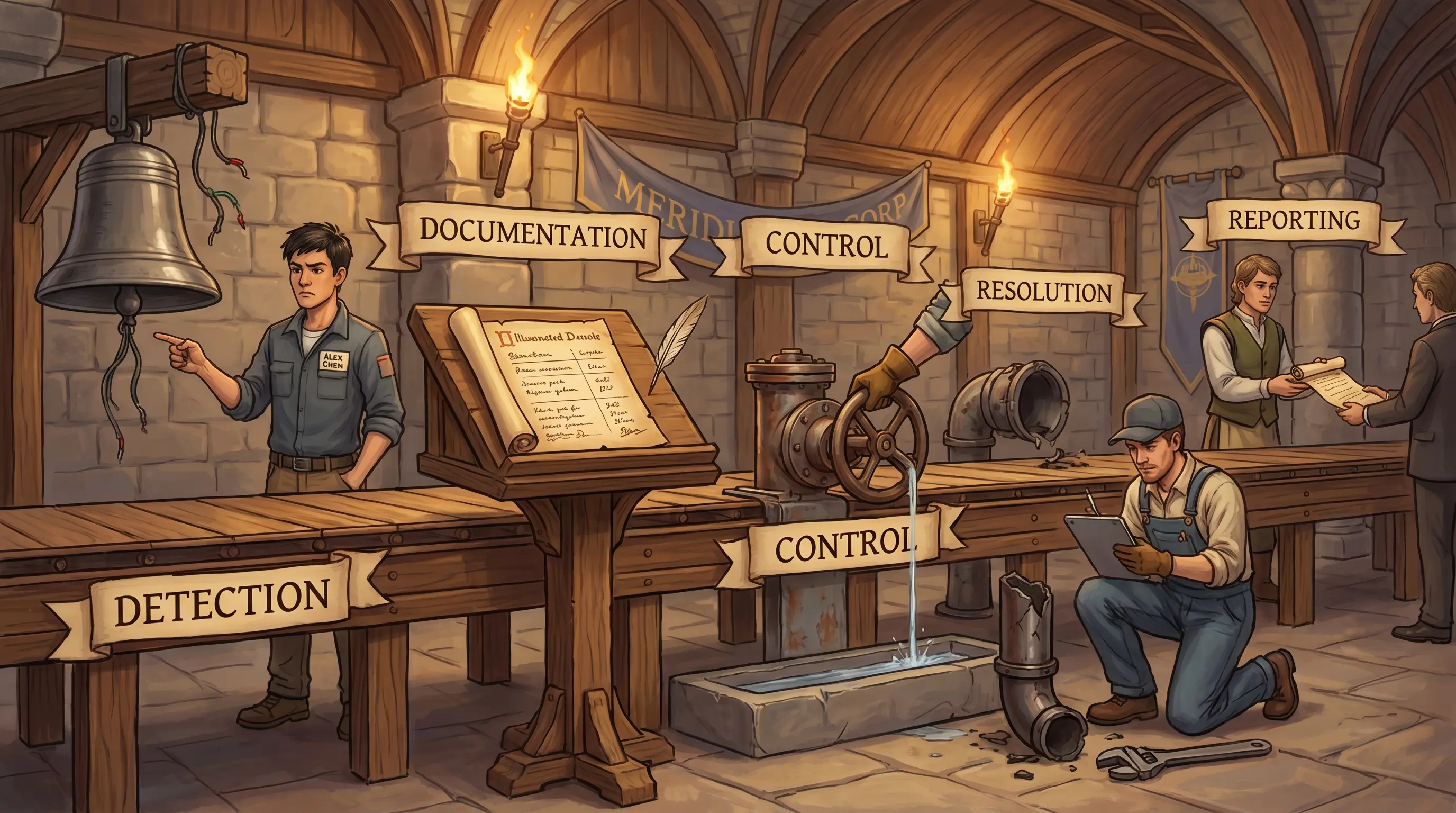
Why this matters: CISA exams test both the three-phase structure and the test type hierarchy (tabletop → preparedness → full operational). Confusing phases or test types is the most common error.
🎯
Exam tip

The exam frequently asks which test type is least disruptive or which should be performed first. The correct order is tabletop first, then preparedness, then full operational — the exam calls the full operational test 'one step away from a service disruption.' A common wrong answer pairs 'full operational test' with 'least risk to normal operations' — that is incorrect; tabletop carries the least risk. A second exam pattern is the posttest data-deletion requirement: leaving company data on third-party systems after a test is a control failure, and the exam tests this.

See also: 4.15 4.16.5
Section 4.15.10 Good-to-know

Business Continuity Management Good Practices

By the end of this card, you should be able to
Identify the major external bodies providing BCM good practices and frameworks, and describe the recommended process for developing and maintaining an effective DRP/BCP.
Scenario

Janet Holloway opens her laptop at the audit committee meeting. A board member has asked which external standard should govern Meridian's business continuity management system. Janet has three documents on-screen: ISO 22301, the BCI Good Practice Guidelines, and FFIEC guidance for financial institutions. She needs to identify which one serves as the overarching BCMS requirements standard and which is specifically relevant to Meridian as a US financial institution — before the board votes on the BCM framework.

Business Continuity Management Good Practices
Six framework pillars, one ISO 22301 capstone. For a US bank, FFIEC is the regulatory pillar that cannot be ignored. The floor scroll's eight steps are the mandatory process sequence.
How it works

Business continuity management (BCM) good practices are provided by several external bodies. The Business Continuity Institute (BCI) provides good practices for BCM broadly. The Disaster Recovery Institute International (DRII) provides professional practices for BC professionals. FEMA provides emergency management guidance for business and industry in the US. ISACA's COBIT provides guidance on relevant IT controls. NIST promotes measurement science and technology standards. FFIEC is an interagency body of US federal regulators responsible for overseeing financial institutions. HHS describes HIPAA requirements for health information management. ISO 22301:2019 provides the formal international standard framework for establishing, implementing, maintaining, and continually improving a business continuity management system. The recommended process for developing and maintaining a DRP/BCP includes: conducting a risk assessment; identifying and prioritizing systems and resources supporting critical processes; identifying threats and vulnerabilities; preparing business impact analyses (BIAs); selecting controls; developing detailed DRP and BCP plans; testing the plans; and maintaining the plans as the business and systems evolve.

At a glance
🌐

International Standard

Which standard governs a formal BCMS?

  • ISO 22301:2019 — Security and Resilience: BCMS Requirements
  • Covers establishing, implementing, maintaining, and improving a BCMS
  • Internationally recognized overarching standard
🏛️

US Regulatory & Government Bodies

Which US bodies provide BCM guidance?

  • FEMA — emergency management for business and industry
  • FFIEC — interagency body overseeing US financial institutions
  • NIST — measurement science, standards, and technology
  • HHS/HIPAA — health information requirements
👔

Professional & Industry Bodies

Which professional bodies support BCM practitioners?

  • BCI — Business Continuity Institute, good practices
  • DRII — Disaster Recovery Institute International, professional practices
  • ISACA/COBIT — IT control guidance for BC
🔄

DRP/BCP Development Process

What is the recommended BCM development sequence?

  • 1. Risk assessment
  • 2. Identify & prioritize critical systems and resources
  • 3. Identify & prioritize threats and vulnerabilities
  • 4. Prepare BIAs
  • 5. Select controls and recovery measures
  • 6. Develop detailed DRP (IS facilities recovery plan)
  • 7. Develop detailed BCP (critical business functions continuity plan)
  • 8. Test the plans
  • 9. Maintain as business and systems change
Try yourself

Meridian Corp's board asks Janet Holloway which single external framework should serve as the overarching standard for the bank's business continuity management system. Which framework provides the formal BCMS requirements, and which regulatory body's guidance is specifically relevant for US financial institutions?

— Pause to recall —
ISO 22301:2019 is the formal BCMS requirements standard. FFIEC is the interagency body specifically responsible for overseeing US financial institutions.

Multiple external bodies provide BCM good practices. ISO 22301:2019 (Security and Resilience — Business Continuity Management Systems — Requirements) is the internationally recognized standard for establishing, implementing, maintaining, and improving a BCMS. FFIEC (US Federal Financial Institutions Examination Council) is the interagency body composed of federal regulatory agencies responsible for overseeing and regulating financial institutions in the US, making it directly relevant to Meridian as a bank. Other relevant bodies include BCI (good practices for BCM), DRII (professional practices for BC professionals), FEMA (emergency management guidance for business and industry), ISACA/COBIT (IT control guidance), NIST (measurement science and standards), and HHS/HIPAA (health information management). The recommended process for DRP/BCP development includes risk assessment, BIA, prioritization of critical systems, controls selection, detailed plan development, testing, and ongoing maintenance.

Why this matters: CISA exams test recognition of the major BCM bodies and what each one provides. Confusing ISO 22301 with NIST or FFIEC with FEMA is a common error. For a bank scenario, FFIEC is always the most direct regulatory reference.
🎯
Exam tip

The exam tests identification of BCM bodies by their scope — not just their names. BCI and DRII are professional/practitioner bodies; ISO 22301 is the formal BCMS requirements standard; FFIEC is the US financial-institution regulator. A common wrong answer assigns NIST the role of financial institution oversight — NIST is a standards and measurement body, not a financial regulator. For any bank scenario on the exam, FFIEC is the most directly applicable US regulatory body. The DRP/BCP development sequence appears in exam questions about BCM process order: risk assessment comes before BIA, and testing comes before maintenance.

See also: 4.15 4.16
Section 4.15.11 Must-know

Auditing Business Continuity

By the end of this card, you should be able to
Identify the key IS auditor tasks when auditing a business continuity program and describe the evidence required to assess BCP adequacy.
Scenario

Alex Chen's BC audit checklist has five tasks. He has the BCP document. The BIA is two years old, predating Workday. The BCP scope runs six hours against GLBA's four-hour mandate. Offsite vital records storage hasn't been verified. The most recent test was a walktthrough two years ago. Alex has all five items visible. He needs to determine which four additional actions he must take beyond possessing the BCP document to complete the audit.

Auditing Business Continuity
Five BC audit stations. Findings at four of five stations — only the strategy review passed. Testing is the most critical gap.
How it works

Auditing a business continuity program requires a structured review across five areas. First, understand and evaluate the BC strategy — how does it connect to business objectives and the organization's overall risk management framework? Is the strategy current and approved by management? Second, review BIA findings — are they current and accurate? Do they reflect the current application landscape, organizational structure, and regulatory requirements? An outdated BIA means the BCP is built on stale assumptions. Third, evaluate BCP adequacy — compare each component of the plan against applicable standards, regulatory requirements, and good practices; verify that RTO, RPO, and MTD commitments are realistic and achievable. Fourth, review offsite storage arrangements — are backup media, vital records, and alternate site contracts accessible under recovery conditions and located at appropriate distances from the primary site? Fifth, evaluate testing results — has the plan been tested recently, were deficiencies identified, and were they resolved before the next test? IS auditors collect evidence through document review, interviews, and observation during BC exercises.

🧠 Mnemonic
S·B·A·O·T
Strategy, BIA review, Adequacy evaluation, Offsite storage, Testing results — five BC audit tasks.
At a glance
🗺️

Understand BC Strategy

Does strategy align with risk?

  • Connected to business objectives
  • Approved by management
  • Covers all event types
  • Current and reviewed
🔍

Review BIA Findings

Is the BIA current?

  • Reflects current application landscape
  • Updated after organizational changes
  • BCP priorities match BIA output
  • Stale BIA = stale BCP
⚖️

Evaluate BCP Adequacy

Does the plan meet requirements?

  • Compare to regulatory standards
  • RTO, RPO, MTD achievable
  • All risk scenarios addressed
  • Plan components complete
📦

Offsite Storage & Testing

Are backups accessible and tested?

  • Offsite backup and vital records
  • Alternate site contracts accessible
  • Testing performed and documented
  • Deficiencies resolved
Try yourself

Alex Chen is auditing Meridian's BC program. He has the BCP document. What four additional actions must he take to complete the audit?

— Pause to recall —
Review BIA findings (are they current and accurate?); evaluate BCP adequacy against standards and regulatory requirements (do plans cover all risks?); review offsite storage arrangements; and evaluate testing results (was the plan tested, and were gaps addressed?).

Auditing a BC program goes beyond reading the BCP document. The IS auditor must: Understand and evaluate BC strategy and its connection to business objectives — does the strategy address the organization's actual risk profile? Review BIA findings to ensure they reflect current business priorities and current controls — an outdated BIA invalidates the BCP. Evaluate BCP adequacy by comparing plans against applicable standards, regulatory requirements, and best practices (including RTO, RPO, and MTD alignment). Review offsite storage arrangements — are backup media, vital records, and critical documentation stored at appropriate offsite locations, accessible under recovery conditions? Evaluate testing results — has the plan been tested? Were deficiencies identified and addressed? An untested plan is a paper control. IS auditors use interviews, document review, and observation during exercises as primary audit methods.

Why this matters: This section ties together all BCP audit procedures into a single workflow. The exam may present an incomplete audit and ask what the auditor forgot. Testing results and BIA currency are the most commonly missed audit steps.
🎯
Exam tip

The BC audit exam question usually asks which audit step was omitted. Testing results and BIA currency are the most frequently tested gaps. A BCP that has never been tested is an unverified assumption — not a control. The audit must verify all five areas, not just the plan document.

See also: 4.15 4.12 4.16
Section 4.16 Must-know

Disaster Recovery Plans

By the end of this card, you should be able to
Define disaster recovery planning (DRP) in the context of IT service availability and explain how DRP supports the organization's internal control system.
Scenario

Janet Holloway reviews the DRP draft during Meridian's BC program build. The document is 60 pages of step-by-step recovery procedures — detailed and well-structured. Janet searches for preventive controls: backup power, suppression systems, physical access controls. Two pages. She turns to Devon Park: 'If 58 pages are about what to do after a disaster, what are the other two pages supposed to do — and is that the right balance?'

Disaster Recovery Plans
Three DRP workstations. Workstation one has two pages; workstation two has sixty. Prevention is the underfunded half of disaster recovery.
How it works

Disaster recovery planning (DRP) is a continuous planning process that forms part of an organization's internal control system for managing IT availability and recovery. It serves three interconnected purposes. Preventing IT disruptions: the DRP should include cost-effective preventive controls — redundant infrastructure, environmental monitoring, proactive patching, and vulnerability management — that reduce the probability of disruptions occurring in the first place. Restoring IT capacity after a disruption: the core of the DRP documents the step-by-step procedures for recovering critical IT systems, networks, and data within the RTO and RPO established by the BIA. Managing recovery cost-effectively: recovery investments must be proportional to risk — the cost of a recovery capability should not exceed the expected cost of the risk it addresses. Senior management selects recovery strategies from alternatives presented by IT, accepting the residual risk of the chosen approach. IS auditors verify all three dimensions: preventive controls, recovery procedures, and the cost-effectiveness of the chosen strategies.

🧠 Mnemonic
P·R·C
Prevent disruptions (proactive), Restore IT capacity (reactive), manage recovery Cost-effectively — three DRP purposes.
At a glance
🛡️

Prevent Disruptions

What proactive controls reduce risk?

  • Redundant infrastructure
  • Environmental monitoring (power, cooling)
  • Proactive patching
  • Vulnerability management program
🔧

Restore IT Capacity

How does IT recover?

  • System recovery procedures
  • Priority sequence from BIA
  • Recovery within RTO/RPO
  • Team roles and responsibilities
💰

Cost-Effective Management

Is recovery investment justified?

  • Recovery cost ≤ risk cost
  • Alternatives presented to management
  • Residual risk accepted by management
  • Regular cost-benefit review
Try yourself

Meridian's DRP documentation only covers what to do after a disaster strikes. As the IS auditor, what additional purpose should the DRP serve that is missing from the current document?

— Pause to recall —
Prevention: the DRP should also include cost-effective controls to prevent IT disruptions, not only procedures to recover from them. A DRP limited to post-event recovery misses the preventive dimension.

Disaster recovery planning is a continuous planning process that is an element of an organization's internal control system. It serves three purposes. Prevent IT Disruptions: the DRP includes cost-effective preventive controls — redundancy, patch management, environmental controls — that reduce the likelihood of an IT disruption occurring. This is the element most commonly missing from DRPs that focus only on recovery. Restore IT Capacity After Disruption: the core of most DRPs — step-by-step procedures to recover critical IT systems, networks, and data within RTO and RPO targets. Manage Recovery Cost-Effectively: recovery strategies must be proportional to risk — the cost of a recovery capability should not exceed the cost of the risk it mitigates. Without the preventive dimension, the DRP is a reactive document only. With it, the DRP is a true risk management tool.

Why this matters: The three-purpose model of DRP is tested because the preventive purpose is frequently overlooked. The exam expects candidates to recognize that DR planning is not just about recovery — it's about risk management across the full disruption lifecycle.
🎯
Exam tip

The DRP's preventive purpose is the most commonly tested gap. An exam scenario will describe a DRP with only recovery procedures and ask what is missing — answer: preventive controls. A DRP that only covers 'what to do after' is an incomplete internal control.

📰Real World

When Hurricane Katrina struck New Orleans in August 2005, it impacted approximately 93,000 square miles of the Gulf Coast — meaning organisations that had placed alternate sites only 50 miles (or even 100 miles) away found both primary and backup sites inside the same disaster zone. Industry BCP reviews after Katrina confirmed that a fixed-distance rule is inadequate for wide-area disasters; the correct principle is that geographic separation must be calibrated to the nature and scope of the threat. For Gulf Coast hurricane exposure, an alternate site must be located outside the regional weather system entirely, not merely in a different city. Federal regulators including the Federal Reserve and OCC subsequently reinforced this in their business continuity guidance by calling for 'sufficient geographic dispersal' calibrated to regional threat scenarios — not any fixed mileage.

See also: 4.15 4.12
Section 4.16.1 Must-know

Recovery Point Objective, Recovery Time Objective and Mean Time to Repair

By the end of this card, you should be able to
Define RPO, RTO, and MTTR, explain how each is set, and describe how they guide recovery strategy selection.
Scenario

Tom Reyes checks the recovery worksheet during the Workday outage. RPO: 4 hours. Last backup: 6 PM. Failure: 11 PM. He looks at his watch. He also checks the RTO: 6 hours. Recovery started at 11:15 PM. MTTR from last year: 4.2 hours. Tom has all three metrics visible and a decision to make: how much data is at risk, whether the RTO is achievable, and what MTTR tells him about realistic expectations — before he briefs Devon Park.

Recovery Point Objective, Recovery Time Objective and Mean Time to Repair
Three recovery gauges = RPO, RTO, MTTR. RPO already exceeded at 5 hours — the data loss clock ran past the acceptable mark.
How it works

Three time-based metrics define recovery requirements for IT systems. The Recovery Point Objective (RPO) is the maximum acceptable amount of data loss measured in time — it determines how frequently data must be backed up. For example, a 4-hour RPO means backups must occur at least every 4 hours; any data created between the last backup and the failure will be lost. The Recovery Time Objective (RTO) is the maximum acceptable time from the moment a failure occurs to when the system is restored to operational status — it determines how quickly recovery procedures must complete. For example, a 6-hour RTO means the system must be operational within 6 hours of the failure event. Mean Time to Repair (MTTR) is a historical metric representing the average time it takes to restore a failed system; it is used to validate that recovery capabilities can realistically meet the stated RTO. All three metrics are established during the BIA, based on business impact analysis, and used to select and design appropriate recovery strategies, backup schemes, and alternate site capabilities. IS auditors verify that backup frequency supports the RPO and that recovery procedures can meet the RTO based on historical MTTR data.

🧠 Mnemonic
RPO = Data age / RTO = Recovery time / MTTR = Historical average
RPO (how old the data): set backup frequency ≤ RPO. RTO (how fast to recover): test procedures to meet this. MTTR (average repair time): validates whether RTO is achievable.
At a glance
💾

RPO

How much data can be lost?

  • Measured in time (hours/minutes)
  • Backup frequency must be ≤ RPO
  • Shorter RPO = more frequent backups
  • Replication needed for near-zero RPO
⏱️

RTO

How quickly must the system recover?

  • Measured in time (hours/days)
  • Recovery procedure must complete within RTO
  • Shorter RTO = more expensive recovery capability
  • Hot standby for near-zero RTO
🔧

MTTR

How long does repair typically take?

  • Historical average repair time
  • Validates RTO achievability
  • Improvement tracked over time
  • Input to recovery strategy selection
🗺️

BIA → Metrics → Strategy

How do metrics drive recovery design?

  • BIA sets RPO and RTO per system
  • Strategy must achieve both
  • Cost increases as RPO/RTO decrease
  • Senior management approves trade-offs
Try yourself

Meridian's payroll system has an RPO of 4 hours and an RTO of 6 hours. A failure occurs at 11 PM. The last backup was at 6 PM. Recovery starts at 11:15 PM. Historical MTTR is 4.2 hours. (1) What is the data loss, and does it meet the RPO? (2) By what time must recovery complete to meet the RTO, and does the historical MTTR suggest it is achievable? (3) What does MTTR tell Tom about the reliability of the RTO commitment?

— Pause to recall —
Data loss = 5 hours (11 PM minus 6 PM), which exceeds the 4-hour RPO — the backup frequency does not support the RPO. The RTO of 6 hours requires the system to be operational by 5:15 AM; with recovery starting at 11:15 PM, the 6-hour window closes at 5:15 AM. Historical MTTR of 4.2 hours suggests the RTO is achievable on average, but MTTR is a historical average — not a guarantee — so Tom should monitor progress against the deadline and escalate if recovery falls behind.

RPO (Recovery Point Objective): the maximum acceptable data loss measured in time — it defines how old the data can be when restored. If the RPO is 4 hours, backups must occur at least every 4 hours to ensure no more than 4 hours of data is lost. A 6 PM backup with an 11 PM failure means 5 hours of data loss — the RPO is violated. RTO (Recovery Time Objective): the maximum acceptable time from failure to restored service — how long the business can tolerate being without the system. If the RTO is 6 hours, the system must be operational within 6 hours of the failure. MTTR (Mean Time to Repair): the average time it takes to restore a failed system — a historical metric used to validate that recovery capabilities are achievable. All three metrics are derived from the BIA and used to select appropriate recovery strategies.

Why this matters: RPO and RTO are the most heavily tested metrics in Domain 4. The exam regularly presents calculation scenarios asking whether a given backup or recovery time meets the stated objective. Know the formulas: RPO = how much data can you lose? RTO = how fast must you recover?
🎯
Exam tip

RPO and RTO calculation questions appear on almost every CISA exam. Practice: Last backup was at time X, failure at time Y → data loss = Y-X → compare to RPO. Failure at time Z, RTO = T hours → must be online by Z+T. Know both formulas and the relationship between them and backup frequency.

See also: 4.12.1 4.14.2
Section 4.16.2 Good-to-know

Recovery Strategies

By the end of this card, you should be able to
Describe the purpose of a recovery strategy and explain how it guides the development of detailed recovery procedures and site selection.
Scenario

The Workday recovery team proposes restoring the application from scratch on new hardware. The project manager says it's the only option they know. Devon Park pulls up the recovery strategy options document — restore from backup, parallel processing, gradual cutover — and looks at the 6-hour RTO. The reinstall estimate is 9 hours. Devon needs to explain which strategy the team should have selected and why, before Marcus Webb asks why they chose the slowest option.

Recovery Strategies
BIA → Strategy → Procedures = the required flow. Procedures without a strategy are an architectural orphan.
How it works

A recovery strategy is the high-level framework that determines how a system or group of systems will be recovered after a disruption. It is not a detailed procedure — it is the architectural decision that procedures implement. The strategy development process flows from the BIA and risk assessment: the BIA defines what must be recovered and establishes the RTO and RPO for each system; the risk assessment quantifies the likelihood of disruption; together they establish the recovery requirements that the strategy must meet. Multiple strategic alternatives are evaluated — hot standby, alternate site activation, cloud failover, manual procedures — and presented to senior management, who select the approach that best balances recovery capability against cost and accept the residual risk of the chosen option. Once management selects a strategy, detailed recovery procedures are developed to implement it. IS auditors verify that a recovery strategy exists for each critical system, that it was derived from the BIA, that management formally approved it, and that detailed procedures are consistent with the selected strategy.

🧠 Mnemonic
BIA → Strategy → Procedures
BIA sets requirements. Strategy selects the approach. Procedures implement the strategy. Reversing this order produces procedures that may not meet requirements.
At a glance
📊

BIA Inputs

What does BIA provide to strategy?

  • Critical system list
  • RPO and RTO per system
  • Impact of disruption
  • Recovery priority sequence
🔀

Strategy Alternatives

What strategies are evaluated?

  • Hot standby / failover
  • Warm site (partial configuration)
  • Cold site (build-out required)
  • Cloud failover / managed recovery service
✍️

Management Approval

Who selects the strategy?

  • Multiple alternatives presented
  • Senior management decides
  • Cost vs. capability trade-off
  • Residual risk accepted
📋

Strategy → Procedures

What does strategy enable?

  • Detailed procedures implement strategy
  • Procedures cannot precede strategy
  • Strategy defines achievable RTO/RPO
  • Procedures tested against strategy targets
Try yourself

Meridian's IT team proposes restoring the Workday payroll system by reinstalling from scratch on new hardware. No recovery strategy was formally selected. As the IS auditor, what should have preceded the detailed recovery procedures?

— Pause to recall —
A formal recovery strategy should have been selected before procedures were developed. The strategy identifies the best recovery method for the system (reinstall, failover to alternate site, activate hot standby), based on the BIA and risk assessment. Procedures implement the strategy — they cannot precede it.

A recovery strategy is the high-level plan that identifies the best approach to recovering one or more systems after a disruption. It is derived from the BIA and risk assessment: the BIA establishes what must be recovered and by when (RPO/RTO); the risk assessment identifies the likelihood of disruptions; the strategy identifies how — hot standby, warm site activation, cold site build-out, cloud failover, or manual procedures. Only after a strategy is selected can detailed procedures be developed (the procedures implement the strategy). Multiple strategies should be presented to senior management, who choose the approach that balances recovery capability against cost and accepts the residual risk of the chosen approach. Developing procedures before selecting a strategy means the procedures may not achieve the required RTO/RPO.

Why this matters: Strategy-before-procedures is a foundational principle of DR planning. The exam tests it by presenting organizations that have procedures but no strategy, or strategies misaligned with the BIA. The auditor's finding: procedures must implement a strategy; strategy must be derived from the BIA.
🎯
Exam tip

The exam tests the BIA → Strategy → Procedures sequence. A scenario showing procedures without a strategy = missing governance step. A strategy not aligned with BIA = wrong architecture for the requirement. Senior management approval of the strategy is required — it is a business decision, not a technical one.

See also: 4.16.1 4.16.3
Section 4.16.3 Must-know

Recovery Alternatives

By the end of this card, you should be able to
Identify and distinguish the primary recovery site alternatives — cold site, warm site, hot site, mobile site, and reciprocal agreement — and explain the trade-offs in cost and recovery time.
Scenario

Marcus Webb reviews the DR site options Devon Park presents. Cold site: $50K/year, stands up in 3-4 weeks. Warm site: $200K/year, recovers in 2-3 days. Hot site: $800K/year, recovers in 2-4 hours. The Workday payroll RTO is 6 hours. Marcus wants the cheapest option. Devon has the RTO requirement and the cost matrix open. He needs to tell Marcus which option meets the RTO and specifically why the cold site would fail before Marcus signs the budget.

Recovery Alternatives
Five recovery alternatives from cheapest to fastest. A 6-hour RTO arrow points to hot site — cold takes weeks, warm takes days.
How it works

When the primary processing facility becomes unavailable, organizations must have alternate sites capable of resuming critical processing. Recovery site alternatives exist on a spectrum from lowest cost and longest recovery time to highest cost and shortest recovery time. A cold site provides basic physical infrastructure — space, power, and environmental controls — with no IT equipment; recovery requires procuring and installing all equipment, typically taking weeks. A warm site is partially equipped with servers and networking infrastructure but not fully configured or up-to-date; recovery takes days. A hot site is fully configured with current hardware, software, and data replicated from the primary site — recovery takes hours; this is the most expensive option. A mobile site is a transportable facility (often trailer-based) that can be positioned near a disaster site. A reciprocal agreement is a contract between two organizations to host each other's recovery operations; it is low-cost but unreliable because the partner's capacity may be unavailable when needed. IS auditors verify that the chosen alternative is appropriate for the stated RTO, that contracts are current, and that the alternate site has been tested under realistic conditions.

🧠 Mnemonic
Cold=Weeks / Warm=Days / Hot=Hours / Mobile=Anywhere / Reciprocal=Risky
Five alternatives sorted by recovery time. RTO drives the choice — a 6-hour RTO requires a hot site or better.
At a glance
🧊

Cold Site

What is the cheapest option?

  • Space, power, environment only
  • No IT equipment
  • Weeks to recover
  • Lowest cost — highest downtime risk
🌡️

Warm Site

What is the middle option?

  • Partial equipment
  • Not fully current
  • Days to recover
  • Moderate cost — moderate downtime
🔥

Hot Site

What enables fastest recovery?

  • Fully configured, current data
  • Hours to recover
  • Highest cost
  • Required for short RTO
🚐

Mobile & Reciprocal

What are alternative approaches?

  • Mobile: trailer facility, geographic flexibility
  • Reciprocal: partner agreement, low cost
  • Reciprocal: unreliable (partner may be busy)
  • Both require testing to validate
Try yourself

Meridian's Workday payroll system has a 6-hour RTO. Which recovery site alternative would best meet this RTO, and why would a cold site be inadequate?

— Pause to recall —
A hot site (preconfigured, systems running, ready for near-immediate failover) best meets a 6-hour RTO. A cold site — basic space with no IT equipment — requires days to weeks to build out, far exceeding a 6-hour window.

Recovery site alternatives range from lowest cost / longest recovery time to highest cost / shortest recovery time. Cold Site: basic facility with space, power, and environmental controls but no IT equipment — requires complete equipment procurement and installation before recovery can begin; weeks of recovery time; lowest cost. Warm Site: partially configured facility with some IT equipment (servers, networking) but not fully installed or up-to-date — days of recovery time; moderate cost. Hot Site: fully configured facility with current hardware, software, and data replication, ready to take over within hours; highest cost; shortest recovery time. Mobile Site: a trailer-based portable facility that can be transported to a location near the primary site — useful for geographic disasters. Reciprocal Agreement: a contract between two organizations to host each other's recovery operations — low cost but reliability depends on the partner's available capacity, which may not be guaranteed. A 6-hour RTO requires a hot site or active-active cluster; a cold site would take far longer.

Why this matters: Recovery alternatives are heavily tested, especially the trade-off table: cold (cheapest, slowest), warm (middle), hot (most expensive, fastest). The exam presents an RTO and asks which alternative is appropriate. Know the cost-time spectrum.
🎯
Exam tip

The exam's most common DR alternative question: given an RTO, which site is appropriate? Cold = weeks (wrong for any short RTO). Warm = days. Hot = hours. Reciprocal = unreliable (always note this risk). IS auditors must verify testing — a hot site that has never been tested is a paper control.

See also: 4.16.1 4.16.2
Section 4.16.4 Good-to-know

Development of Disaster Recovery Plans

By the end of this card, you should be able to
Describe the components of a disaster recovery plan and identify the recovery teams and their responsibilities.
Scenario

Devon Park runs the Workday DR exercise. Three IT team members have arrived at the alternate site. Devon opens the DRP: 'Recovery Team — IT Operations.' No individual assignments. One engineer asks: 'Who restores the database?' Another: 'Who contacts the vendor?' Devon has the DRP, the team roster, and the recovery checklist open. He needs to identify what DRP development element is missing before the exercise can proceed.

Development of Disaster Recovery Plans
Four DRP work stations. An empty team-assignments station means three capable people with no direction in a real recovery.
How it works

A disaster recovery plan contains the detailed procedures and organizational structures needed to execute a recovery strategy during an actual disruption. Four components must be present. Recovery strategy implementation: the plan documents exactly how the selected recovery strategy will be executed — for a hot site strategy, this includes the steps to activate the site, connect to replicated data, and bring systems online. Recovery teams and responsibilities: named teams (IT recovery, crisis management, business recovery) with explicit individual role assignments — each person must know what they are responsible for, in what sequence, and to whom they report. Recovery site procedures: detailed, step-by-step operating instructions for the alternate site, including system startup sequences, data validation steps, and connectivity verification. Contact lists and escalation paths: current contact information for all team members, backup contacts for each role, vendor support contacts, and regulatory notification procedures. IS auditors assess DRP completeness by reviewing all four components, verifying that contact lists are current, and examining exercise results for evidence that procedures were executable.

🧠 Mnemonic
S·T·P·C
Strategy implementation, Team/individual responsibilities, Procedures (site-specific), Contact lists — four DRP content components.
At a glance
🗺️

Strategy Implementation

How is the strategy executed?

  • Strategy-aligned procedures
  • System-specific recovery steps
  • Data activation and validation
  • Network restoration steps
👥

Teams & Responsibilities

Who does what specifically?

  • Named individuals per role
  • IT, crisis, business recovery teams
  • Clear authority structure
  • Backup personnel for each role
📋

Recovery Site Procedures

How is the alternate site activated?

  • Step-by-step startup sequence
  • System validation procedures
  • Connectivity testing
  • Business sign-off on readiness
📞

Contact Lists

Who is called and when?

  • All team members with alternates
  • Vendor support contacts
  • Regulatory notification procedures
  • Updated and tested regularly
Try yourself

During the Workday disaster recovery exercise, three recovery team members arrived at the alternate site but did not know their roles. The DRP names teams but not individual responsibilities. What DRP component is deficient?

— Pause to recall —
Recovery teams and responsibilities: the DRP must assign specific roles and responsibilities to individual team members — not just team names. Each person must know exactly what they do during recovery, in what order, and under whose authority.

An effective DRP has four components. Recovery Strategy Implementation: the plan must implement the selected strategy (hot site, cloud failover, etc.) with enough detail to execute under pressure. Recovery Teams and Responsibilities: multiple teams are typically involved — IT recovery team (systems, data, networks), crisis management team (executive communications, regulatory notifications), and business recovery team (manual operations, customer service). Each team member must have explicit, named responsibilities, not just 'be present at the alternate site.' Recovery Site Procedures: step-by-step procedures for standing up the alternate site, activating system recovery, validating restored data, and confirming connectivity. Contact Lists and Escalation Paths: current contact information for all team members, alternate contacts for each role, vendor contacts, and regulatory notification contacts. Without named individual responsibilities, a recovery exercise will produce the exact failure described — people present but without direction.

Why this matters: DRP completeness questions test which component is missing from a described scenario. Named individual responsibilities (not just team names) are the most commonly deficient element. The exam expects candidates to recognize that a team name without individual role assignments is not a control.
🎯
Exam tip

DRP development questions often present a gap in individual responsibilities. Team names are not enough — each person needs an explicit role. Contact lists that are not maintained (outdated) are also a frequent finding. Both are IS auditor concerns: completeness and currency.

See also: 4.16 4.16.5
Section 4.16.5 Must-know

Disaster Recovery Testing

By the end of this card, you should be able to
Identify the types of disaster recovery tests, describe the progression from less to more disruptive, and explain what an IS auditor should verify in reviewing DR test results.
Scenario

The post-Workday incident review shows the DRP checklist was reviewed six months ago and passed. But the recovery procedure for restoring the payroll database assumes a specific file path that was moved during a server migration three months ago. Nobody caught it in the checklist review. Devon Park has the failed procedure, the passed checklist, and the DR testing policy open. He needs to identify which type of DR test would have caught this failure — and why the checklist review missed it.

Disaster Recovery Testing
Five test stations on a ramp. Checklist review sits at the bottom — simulation is where execution gaps are actually found.
How it works

Disaster recovery testing validates that recovery plans will work as intended during an actual event. Testing types progress from least to most disruptive and from most to least limited in what they can detect. A checklist review has plan owners verify that the plan is complete, current, and consistent — it detects documentation gaps but cannot reveal execution failures. A structured walkthrough has team members verbally step through the plan together, identifying logical gaps and role confusion without touching production. A simulation test declares a mock disaster and has teams execute the plan against non-production systems or in a controlled environment — this type detects execution failures while avoiding production risk and is the most commonly used meaningful test. A parallel test activates the alternate site fully and runs it in parallel with production, validating site readiness without interrupting business operations. A full interruption test deliberately stops production and executes full failover — it provides the most accurate validation but carries the highest risk and cost. IS auditors verify the frequency, type, and rigor of DR tests, review documented test results, confirm that identified gaps were resolved, and assess whether the testing type is appropriate for the system's RTO and criticality.

🧠 Mnemonic
C·W·S·P·F
Checklist → Walkthrough → Simulation → Parallel → Full interruption. Rigor and risk increase from left to right.
At a glance
📋

Checklist & Walkthrough

What do paper-based tests find?

  • Completeness gaps
  • Outdated contacts or procedures
  • Logical inconsistencies
  • Cannot detect execution failures
🎭

Simulation Test

What does a simulation reveal?

  • Execution failures in procedures
  • Team coordination gaps
  • No production impact
  • Most recommended test type

Parallel Test

What does parallel test validate?

  • Alternate site fully operational
  • Data current and accessible
  • Production continues unaffected
  • High cost, moderate risk
🚨

Full Interruption

What is the most rigorous test?

  • Production deliberately stopped
  • Full failover executed
  • Most accurate validation
  • Highest cost and risk — rare
Try yourself

Meridian's DR test history shows only checklist reviews for three years. During the Workday actual outage, procedures that passed the checklist review failed when executed. Which testing type should have been used to detect this gap?

— Pause to recall —
At minimum, a structured walkthrough or simulation test — where team members actually execute procedures (not just review them) — would have identified that the procedures were not executable as written.

DR testing progresses through five types of increasing rigor. Checklist Review: plan owners review the plan for completeness and currency — low cost, no execution, detects documentation gaps but not execution failures. Structured Walkthrough: team members verbally walk through procedures step by step — detects logical gaps without disrupting production. Simulation Test: a simulated disaster scenario is declared and teams execute the plan without affecting production systems — the most common and useful test type. Parallel Test: the alternate site is activated and runs alongside production — production is not interrupted; tests full activation but is expensive. Full Interruption Test: production is deliberately stopped and full failover is executed — highest risk and cost, but provides the most accurate validation. A checklist review would not detect that a procedure fails when executed; only a simulation or higher-level test would reveal that.

Why this matters: DR testing types are among the most heavily tested CISA exam topics. Know each type, its risk level, and what it can and cannot detect. The most commonly tested scenario: 'which test type would have found this gap?' Simulation is the go-to recommendation for most gaps without disrupting production.
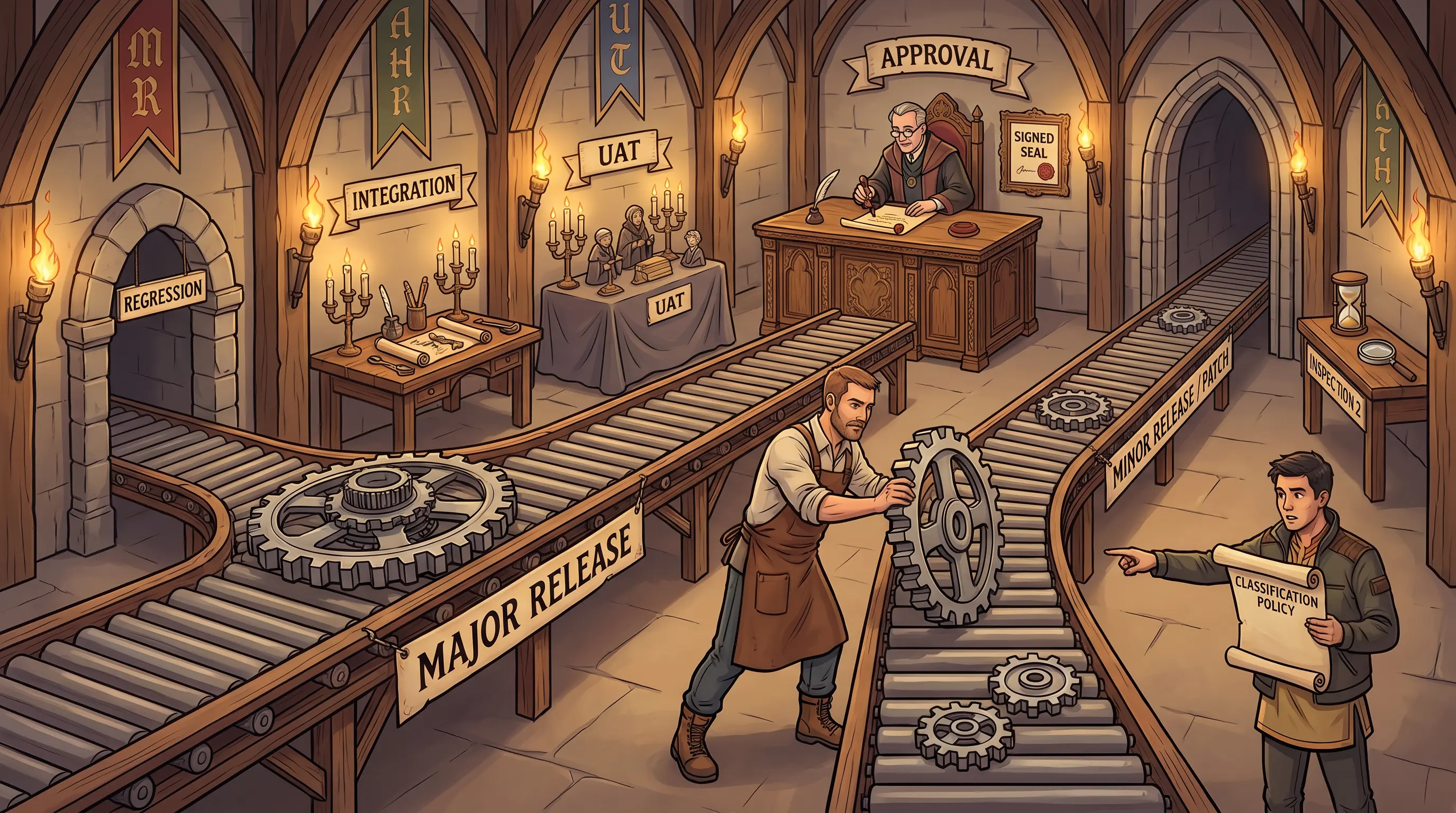
🎯
Exam tip

The exam presents a DR testing gap scenario and asks which test type would have found it. Execution failures (wrong file path, broken script) = simulation or higher. Paper gaps (missing section) = checklist or walkthrough. Know: checklist cannot detect execution failures. Simulation is the most commonly recommended test type in exam answers.
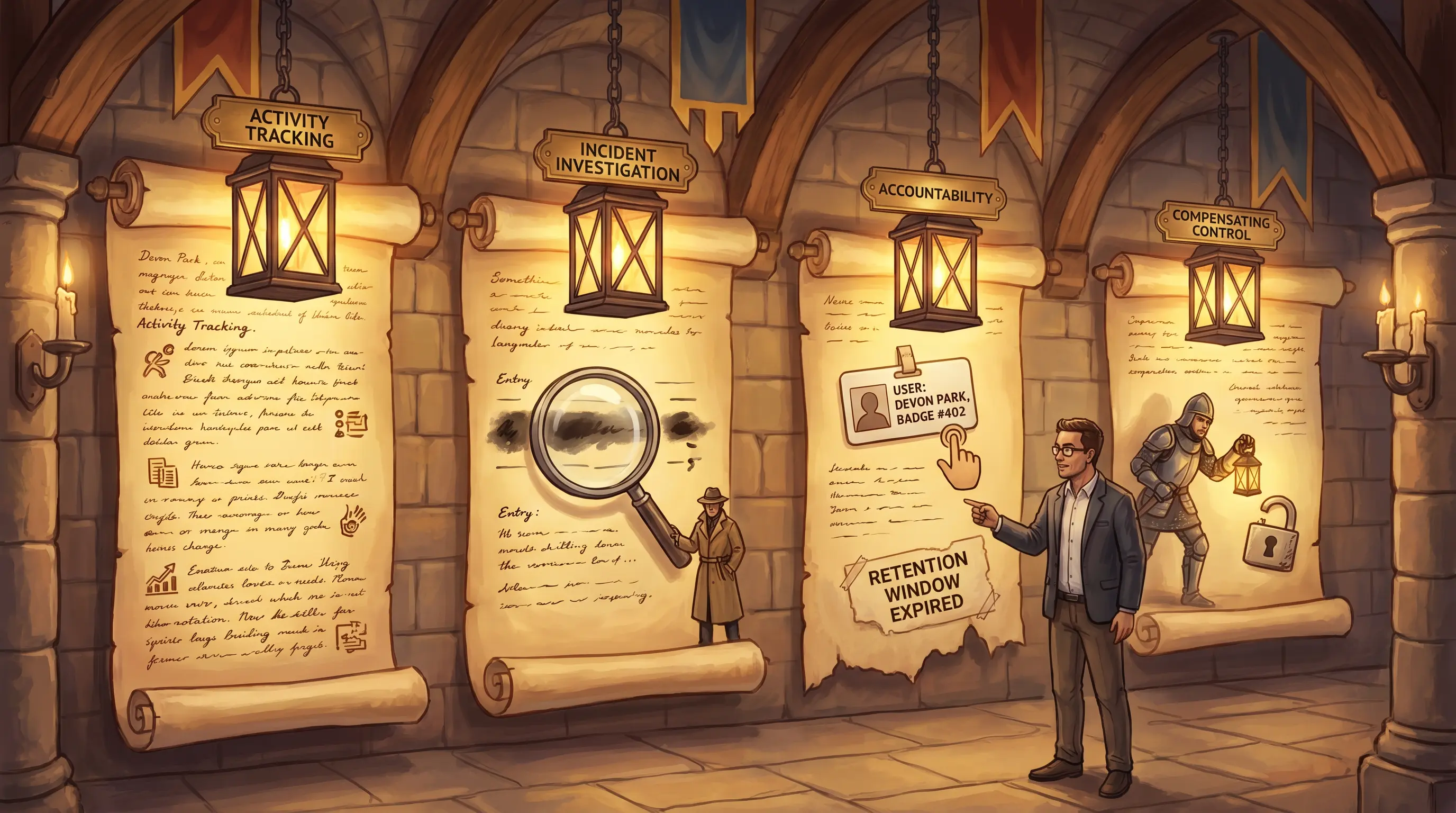

See also: 4.15.9 4.16
Section 4.16.6 Must-know

Invoking Disaster Recovery Plans

By the end of this card, you should be able to
Describe the process for invoking a disaster recovery plan, including escalation protocol, team assembly, and branch office considerations.
Scenario

The fire suppression system in Meridian's data center activates at 2:17 AM. The on-call technician, Tom Reyes, calls his supervisor. His supervisor calls the IT director. The IT director calls Marcus Webb. Nobody calls Devon Park. Nobody opens the DRP. An hour passes. Devon Park wakes up to eighteen missed calls. He has the DRP invocation procedure and the call tree open. He needs to identify which step of the DRP invocation process failed and why the chain broke down.

Invoking Disaster Recovery Plans
Four DRP invocation steps. A seven-hop phone chain instead of one direct call cost two hours and seven minutes of recovery time.
How it works

Invoking a disaster recovery plan is a time-critical process that must be defined, practiced, and followed precisely — improvised invocation is one of the most common causes of delayed recovery. The DRP and BCP must be closely aligned; both documents should specify a designated individual who must be notified immediately whenever a potential triggering event is detected. This person follows a pre-established escalation protocol: alerting executive management, notifying the BC coordinator, activating recovery teams, and — where required — notifying regulatory agencies. The formal invocation of the DRP initiates the recovery sequence: teams assemble at the alternate site or remotely, roles are activated, and recovery procedures begin. Branch offices require special consideration: each branch may have local triggers and local recovery procedures that must integrate with the central DRP. IS auditors verify that the invocation protocol is defined, that the designated individual is named and aware, that the escalation path is documented and current, and that invocation timing from past exercises or real events meets the defined threshold.

🧠 Mnemonic
T → D → E → I
Trigger detected → Designated individual notified → Escalation protocol followed → DRP Invoked. Four steps, each must happen immediately after the last.
At a glance
🔔

Triggering Event

What starts the clock?

  • Monitoring alert or direct observation
  • Any event threatening critical operations
  • Time-stamped in incident log
  • Immediate action required
👤

Designated Individual

Who is the invocation authority?

  • Named in DRP (not a generic role)
  • BC coordinator or CIO
  • Notified within defined timeframe
  • Has authority to declare DRP active
📞

Escalation Protocol

What happens after notification?

  • Pre-established call tree activated
  • Executive management notified
  • Regulatory notifications if required
  • Recovery teams alerted
🏃

DRP Invoked — Teams Assembled

What happens when DRP goes live?

  • Formal DRP declaration
  • Teams assemble at alternate site
  • Branch office protocols activated
  • Recovery sequence begins
Try yourself

A fire destroys Meridian's primary data center at 2 AM. No one follows the DRP invocation protocol — the on-call technician calls his manager, who calls IT, and two hours pass before anyone calls the BC coordinator. What DRP invocation control failed?

— Pause to recall —
The escalation protocol was bypassed: the DRP should specify that a designated individual must be notified immediately upon any triggering event, who then initiates the pre-established escalation protocol. Ad hoc escalation wastes critical recovery time.

DRP invocation begins the moment a triggering event is detected. The process has four steps: Triggering Event Detected — someone (monitoring system, security guard, on-call tech) identifies that a disaster-level event has occurred. Designated Individual Notified — the DRP designates a specific person or role (not a generic 'manager') who must be immediately notified; this person is the invocation authority. Escalation Protocol Followed — the designated individual follows a pre-established protocol: alert executive management, notify the BC coordinator, activate response teams, contact regulatory bodies if required. DRP Invoked and Teams Assembled — the designated individual formally declares the DRP active, teams are assembled at the alternate site or remote locations, and recovery begins. Every step depends on the prior step occurring correctly and promptly. Branch offices have their own considerations: each branch may have a local DRP trigger and response protocol that must integrate with the central DRP.

Why this matters: DRP invocation is tested because real-world failures almost always involve delayed or disorganized invocation. The exam expects candidates to know that a designated individual (not an IT technician) triggers the DRP, and that the escalation protocol is pre-established — not improvised during the event.
🎯
Exam tip

DRP invocation exam questions focus on two points: who invokes (the designated individual — not a technician or ad hoc manager) and how long it took. A delayed invocation is almost always caused by missing a designated authority or an undefined escalation protocol. Know both.

See also: 4.16 4.15.5
Use ← / → to navigate